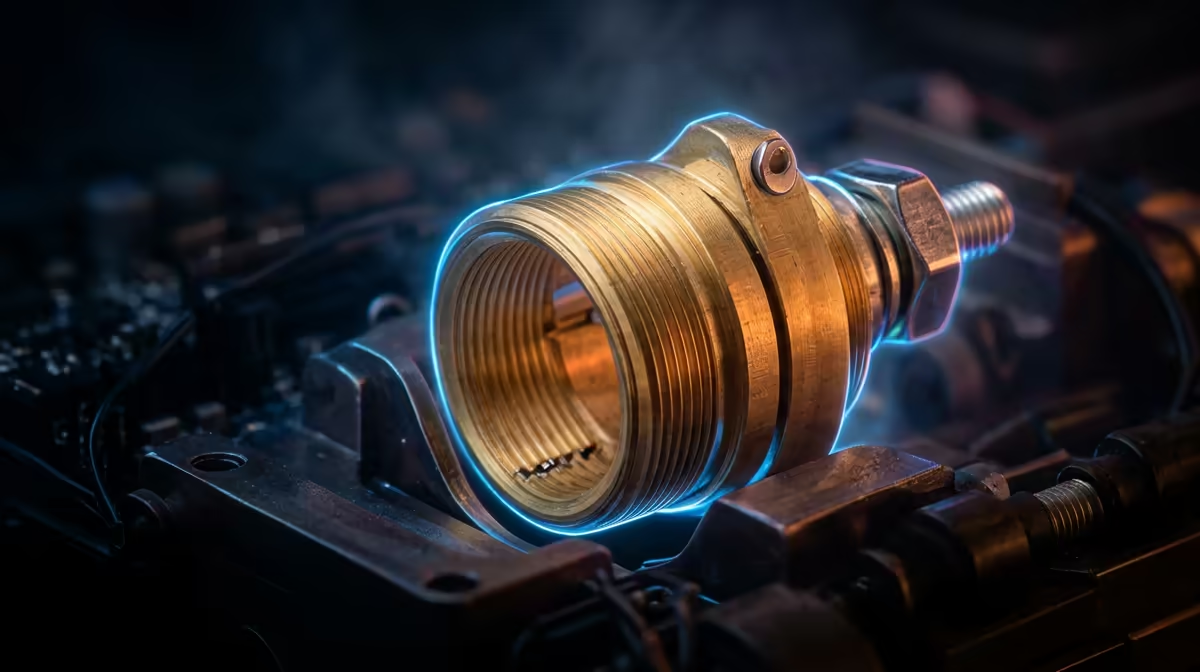
A jam that creeps up from the nozzle minutes into a print, with no obvious clog at the tip, almost always traces back to one tiny part: the heat break. This narrow-walled tube sits between the hot end of your hotend and the cool heat sink above it, and its only job is to keep the molten zone exactly where it belongs. Get it right and prints flow cleanly. Get it wrong and softened filament backs up into the cold zone where it should never melt.
Quick Answer
A heat break is a thin-walled metal throat, usually titanium alloy or stainless steel, that connects the heat block to the heat sink and deliberately restricts how far heat travels upward. By choking that heat path it keeps the melt zone short and stops filament softening early, the failure known as heat creep. A bi-metal break costs roughly R150 to R400 and is the standard upgrade for cleaner extrusion.
How the Heat Break Defines the Melt Zone
Your hotend has two opposing thermal jobs happening centimetres apart. The heat block holds filament at 200C or more so it flows. The heat sink directly above must stay cool so the filament arrives solid and rigid, giving the extruder gear something firm to push against. The heat break is the bridge between these two worlds.
It works precisely because it is a poor conductor by design. The walls are machined thin, often down to a few tenths of a millimetre, so very little metal carries heat across the gap. That restriction creates a sharp temperature drop over a short distance. Above the break, filament stays firm. Below it, in the heat block, the filament melts. The transition is meant to be abrupt, and a good heat break makes it so.
If you are setting up or rebuilding a printer, the broader hotend ecosystem lives in our 3D printer range, where you can match a break to your specific hotend.
What Heat Creep Actually Is
Heat creep is the slow migration of heat above the break into a zone that should stay cold. When that happens, filament softens early, swells slightly against the inner walls, and seizes. The extruder keeps pushing but the swollen plug will not budge. You get under-extrusion, clicking, then a full stall, and crucially the symptom appears partway through a print rather than at the start.
PLA suffers worst because it has a low glass transition temperature, so even modest stray heat is enough to soften it in the wrong place. Higher temperature materials tolerate more, but no filament is immune if the cold side genuinely overheats.
Spotting It Before a Print Fails
A few signs point straight at heat creep rather than a tip clog. Prints that start clean and stall after several minutes are classic, because heat needs time to soak upward. A soft, swollen plug pulled from above the heat block during a cold pull is another giveaway. And if the problem worsens on hot summer days in a Cape Town flat with no aircon, ambient heat is stacking on top of the issue.
PTFE, All-Metal and Bi-Metal Breaks
The original heat break design lines the throat with a PTFE tube right down to the melt zone. That insulates beautifully and resists creep, but PTFE degrades above roughly 240C and can release fumes, so it caps your temperature ceiling.
All-metal breaks remove the liner so you can run hotter filaments, but bare metal conducts heat more readily, which makes cooling above the break essential. Bi-metal breaks are the modern answer: a titanium section for low conductivity bonded to a copper section for fast, even heating in the block. You get the temperature range of all-metal with far better resistance to creep, which is why most current upgrades go this route.
A reliable cooling fan over the heat sink matters as much as the break itself, and spares for that sit in our printer accessories and best sellers.
Frequently Asked Questions
How do I know if my jam is heat creep or a tip clog?
Timing is the tell. A tip clog usually shows from the first layer, while heat creep stalls a print several minutes in once heat has soaked upward. A cold pull that brings up a soft, swollen plug from above the heat block confirms creep.
Is a bi-metal heat break worth it over a standard one?
For most users, yes. The titanium-copper construction restricts upward heat while heating the block quickly and evenly, giving you both a wider temperature range and stronger resistance to creep for a modest cost.
Can a weak cooling fan cause heat creep?
Absolutely. The heat break only works if the heat sink above it stays cool, and that relies on steady airflow. A failing or dust-clogged fan lets heat climb past the break, so check the fan before blaming the break.
Does ambient temperature affect heat creep?
It can. A hot, unventilated room adds to the heat load on the cold side, so creep that never appears in winter can surface on a sweltering afternoon. Improving airflow around the printer helps.
Chasing down a recurring jam or planning a hotend upgrade? Browse current hotend parts and printers in our 3D printer range and get the right heat break for your machine.