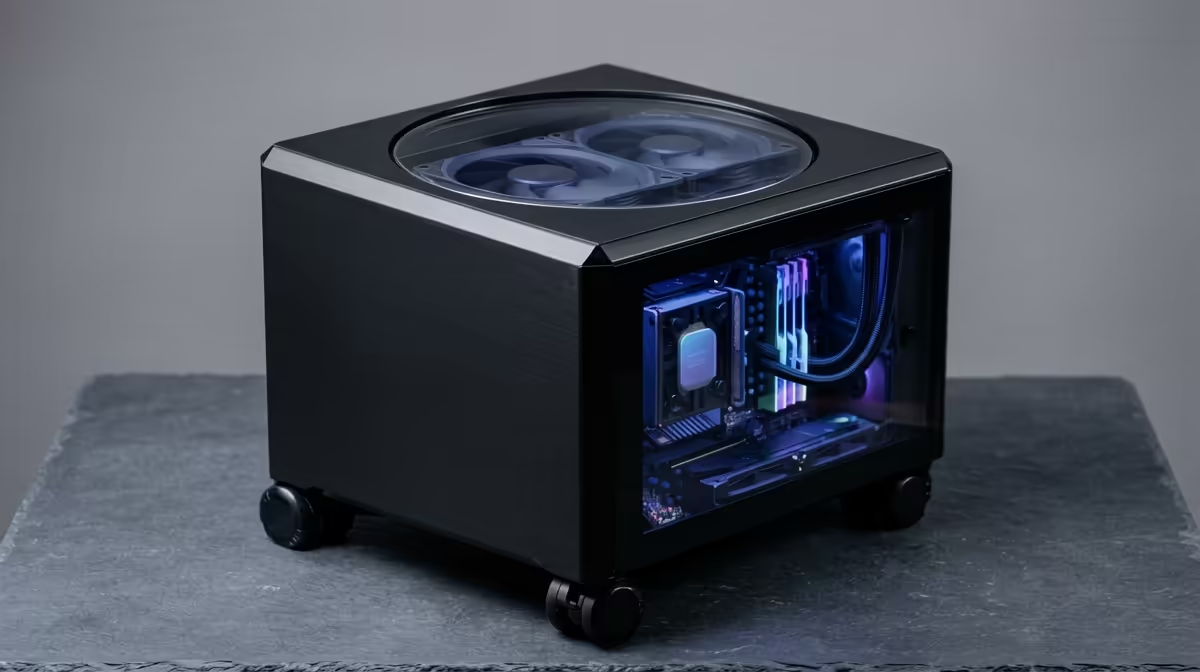
Plenty of people run their own little corner of the internet at home without paying a cent in monthly fees, and they call it a home lab. It is a personal IT playground where you host your own apps and run virtual machines, learning real skills on hardware you control rather than renting from the cloud.
Quick Answer
A home lab is a personal server environment where you self-host services and run virtual machines without ongoing cloud subscription costs. Most people start with one machine, often a spare desktop, a mini PC or a Raspberry Pi, running free software like Proxmox or Docker. You can begin for the price of a single small computer.
What a Home Lab Is For
The core idea is control. Instead of paying a service to store your files, block ads or stream your media, you run those tools yourself on hardware sitting in your home. The data stays with you and the only running cost is the electricity to keep the box on.
People build home labs for two main reasons. The first is practical self-hosting: file storage, network ad-blocking, a media server, automated backups. The second is learning. A home lab is a safe place to practise the same skills used in real IT and DevOps jobs, where breaking something only costs you a rebuild, not a production outage.
The Software That Makes It Tick
Two names come up constantly. Proxmox is a free platform that turns one physical machine into many virtual ones, so you can run several separate "servers" on a single box and snapshot them before any risky change. Docker takes a lighter approach, packaging individual apps into containers that start in seconds and tidy up cleanly when you remove them.
Most beginners pick one and grow from there. Docker is the gentler entry point for hosting a few apps; Proxmox suits anyone who wants to experiment with full operating systems and virtual machines. Neither costs anything to start.
What Hardware You Actually Need
You do not need a rack of enterprise gear. A home lab scales to your ambition:
- A Raspberry Pi handles light jobs like ad-blocking and small services at a few watts.
- A mini PC offers more power in a quiet, compact box that is happy running around the clock.
- A spare desktop you already own is the cheapest possible starting point.
The honest advice is to start with what you have, learn what you actually use, and only then buy hardware to match. When you do outgrow a Pi, the mini PCs at Evetech are a popular middle ground because they stay silent and sip power while doing far more than a single board can. If you would rather repurpose a full-size machine, the PC best sellers list shows where current desktops land on price and power for a meatier lab.
Frequently Asked Questions
Is a home lab expensive to run?
No. The hardware can be something you already own, and the software is free. The only recurring cost is electricity, which is small for a low-power mini PC or Pi left on continuously.
Do I need to be a professional to build one?
Not at all. Many people start a home lab specifically to learn. You can begin with one app in Docker and add complexity at your own pace as your confidence grows.
What is the difference between a home lab and the cloud?
A home lab runs on your own hardware in your home with no subscription, giving you full control and privacy. The cloud rents you someone else's hardware with a monthly bill. Many home labbers use the cloud only for the rare task their own gear cannot handle.
What is the best first project for a home lab?
Network-wide ad blocking is a popular first win because it is genuinely useful and easy to set up. A simple file server or a media server are equally good starting points that teach the fundamentals.
Curious about starting your own home lab? Pick a quiet, low-power box from the mini PC range at Evetech and host your first service this weekend.