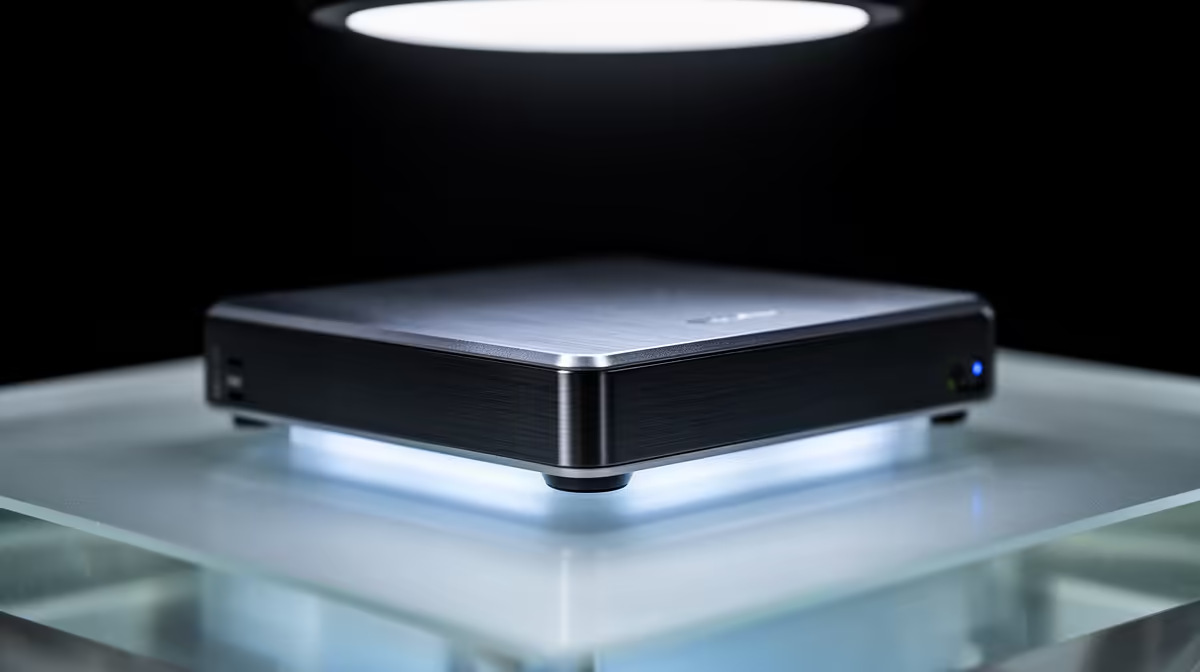
The external drive on your desk only helps the machine it is plugged into, and only when that machine is awake. A NAS solves the obvious next problem: it is an always-on device with its own operating system and drive bays that hangs off your router and serves files to every phone, laptop and TV in the house at the same time.
Quick Answer
A NAS, short for network-attached storage, is a dedicated computer with drive bays and its own operating system that connects to your router and provides centralised file storage to every device on the network at once. Unlike an external drive tied to a single PC, a NAS is accessible to everyone simultaneously and can also run backups, media streaming and other apps.
What a NAS actually is
Strip away the marketing and a NAS is a small, purpose-built computer. It contains anywhere from two to five drive bays, runs a full operating system, and does one core job extremely well: file-based storage served over the network. Most home units are built on ARM or x86 processors running an embedded Linux, with software that recognises your drives, sets up shared folders and user accounts, checks permissions, monitors drive health and runs scheduled backups. You plug it into your router, and from then on it is just there, awake and available.
NAS versus a plain external drive
The difference comes down to reach and independence. An external drive serves only the computer it is connected to, and only while that computer is on. A NAS sits on the network and serves every device at once, all the time, without any single PC needing to be awake. The drive bays matter too: with multiple bays you can run drives in a redundant arrangement so that if one drive fails, your data survives on the others. An external drive offers nothing of the sort.
That always-on, multi-device nature is also what lets a NAS act as more than storage. The same box can run as a backup target for every machine in the home, a media server, a print server and more, because it has a real operating system underneath. To compare enclosures and bay counts before choosing drives, the diskless NAS range at Evetech covers the full selection.
Who a NAS is for at home
A NAS earns its place once you have data spread across multiple devices and people, photos, documents, media, that you want in one trusted, backed-up location. A household where several phones and laptops all need access to the same files is the classic case. If your needs are genuinely single-device and small, a fast SSD may still be the simpler answer, and the best-selling SSD range at Evetech covers that side neatly.
Frequently Asked Questions
What does NAS stand for?
Network-attached storage. It describes a dedicated device that attaches to your network and provides shared file storage to every connected device, rather than to one computer.
How is a NAS different from an external hard drive?
An external drive serves only the PC it is plugged into and only when that PC is on. A NAS is always on, connects to the router, and serves all devices on the network at the same time, with optional drive redundancy.
How many drives does a NAS hold?
Home NAS units typically hold between two and five drives across their bays. More bays mean more total capacity and the option to run drives redundantly so your data survives a single drive failure.
Does a NAS run its own software?
Yes. A NAS has a full operating system, usually an embedded Linux, that manages the drives, shared folders, user accounts, permissions, drive-health monitoring and backups, and often adds apps like media streaming.
Do I need a NAS, or is an external drive enough?
If you have multiple devices and people who need shared, always-available, backed-up access, a NAS is the better fit. For a single user with modest needs, a fast external SSD may be all you require.
Ready to give your whole home one trusted place for its files? Explore the diskless NAS and storage range at Evetech and build storage that every device can reach, day and night.