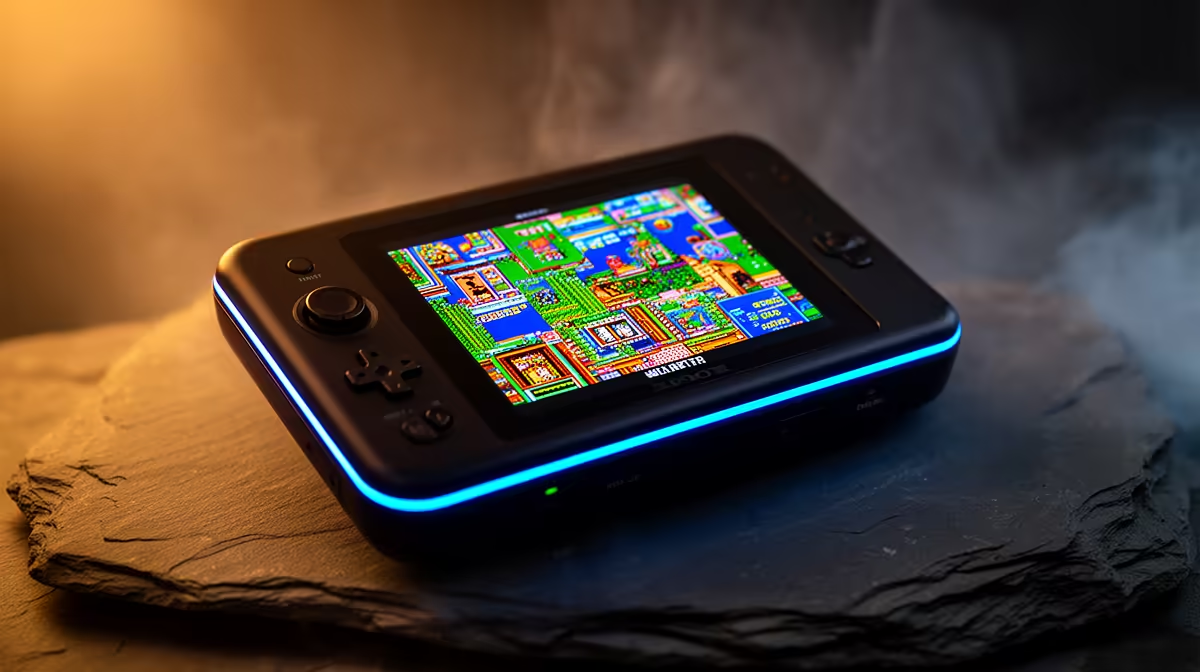
An emulator is software that pretends to be a different machine. It mimics the original console's hardware closely enough that games written for that console run on a completely different chip, whether that is the handheld in your pocket or a PC on your desk. The game still thinks it is talking to the console it was made for. The emulator quietly stands in the middle, translating every instruction so the new hardware can carry it out.
Quick Answer
An emulator copies how an original console's chips behaved so its games run on different hardware. It translates the console's instructions in real time, and because that translation is heavy work, more demanding consoles need a much stronger CPU to emulate them accurately.
How the Translation Actually Happens
Old consoles ran custom processors that did things in their own specific way. A modern chip in a handheld does not share that instruction set, so the emulator reads each instruction the game expects the console to run and works out the equivalent on the host chip, on the fly, fast enough that you never see the seam. Done well, the result is indistinguishable from the real thing: the same levels, the same physics, the same quirks the original developers built around.
This work falls mainly on the CPU. Emulation is largely sequential, meaning the emulator usually cannot know what the next instruction is until it has finished the current one, so it leans on raw per-core speed rather than spreading the load across many cores. The graphics chip helps with sharper resolutions and smoothing, but the heavy lifting of pretending to be the console sits on the processor. That single fact explains almost everything about which handheld plays what.
Why Some Consoles Are Easy and Others Are Brutal
The age and complexity of the original console decides how hard it is to emulate. Simple early systems are light work, and almost any modern handheld runs them flawlessly. The trouble starts with the more demanding 3D-era consoles, where the original hardware was complex and the emulator has to do far more translation per frame to keep up.
That is why handheld reviews talk so much about which "tiers" a device handles. A cheap handheld will happily emulate older 2D systems and stutter the moment you ask it to recreate a heavier 3D console. A more powerful chip has the headroom to keep that demanding translation running at full speed. Most emulators also only make real use of two cores, sometimes four, so a handheld with a fast pair of cores often emulates better than one with many slow ones. If you want to know what a given device can manage before you buy, the spec to read is single-core CPU performance, not the core count on the box. The full lineup sits in the handheld gaming consoles range, which is the easiest place to compare what each tier of device is built to run.
Matching a Handheld to What You Want to Play
Be honest about your library. If you mostly want classic 2D systems, a modest handheld does the job and saves you money. If your heart is set on the demanding 3D consoles, you need a device with the CPU muscle to translate that workload in real time, and trying to do it on underpowered hardware just means slideshow framerates. The current crop of capable handhelds shows up among the best-selling PCs and devices, which is a quick gauge of where the price-to-power sweet spot sits right now.
Frequently Asked Questions
Is an emulator the same as a ROM?
No. The emulator is the software that mimics the console hardware. A ROM is a copy of an individual game's data. The emulator is the machine; the ROM is the cartridge you put into it.
Why does my handheld run some games perfectly but others lag?
Because different consoles place wildly different demands on the chip. Simple older systems are light to emulate, while complex 3D consoles need far more processing per frame. When a game lags, your handheld's CPU cannot translate that console's workload fast enough.
Does a faster graphics chip make emulation better?
It helps with higher resolutions and visual smoothing, but emulation accuracy and speed depend mostly on CPU strength because the translation work is largely sequential. A strong processor matters more than a strong GPU for running the game at full speed.
What spec should I look at when buying a retro handheld?
Single-core CPU performance is the one that decides what you can emulate, since most emulators use only a couple of cores. A high core count helps less than fast individual cores, so read per-core speed rather than the total number of cores.