


VR fitness runs hardware hot and sweaty, so heat and durability come first. Choosing case fans with that load in mind avoids mid-workout problems.
Quick Answer
Spend on case fans for VR fitness sessions that run the hardware hot when CPU or GPU temps push past 80C, when fan whine is louder than the game, or when a stock single-fan case is starving airflow. Three quality 120mm fans cost roughly R350 to R900 and can drop sustained load temps by 6C to 12C; below that, your money does more on a better cooler or SSD.
When Case Fans Earn Their Place
Airflow matters most for VR fitness sessions that run the hardware hot. A typical mid-tower runs two or three 120mm intakes at the front pulling 50 to 75 CFM each, with one 120mm or 140mm exhaust at the rear. Quiet-focused fans like the Arctic P12 (around R150 to R250) sit near 0.3 sone at 1200 rpm, while higher-static-pressure units suit dense radiators and filters. If your card already holds 60 to 90 fps but throttles after 30 minutes, a sensible fan curve and one extra intake usually fixes it for under R600 total at local pricing.
Reading dBA, CFM And Static Pressure
Three numbers decide a fan. CFM (airflow) moves heat out of the case; static pressure pushes air through filters and radiators; dBA tells you how loud it gets. A balanced 120mm fan around 60 CFM and 25 dBA at full speed is the safe middle ground for most builds. Run intakes slightly stronger than exhausts for light positive pressure, which keeps dust out of a SA home where windows stay open in summer. Cap fan speed in BIOS or your motherboard app so they only ramp past 1000 rpm under real load.
- Quiet everyday: 800 to 1000 rpm, under 22 dBA
- Gaming load: 1200 to 1500 rpm, 50 to 70 CFM
- Radiator or dense filter: high static pressure rated above 2.0 mmH2O
fans, blow out dust and set a fan curve. If load temps still sit above 80C, add one 120mm front intake first - it is the cheapest 5C to 8C you will ever buy.
FAQ
How many case fans do I actually need?
Two front intakes and one rear exhaust is enough for almost every mid-tower at 1080p or 1440p gaming. Add a top exhaust only if you run an air cooler under heavy CPU load and temps stay above 85C.
Are RGB fans worth the extra money?
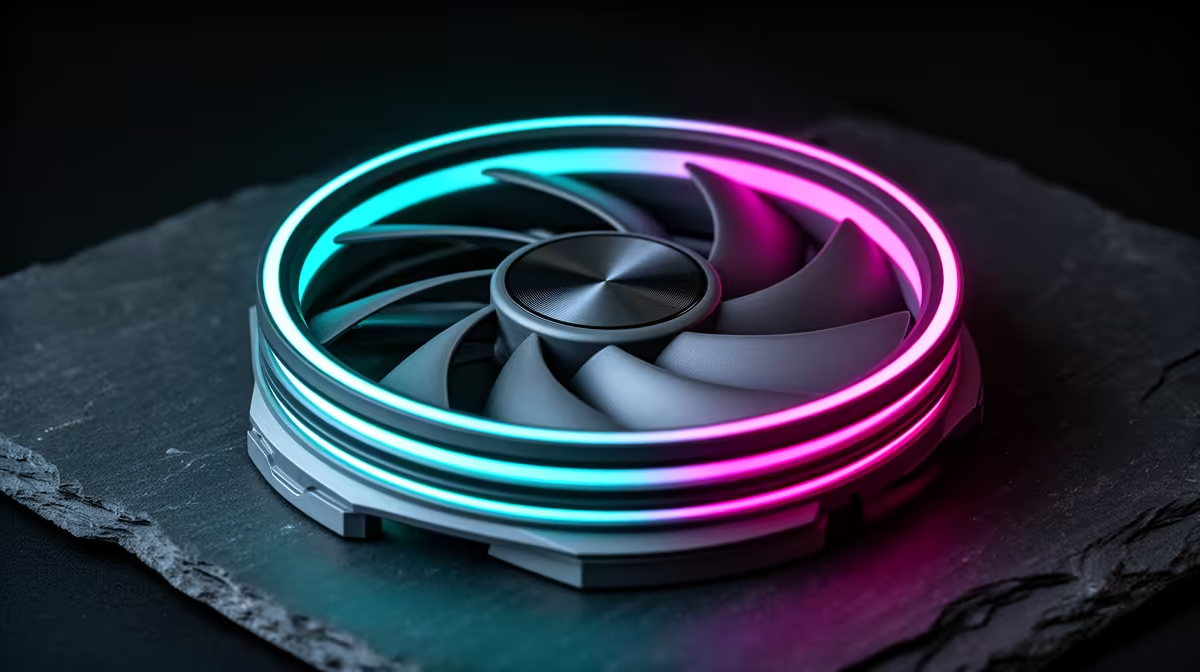
RGB adds roughly R100 to R300 per fan and a controller, with no cooling benefit. Buy them for looks, not performance, and only if the rest of the build already runs cool and quiet.
Will more fans make my PC quieter or louder?
More fans spinning slowly are quieter than fewer fans spinning fast for the same airflow. Three fans at 900 rpm move similar air to two at 1400 rpm but at a noticeably lower, less annoying pitch.
Compare the case fans stocked at Evetech by airflow and noise rating, then match three 120mm units to your case before you spend on a bigger cooler.











