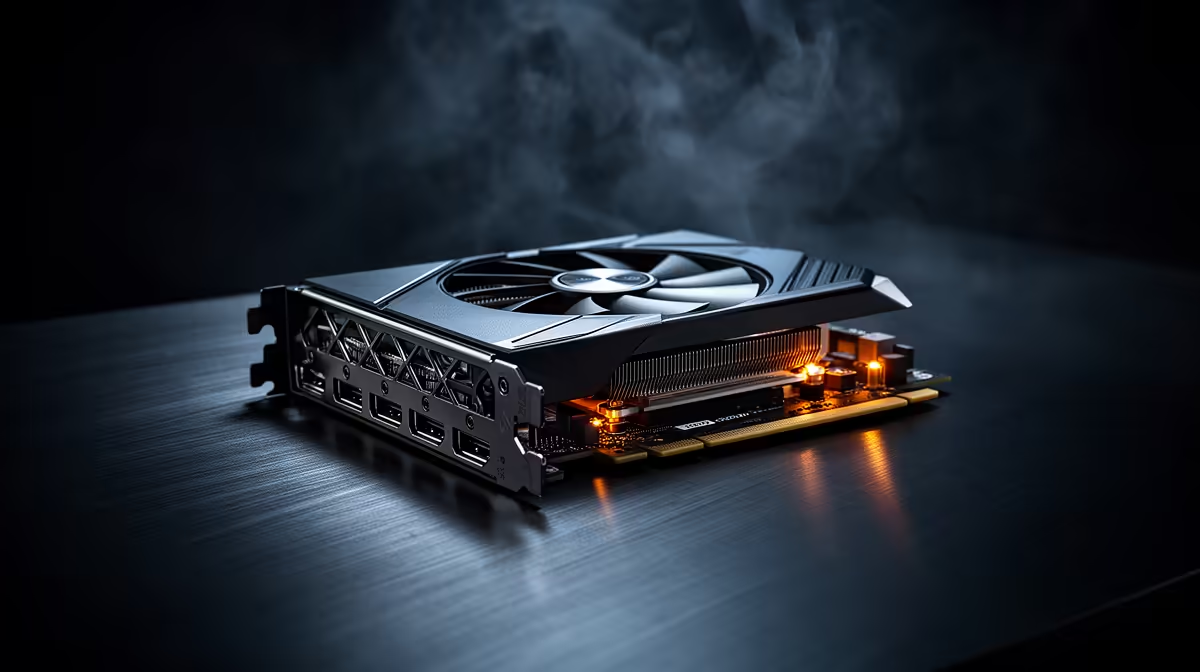
A spec sheet full of numbers does not tell you much on its own unless you know which figures actually matter for editing, rendering, and AI-assisted creative work. Shopping for a 24gb creator graphics card comes down to a short checklist rather than an exhaustive comparison of every number listed: VRAM capacity, driver certification, and modern API support. All three show up on the ASRock Pro B60 Creator for R14,399.
Quick Answer
Buying a creator-focused graphics card means checking VRAM capacity, driver certification, and DirectX 12 Ultimate support before anything else. R14,399 covers all three on the ASRock Pro B60 Creator, backed by 24GB of GDDR6 and Intel's Xe2-HPG architecture.
💾 VRAM capacity comes first
Most creative workloads are held back by running out of video memory long before the processing cores themselves become the bottleneck. Checking VRAM capacity first, ahead of clock speed or core count, is the single most useful filter when comparing cards for editing or 3D work, since a card with generous capacity like 24GB avoids that ceiling on most projects.
Matching capacity to your typical project size
Someone editing short-form social content needs less headroom than someone grading 4K feature footage or rendering dense architectural scenes. Being honest about typical project size prevents both overspending and underspending on this spec.
🛡️ Driver certification and stability
A card marketed toward creators should carry drivers tested specifically against major editing and 3D applications, not just games. This certification reduces the risk of crashes mid-render or instability during long editing sessions, which matters more on a professional workload than raw benchmark numbers do.
Checking for certification before you buy
Manufacturer product pages for creator-oriented cards typically list which software the drivers have been tested against. The ASRock Pro B60 Creator is built around this kind of workload from the outset rather than as a repurposed gaming card.
🖼️ Modern API and AI feature support
DirectX 12 Ultimate support brings ray tracing and mesh shaders into reach for 3D preview work, while dedicated AI hardware like XMX engines speeds up denoising, upscaling, and generative tools inside creative software. Both are worth checking on any card being considered for serious creative work, rather than assuming every modern GPU includes them.
Once you know what to look for, the Pro B60 Creator's product listing shows how this specific card stacks up. The workstation graphics card range has alternatives worth comparing, and ASRock's own catalogue shows what else the manufacturer builds.
Frequently Asked Questions
What is the most important spec for a creator graphics card?
VRAM capacity is generally the first thing to check, since running out of video memory is the most common bottleneck in creative work.
Why does driver certification matter for creative work?
Certified drivers are tested against creative software specifically, reducing crashes and instability during long editing or rendering sessions.
Does this card handle real-time lighting previews well?
Yes, its built-in DirectX 12 Ultimate support brings ray tracing into reach for real-time 3D preview work.
What are XMX engines used for?
They speed up AI-assisted tasks such as denoising and upscaling by running that math on dedicated hardware separate from the main core.
What does the ASRock Pro B60 Creator sell for?
Current pricing sits at R14,399, with 24GB of GDDR6 included as standard.
Ready to know exactly what to check before buying?
Pick up ASRock's Intel Pro B60 Creator from Evetech's range of workstation GPUs for R14,399 and will cover VRAM, memory bus and driver support in one checklist.