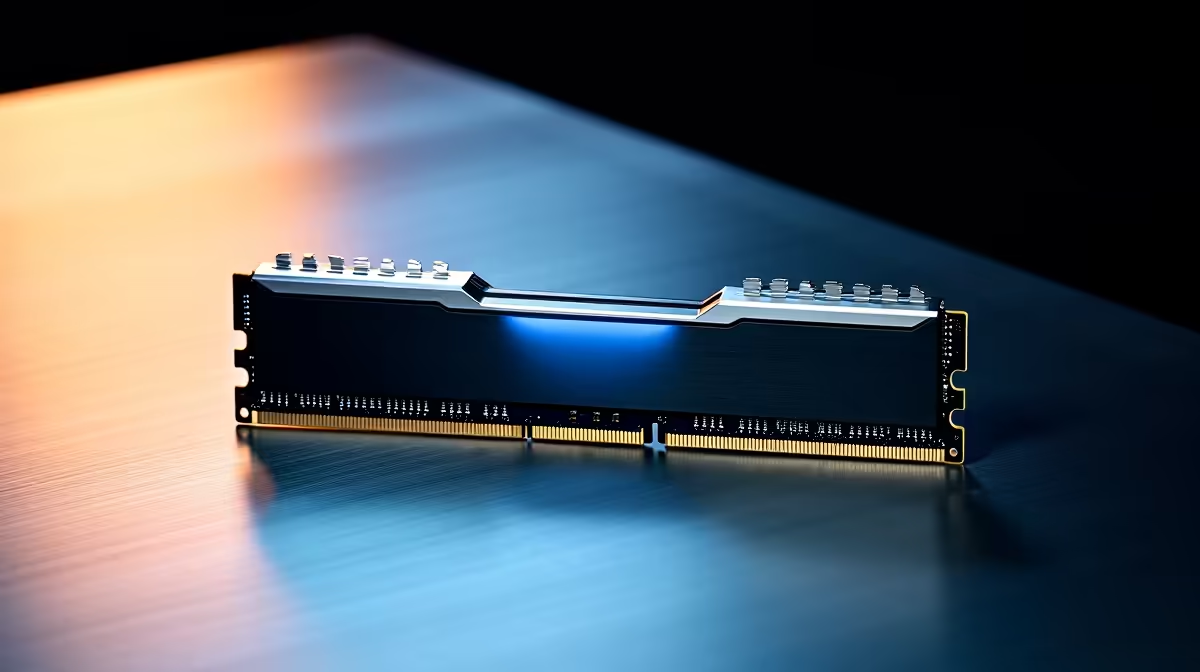
DDR5 memory is one of the easiest places to overspend on a build. The spec sheet pushes huge speeds and tight timings, but the real question is what your CPU and workload actually use day to day.
Quick Answer
For most South African buyers a 32GB DDR5 kit at DDR5-6000 CL30 is the sweet spot, typically R1,200 to R3,500 at Evetech. Buy capacity first, then speed, then tight timings - 16GB is too tight for modern multitasking and 64GB only pays off for heavy workloads.
EXPO, XMP And A Stable First Boot
Kits ship at a safe JEDEC speed and only hit their rated numbers once you enable EXPO (AMD) or XMP (Intel) in the BIOS. It is one toggle, but skip it and you leave most of the speed you paid for switched off. Update the motherboard BIOS before your first boot so the rated profile loads cleanly.
Match The Kit To Your Platform And Slots
Confirm whether your board takes two or four DIMM slots and whether it is rated for higher speeds when all four are filled - many drop to DDR5-5200 with four sticks. For a future upgrade, buy the capacity you need as a 2-stick kit now rather than half-filling four slots, which makes a clean speed bump harder later.
Capacity Before Speed Every Time
Start at 32GB for any modern gaming or everyday machine. 16GB now leaves browser tabs, a game, and a Discord call fighting for headroom, while 64GB only earns its keep in heavy multitasking, virtual machines, or large project files. A 2x16GB kit also keeps dual-channel bandwidth intact, which matters more for frame pacing than a single large stick.
FAQ
How much DDR5 RAM do I actually need?
For gaming and study, 32GB is the comfortable target and avoids the headroom problems 16GB now causes. Move to 64GB only for heavy video, virtual machines, or large datasets. A 2x16GB kit keeps dual-channel speed intact.
Does DDR5 speed make a big difference?
DDR5-6000 CL30 is the practical sweet spot and the gains above it are usually single-digit in games. Memory-sensitive work and some titles benefit a little more. Check your CPU's supported speed before paying for a faster kit.
Do I need to enable EXPO or XMP?
Yes - kits run at a safe default until you switch on EXPO (AMD) or XMP (Intel) in the BIOS to reach the rated speed. It is one toggle but easy to forget. Update your BIOS first so the profile loads reliably.
Compare currently stocked DDR5 kits at Evetech, filter by your budget and the specs above, and shortlist two or three before you order.