Quick Answer
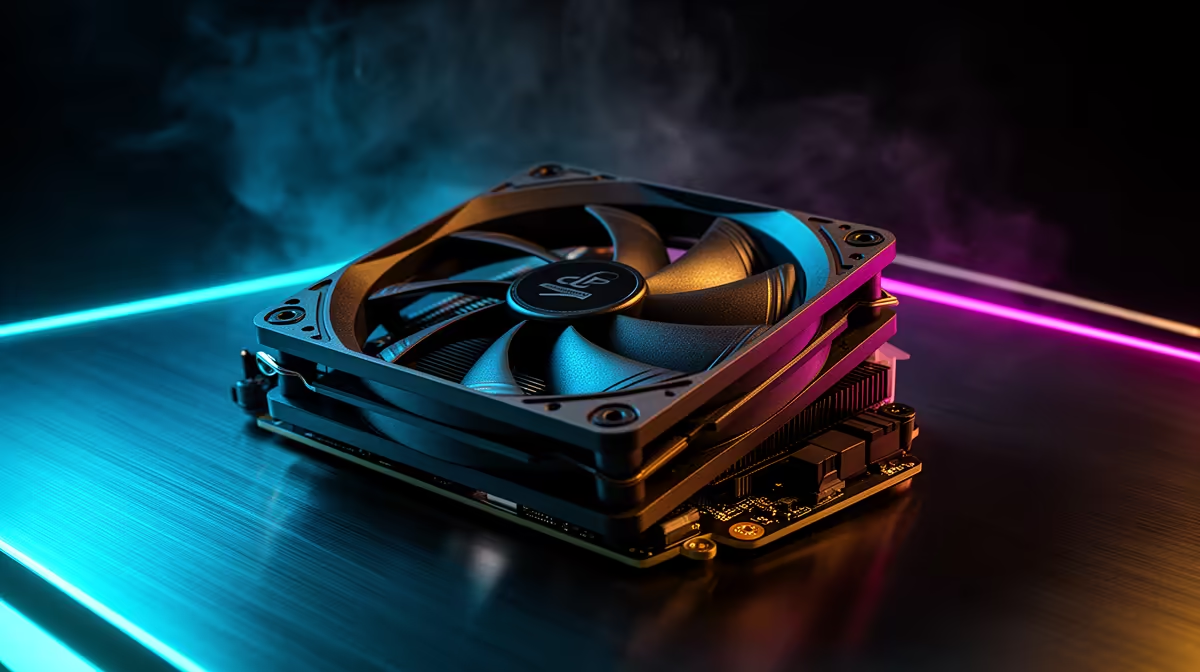
For CapCut editing, premium case fans are worth it when long 4K exports run hot and you want quiet airflow that holds the CPU and GPU below throttle. Premium near-silent fans cost about R350 to R550 each in SA versus R150 to R250 for standard fans, and they move the same 50 to 75 CFM at under 25dBA, which suits editing with voiceovers.
When Premium Fans Earn Their Price For CapCut
CapCut exports, especially 4K timelines with effects, push the CPU and often the GPU to sustained high load for minutes at a time, generating steady heat. Premium fans matter here for two reasons: they move enough air (50 to 75 CFM) to keep components below the 90 to 95C throttle point so the export does not slow, and they do it quietly, often under 25dBA, which matters if you record voiceovers or work in a quiet space.
A premium fan's better bearing and blade design also lasts longer and stays quiet over years, where a cheap fan can develop a rattle. For an editor running exports daily, that reliability and low noise justify the premium.
When Standard Fans Are Fine
If your CapCut projects are short 1080p clips that export in seconds, the CPU barely heats up and standard R150 to R250 fans are plenty; the premium spend is wasted. Premium fans pay off specifically for sustained 4K exports where heat builds and you want silence; a full premium set runs around R2,000. For light editing, put the saving toward storage, which speeds up timelines and exports far more than fans.
FAQ
Do CapCut exports get hot enough to need good fans?
Long 4K timeline exports with effects push the CPU and GPU to sustained high load for minutes, which builds real heat. Short 1080p clips barely warm the system, so the answer depends on your project size.
Are premium fans quieter than cheap ones?
Generally yes. Premium fans move the same 50 to 75 CFM at under 25dBA thanks to better bearings and blade design, which matters for recording voiceovers near the PC during editing.
Will better fans speed up my exports?
Indirectly, by preventing thermal throttling on long 4K exports. If your system already stays cool, fans will not add speed; storage and CPU upgrades help export times more directly.
CPU temperature during a long 4K CapCut export. If it nears the throttle point, add a front intake fan; if it stays cool, save the money and spend on faster storage instead.