Quick Answer
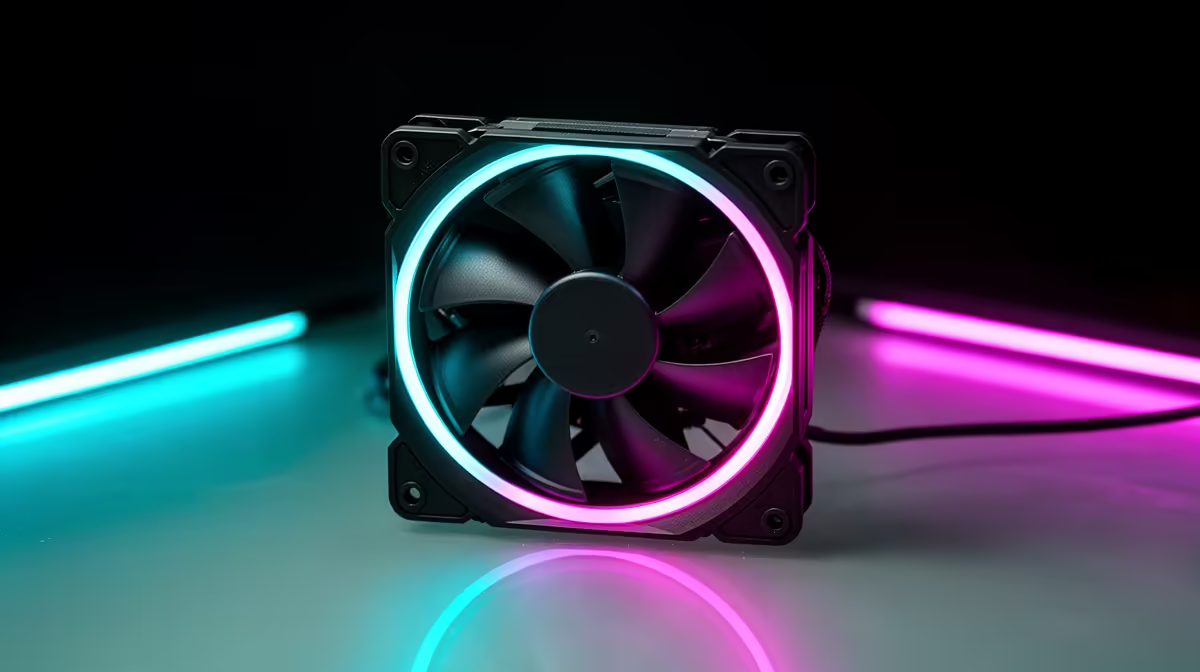
For Minecraft with shaders, premium case fans are usually overkill, because shaders load the GPU heavily but the CPU stays cool, and the GPU has its own fans. Standard case fans at R150 to R250 each in SA give plenty of airflow for a Minecraft build, while premium fans (R350 to R550) only pay off if the same PC runs hotter, more demanding games too.
When Premium Fans Are Worth It For Shaders
Shaders like SEUS or Complementary push the graphics card hard for lighting, shadows, and water, but the GPU cools itself with its own fans, and Minecraft's CPU load stays modest. Case fans only need to move warm air out of the case, which standard 50 to 75 CFM fans do easily. Premium near-silent fans become worth it if the same machine also runs heavy AAA titles or long renders where sustained system heat builds; for Minecraft alone, they are a luxury.
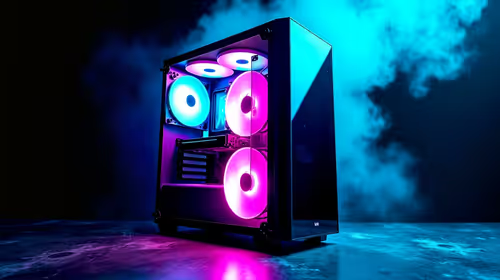
Good case airflow still helps the GPU breathe during a long shader session. Two or three standard 120mm fans, intake front and exhaust rear, keep the case cool enough that the graphics card's own fans do not have to scream.
Where The Money Should Go For Shaders
Shader frame rates come from the GPU and from RAM, not from premium case fans. A stronger graphics card lifts shader fps directly, and 16GB of RAM helps with modded shader packs. So put the budget there. Use standard case fans for airflow and save the premium-fan money for the GPU, which is what actually makes shaders run smoothly at a higher frame rate.
FAQ
Do Minecraft shaders need premium case fans?
No. Shaders load the GPU, which cools itself, while the CPU and case stay cool. Standard 120mm fans give ample airflow, so premium fans are a luxury for a Minecraft-only build.
What actually improves shader frame rates?
The graphics card first, then RAM. A stronger GPU lifts shader fps directly, and 16GB of RAM helps modded shader packs. Case fans only keep the case cool; they do not add frames.
How many case fans does a shader build need?
Two or three standard 120mm fans, intake front and exhaust rear, are enough. They keep the case cool so the GPU's own fans do not have to run loud during a long shader session.
the GPU for better shaders and use standard case fans for airflow, setting front intake and rear exhaust so the graphics card breathes and its own fans stay quiet.