Quick Answer
Cheap gaming monitor options become expensive when the missing feature forces a second purchase, a return or a comfort compromise. For home theatre gaming setups, the usual trap is skipping desk depth, text clarity, HDMI or DisplayPort version, stand adjustment and return support for panel defects to save a small amount upfront.
Where Cheap Parts Usually Fail
For home theatre gaming setups, the useful question is whether gaming monitor changes the result they see every week. Gaming monitor choices should be judged against the monitor, desk, room noise and workload, not against a premium badge alone. A buyer using a 1080p 144Hz screen, campus Wi-Fi or a compact desk will notice stability, clear cabling and predictable warranty support before they notice a spec they cannot use.
Spend Bands And Specs To Compare
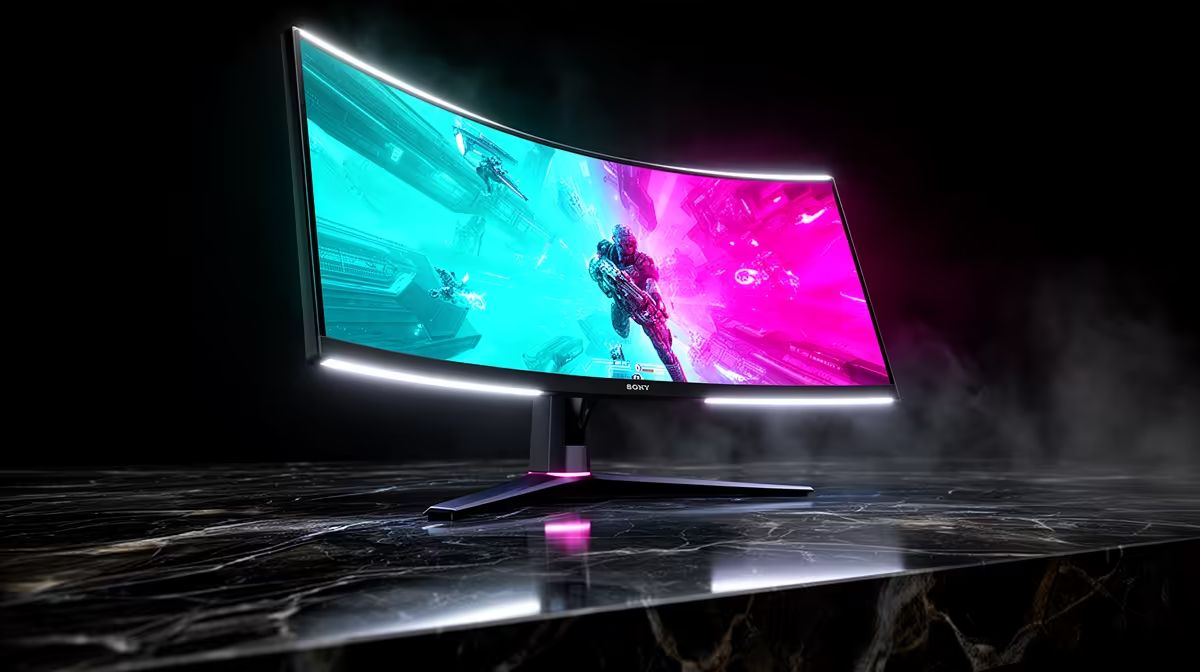
Use numbers to keep the shortlist honest. R2,000-R3,500 for basic 1080p high-refresh screens, R4,500-R8,000 for good 1440p, and much more for OLED or ultrawide panels. Relevant examples include 24-inch 1080p 144Hz, 27-inch 1440p 165Hz, IPS, VA and OLED panel options. The practical target is 144Hz is the useful gaming floor, 1ms claims need real motion clarity, and 27-inch 1440p is the sharp sweet spot for many desks; if the current screen, CPU, case or study workload cannot use more than that, the extra spend is better kept for storage, RAM or a quieter cooling path.
SA Setup Checks Before Checkout
South African buyers should also check the ordinary setup details: desk depth, text clarity, HDMI or DisplayPort version, stand adjustment and return support for panel defects. In a residence room, shared flat or family lounge, cable length, desk depth, fan noise and return handling can matter as much as peak performance. Keep invoices, confirm the exact connector or slot requirement, and avoid any option that needs another urgent purchase to work properly.
FAQ
What is the safest starting spec for home theatre gaming setups?
Start with the configuration that meets the real workload without relying on future fixes. For this topic, that usually means 144Hz is the useful gaming floor, 1ms claims need real motion clarity, and 27-inch 1440p is the sharp sweet spot for many desks and a price expectation around R2,000-R3,500 for basic 1080p high-refresh screens, R4,500-R8,000 for good 1440p, and much more for OLED or ultrawide panels.
When is the premium option worth paying for?
Pay more when the premium feature solves a named limit: higher fps, quieter cooling, more VRAM, more storage or a better fit for a small desk. If the benefit cannot be tied to a game, class project, stream or editing task, it is probably not the first upgrade to fund.
What should SA buyers check before ordering?
Check desk depth, text clarity, HDMI or DisplayPort version, stand adjustment and return support for panel defects before checkout, then match the product to the monitor, case, router or desk already in use. For students and shared homes, also confirm noise, cable routing and warranty handling because those issues show up quickly in daily use.
Buyer Check
Write down the target resolution, available desk or case space, and one must-have spec before choosing a gaming monitor; reject any option that misses one of those three.