Quick Answer
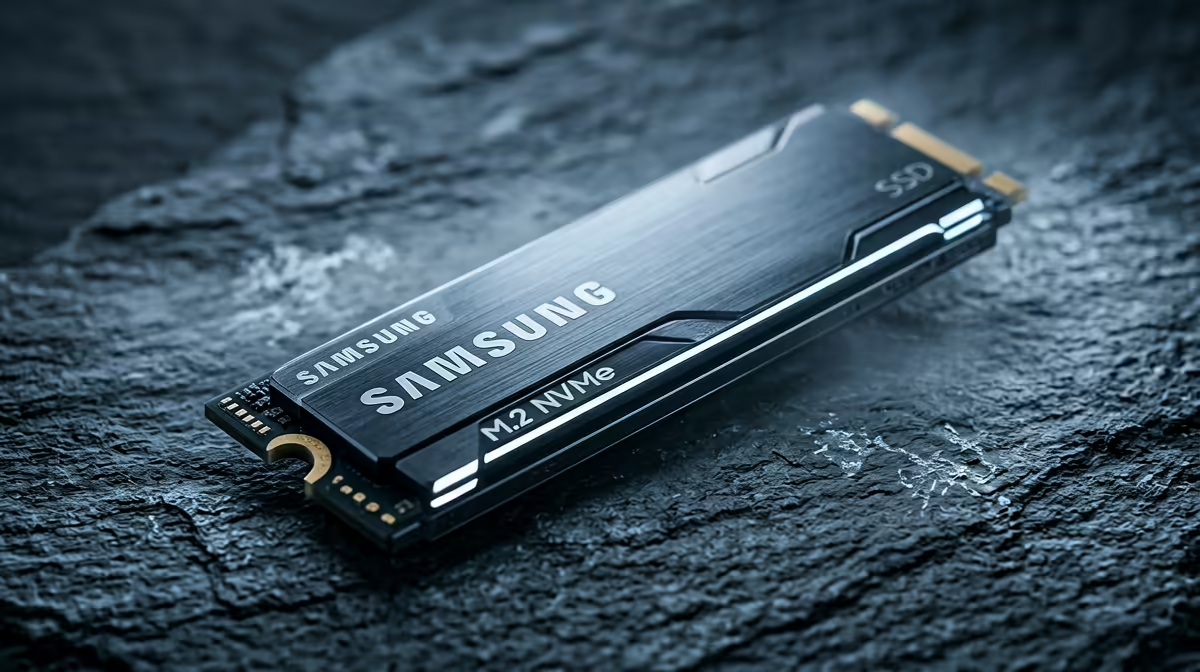
For this buyer scenario, peak headline specs are overrated when the workload is limited by capacity, GPU, RAM, ports or network placement. A practical SA shortlist should start around R1,000 to R2,000 for a sensible 1TB Gen4 drive, R2,000 to R4,000 for 2TB, and more for premium Gen5 models, using examples like Kingston NV2, WD Blue SN580, Lexar NM790 and Samsung 990 EVO as comparison anchors. Cybersecurity labs create VM snapshots, ISO files and disk images. Capacity, endurance and random I/O beat peak sequential speed.
Specs you can safely ignore
For most gaming, study and creator tasks, 1TB to 2TB Gen4 storage matters more than a flagship benchmark number. Keep 15% to 20% free space so performance does not collapse during updates and exports. Do not pay for a premium label until the current limit is clear. In many builds the better result comes from enough capacity, quieter cooling, a cleaner cable path or a monitor that matches the GPU, not from buying the most expensive version of one component.
Specs that still matter
Use numbers to keep the choice honest: 5,000MB/s to 7,400MB/s reads and 300TBW to 1,200TBW endurance are more useful than a headline speed alone. For gaming or creator setups, think in real outputs such as 100fps at 1080p esports, 60fps to 90fps at 1440p AAA, 32GB RAM for editing, or 2TB storage for a large game library. Those targets help SA buyers avoid paying for a feature that will be hidden by the rest of the PC.
The SA shortlist filter
Check stock, warranty handling and physical fit before comparing extras. Gauteng buyers often care about fast delivery timing, while Cape Town, Durban and regional buyers should check courier lead time if the part is needed for a semester, LAN weekend or work deadline. The better pick is the one that fits the current machine and leaves a clean next upgrade.
FAQ
What is a sensible SA budget for this nvme ssd?
Use R1,000 to R2,000 for a sensible 1TB Gen4 drive, R2,000 to R4,000 for 2TB, and more for premium Gen5 models. Spend above that only when the extra feature solves a measured limit such as capacity, refresh rate, wattage or coverage.
Which specs should I check before buying?
Check 5,000MB/s to 7,400MB/s reads and 300TBW to 1,200TBW endurance are more useful than a headline speed alone. Also confirm compatibility with your current PC, laptop, fibre router, desk space or case before comparing cosmetic features.
Which models are safe shortlist examples?
Start with Kingston NV2, WD Blue SN580, Lexar NM790 and Samsung 990 EVO. Treat these as examples of the class to compare, then choose the stocked option with the clearest warranty and fit for your setup.
Buyer check
Before checkout, check your board for an M.2 2280 slot, PCIe Gen4 support and an included heatsink before paying for a flagship drive.