



550W PSU Planning for RTX 5080 Super Builds in SA
550W for RTX 5080 Super needs a full-build check, not a simple yes. Review GPU guidance, CPU draw, transient load, connectors, PSU quality, and upgrade plans before deciding.
Read moreOut-of-sync wall displays point to a timing or frame-coordination problem that needs systematic diagnosis. At R19,599, PNY RTX Pro Sync supplies both lock functions and Mosaic; capacity reaches 32 synchronised displays through eight RTX Pro GPUs or fewer.
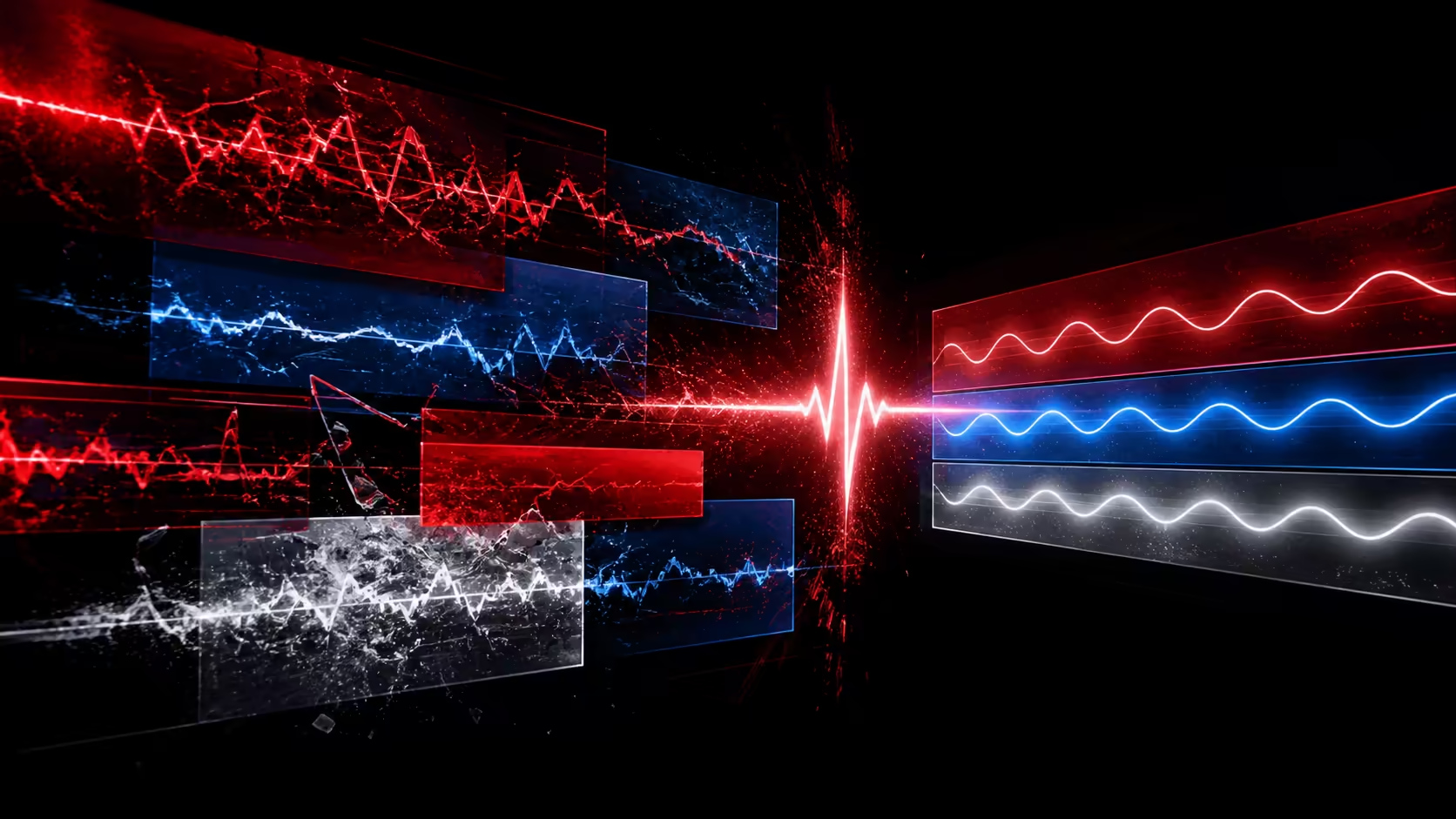
An out-of-sync video wall is a symptom, not a diagnosis. The fault may sit in timing, cross-GPU frame coordination, the content path or a changed configuration. Troubleshooting video wall displays out of sync is fastest when one variable is isolated at a time and every result is compared with a known working arrangement.
RTX PRO Sync exists to keep large multi-display environments aligned, coordinating professional GPUs across canvases of up to 32 displays or projectors.
Start by reproducing the fault with simple moving content, then identify whether it follows a screen, an output group, a GPU boundary or the timing reference. PNY asks R19,599 for RTX Pro Sync, which carries Genlock, Frame Lock and Mosaic. The troubleshooting architecture stays within eight RTX Pro GPUs and 32 synchronised displays.
Choose content that exposes the mismatch: a slow horizontal line, repeated cuts or an object moving across several panel edges. Record where the break first appears and whether it remains in the same place after the content is replayed.
Do not change several settings between observations. A first-time technician can learn more from one controlled change than from a broad reset that hides the cause. Note the active display mode, graphics assignment and sync functions before touching the configuration.
If the symptom appears where outputs move between graphics processors, inspect the frame-coordination requirement. If equipment is not following the intended timing reference, examine the Genlock side of the system. Mosaic controls the arranged visual surface but does not replace either lock role.
Eight NVIDIA RTX Pro processors mark the outer edge of PNY's multi-GPU design. Compare the live processor map with the intended architecture and consult Evetech's workstation GPU category only if the design itself needs revision.
Move the test pattern through different outputs while keeping a careful record. If a visible problem consistently follows one display or position, screen selection, physical setup or signal handling may need attention. If it tracks a graphics boundary, return to the GPU and lock plan.
Evetech's PC monitor selection provides display options when a panel-level change is warranted. Do not assume the sync card can correct physical alignment, bezel placement or a display-specific behaviour.
The PNY RTX Pro Sync product is a R19,599 option when the system requires its three named functions. Its supported display ceiling is 32, so confirm the wall remains within that scale before treating hardware replacement as the answer.
After any correction, replay the original fault sequence and additional representative content. Update the accepted GPU-to-screen map. Review relevant graphics card accessories only where the diagnosis points to a supporting component.
If three controlled changes leave the symptom in the same boundary, pause and review the architecture rather than continuing through unrelated options. Check whether the live screen count and processor ownership still match the approved drawing, and whether the failing path is actually part of the synchronization design.
Escalate with useful evidence: the test clip, the location of the break, the active display group, the owning GPU and the last known passing configuration. This gives an integrator or technician a focused problem to reproduce. It also protects working sections of the wall from broad changes made only because the first adjustment did not help.
When a wall drifts, the known system limits help divide the diagnosis. Check whether the fault remains within one GPU's outputs or appears where the design crosses processors or synchronisation cards. The architecture supports eight GPUs and two cards, so those boundaries are visible in the plan. Windows 10, Windows 11 and Linux support also makes the active driver and platform part of the reader's own setup check.
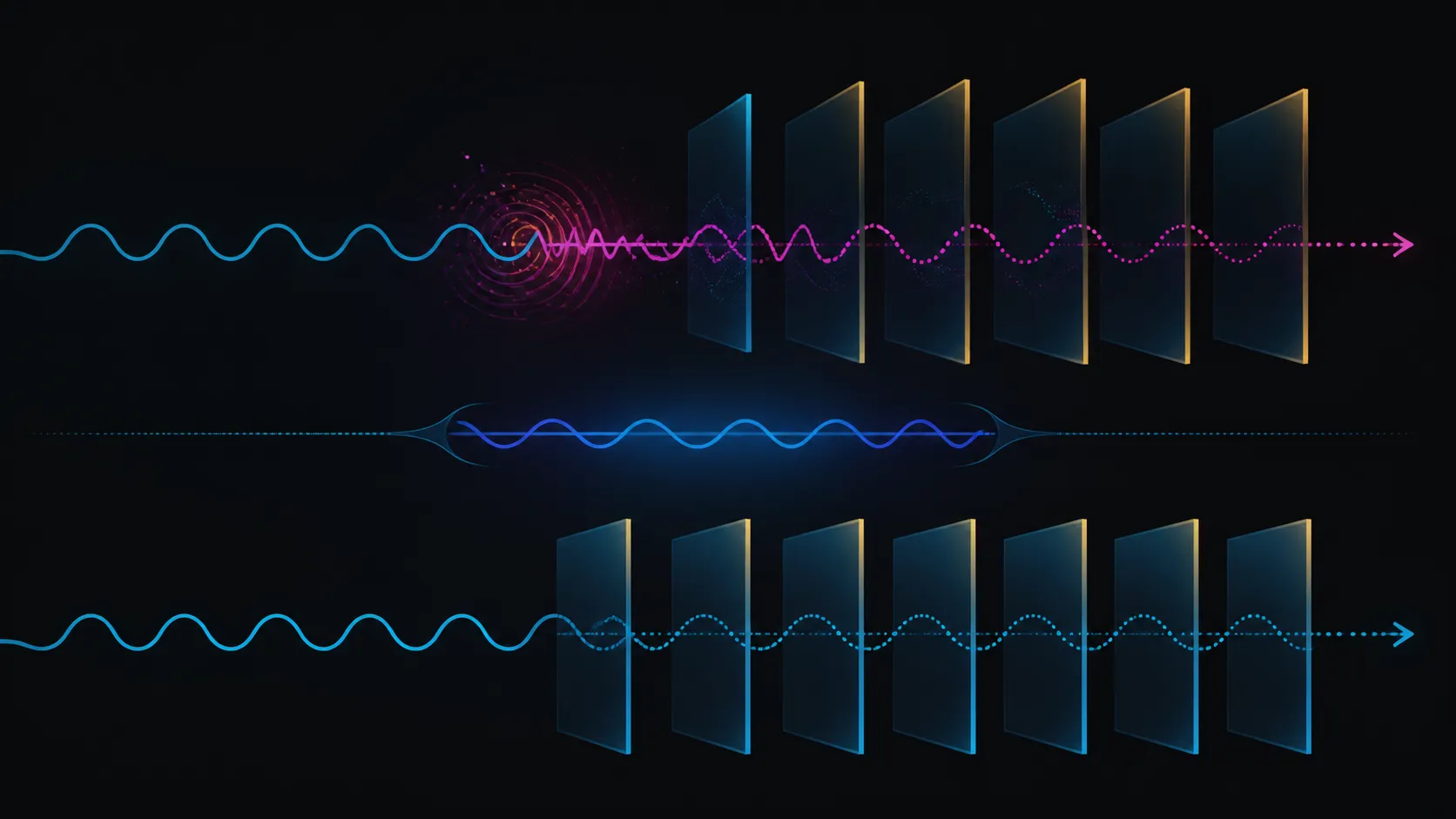
Reproduce the fault with simple moving content and record exactly which display edge or GPU boundary shows the mismatch.
Yes. PNY includes a Genlock role for the reference relationship and a Frame Lock role for agreement across GPU-produced frames.
The supported architecture stops at 32 synchronised displays and eight RTX Pro GPUs. Compare the live system with both boundaries.
Not without evidence. Mosaic handles the screen arrangement; isolate whether the symptom comes from canvas configuration, timing, graphics boundaries or another layer.
Send the repeatable test clip, the precise screen edge or GPU boundary, the active layout and the last known passing configuration. Include the single changes already tried and their results. This gives the next technician a focused starting point while protecting unaffected sections of the wall from another broad round of adjustment.
Ready to troubleshoot from evidence instead of guesswork? Map the fault, then compare Evetech's professional graphics, display and accessory categories only where the diagnosis identifies a hardware need.
Reproduce the fault with simple moving content and record exactly which display edge or GPU boundary shows the mismatch.
Yes. PNY includes a Genlock role for the reference relationship and a Frame Lock role for agreement across GPU-produced frames.
The supported architecture stops at 32 synchronised displays and eight RTX Pro GPUs. Compare the live system with both boundaries.
Not without evidence. Mosaic handles the screen arrangement; isolate whether the symptom comes from canvas configuration, timing, graphics boundaries or another layer.
Send the repeatable test clip, the precise screen edge or GPU boundary, the active layout and the last known passing configuration. Include the single changes already tried and their results. This gives the next technician a focused starting point while protecting unaffected sections of the wall from another broad round of adjustment.
550W for RTX 5080 Super needs a full-build check, not a simple yes. Review GPU guidance, CPU draw, transient load, connectors, PSU quality, and upgrade plans before deciding.
Read more
8000Hz polling is overrated for most SA gamers because gains can be tiny next to battery drain and monitor limits. Mbombela players should weigh mouse feel, game support, and system stability before chasing the number.
Read more
Magnetic switches are taking over SA gaming keyboards because actuation can be tuned. For Sandton gamers, rapid trigger, reset control, and profile depth can help, but layout, key feel, and software quality still matter.
Read more
Polokwane oled monitor value questions need cautious SA context because pricing can move with availability, exchange rates, specs, and warranty support. Treat the trend as a planning signal, not a fixed price promise.
Read more
Arc B580 budget builds for Midrand gamers can shift with exchange rates, supply, specs, and model tier. Treat the title as a buying prompt, then compare SA warranty, timing, and build priorities.
Read more
ROG Ally X may beat the LCD Steam Deck for SA gamers who value stronger handheld performance, more memory, and Windows flexibility. Compare battery life, controls, game libraries, and Polokwane support needs before deciding.
Read more
Minisforum's M2 Pro pairs Core Ultra X7, Arc B390 graphics and 32GB onboard memory in 1.8 litres. SA buyers should weigh its fixed memory and $1,439 launch offer against local mini PCs.

Lenovo says Legion Go failures linked to BIOS N3CN42WW are not user error. Affected SA owners should stop retrying the update, preserve proof and open a support case.

Smart monitors can add apps and convenience, but they also add privacy settings and unwanted-software risk. SA buyers should audit the operating system before paying for extras.

A fake 113GB GTA VI ISO reportedly used empty padding around a small malware payload. SA gamers should delete unofficial builds, keep Windows security active and wait for official channels.

ASUS calls the ROG GT-BN98 the first Wi-Fi 8 gaming router. SA buyers should fix coverage and client limits before paying for a future wireless standard.

Apple's M6 Mac mini adds faster AI, graphics and networking in the same compact format. SA buyers should wait for a rand listing before comparing value.

The Vulcan II XP adds hot-swappable switches, sound damping and gaming controls to a full-size wired board. SA buyers should compare feel before features.

Microsoft says Windows on Arm now has over 7,000 verified apps and games. SA buyers should still check each driver, game and work tool before switching.

Xbox Insiders can test disc-to-digital from 31 August 2026. Supported Xbox One and Series X discs gain a digital entitlement, but older discs, regions and title coverage still need exact checks.

ViewSonic's XG2738 pairs QHD QD-OLED with 240Hz and automatic panel care. SA buyers should compare warranty, brightness, ports and burn-in protection against today's R9,999-plus OLED shelf.

NVIDIA's final Windows 10 Game Ready driver is due in October 2026. SA gamers can keep using their GPU, but new game optimisations move on while critical security fixes continue quarterly.

JBL's new Quantum 520, 520X and 120 headsets cover wireless, Xbox-certified and wired use. SA buyers should compare connection, comfort and microphone needs before paying for a new badge.