Quick Answer
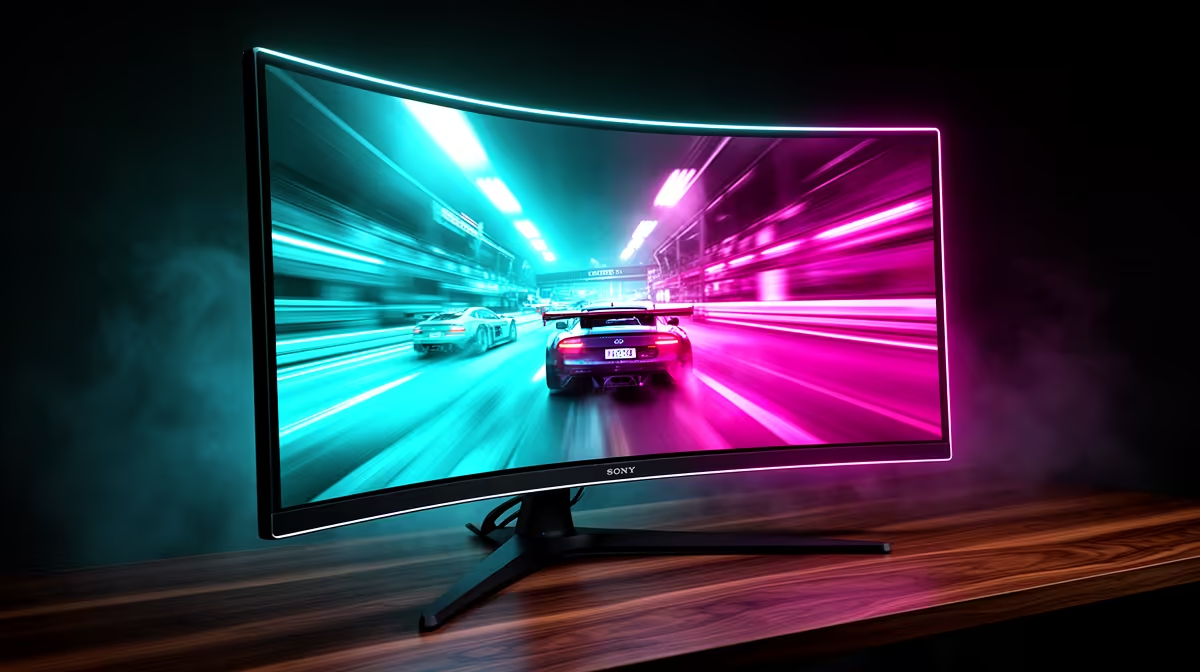
Motion blur on gaming monitors is caused by two separate mechanisms: pixel persistence (how long each pixel holds its colour before updating) and eye tracking (the eye's natural tendency to track motion, smearing a held frame). Reduce it by increasing refresh rate to 144Hz or above, enabling backlight strobing (ULMB, ELMB, or equivalent), and setting overdrive to reduce slow pixel transitions. Both sources require different solutions and most high-refresh monitors address both.
Source 1: Pixel Persistence Blur 🔧
Each pixel on an LCD panel holds its colour value until the next frame signal instructs it to change. On a 60Hz panel each frame is held for 16.7ms; at 144Hz that drops to 6.9ms; at 250Hz to 4ms. This shorter hold time is the primary reason higher refresh rates reduce motion blur. Fast-IPS and Fast-VA panels further reduce persistence by accelerating the pixel transition itself (measured as GtG response time). When overdrive is set too aggressively, pixels overshoot their target colour, creating inverse ghosting (a bright halo on trailing edges of fast objects). The correct overdrive setting is the fastest level that avoids visible inverse ghosting in your game at your GPU's standard frame rate.
Source 2: Eye Tracking Blur 🎮
Even at high refresh rates and fast pixel transitions, a second blur source remains: the eye's smooth pursuit tracking. WhEven at high refresh rates and fast pixel transitions, a second blur source remains: the eye's smooth pursuit tracking. When you follow a moving object, your eye tracks it continuously while the LCD backlight illuminates the held frame between transitions. The eye accumulates the held frame position over the persistence duration, producing blur proportional to the object's speed. Backlight strobing addresses this directly: switching the backlight off between frames and illuminating only during the new frame's display moment gives the eye a series of sharp images rather than a continuously held one. This is the technology behind ULMB (NVIDIA), ELMB (ASUS), and 1ms MPRT modes.
blur is: first upgrade from 60Hz to 144Hz or above (the largest single improvement), then enable FreeSync Premium to address frame-pacing blur from variable GPU output, then tune overdrive to the highest setting before inverse ghosting appears. Only for players already at 250Hz with powerful GPUs does enabling backlight strobing and accepting the brightness reduction make competitive sense. At 31.5 inches and above, motion blur at lower refresh rates appears more obvious because the eye travels further to track objects, making the 144Hz minimum even more important on larger panels. {{TipBox title:"Overdrive Tuning Before Strobing ⚡" , Tune overdrive first before enabling backlight strobing. Set overdrive to the highest level, play for five minutes in a fast game, and look for bright halos on leading edges of fast-moving objects. If you see them, reduce overdrive one level. Only once overdrive is optimised should you enable backlight strobing to address the residual eye-tracking blur on top of a clean overdrive baseline.
FAQ
Does enabling FreeSync reduce motion blur on gaming monitors?
FreeSync reduces a specific type of blur caused by frame pacing inconsistency. When frame rate is variable and adaptive sync is off, frames of different durations create perceived blur. FreeSync synchronises frame duration to GPU output, eliminating this.
Is motion blur worse on VA panels than IPS panels at 144Hz?
On average, yes. Fast-VA panels show more dark smear ghosting in specific grey transitions than Fast-IPS panels, contributing to visible motion blur in particular game scenarios.
Can I reduce motion blur without buying a new monitor?
Yes, partially. Ensuring your frame rate is consistently high, using exclusive fullscreen mode in games, and fine-tuning overdrive in your OSD all reduce blur without hardware changes.
Want a gaming monitor with low pixel persistence and backlight strobing options?
Browse Evetech's selection of high-refresh gaming monitors with built-in motion clarity features, available with local warranty.