



550W PSU Planning for RTX 5080 Super Builds in SA
550W for RTX 5080 Super needs a full-build check, not a simple yes. Review GPU guidance, CPU draw, transient load, connectors, PSU quality, and upgrade plans before deciding.
Read moreA chair can feel too warm because of room temperature, clothing, sustained contact and limited seat airflow. The AutoFull M6 Pro+ 2.0 includes ventilation in its air-conditioned seat at R16,599, offering an active climate function to test.

A warm seat can result from room temperature, clothing, sustained contact or limited airflow. Gaming chair feels too warm troubleshooting should isolate those variables before blaming one part of the chair.
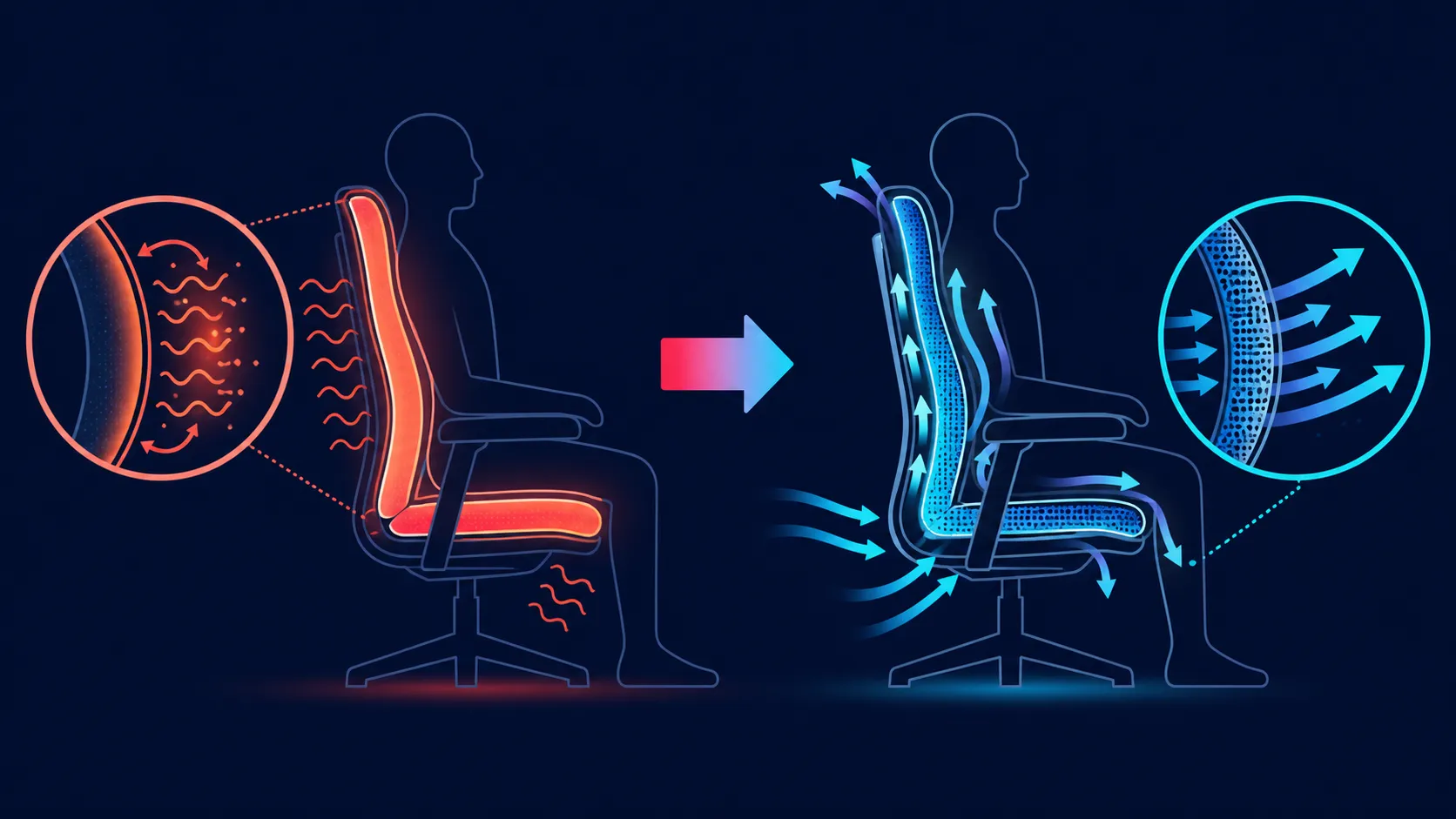
Check the room, clothing, session length and posture first. The R16,599 AutoFull M6 Pro+ 2.0 includes active ventilation in its air-conditioned seat, giving the user a function to test. Fan speed, noise and exact cooling effect cannot be assumed.
Note when warmth begins, the room state and what the user is wearing. Compare a shorter and longer session without changing several variables at once. This helps identify whether sustained contact is central.
Explore Evetech's AutoFull gaming chairs after documenting the problem clearly.
Learn the M6 Pro+ controls and operate ventilation according to its instructions. Keep the chair position and room stable during the first test. No universal fan level or duration should be prescribed.
Active airflow may change the experience but cannot guarantee a cool seat for every person.
Shift posture and take ordinary movement breaks rather than maintaining one contact pattern indefinitely. The chair's dynamic lumbar and adjustable armrests can support changing positions.
Place the climate notes alongside mechanical adjustment while browsing Evetech's local gaming-chair range.
The M6 Pro+ also includes heating. Make sure the intended mode is selected and follow the exact operating procedure; do not infer control behaviour.
Warmth is not a medical diagnosis, and ventilation is not treatment. At R16,599, assess whether the active climate package addresses a recurring practical need.
Troubleshoot with one controlled change. Keep the same room, clothing, task and chair position for a short comparison, then operate ventilation according to the exact controls. Write down the start condition, the chosen setting and the result. If several variables change together, the observation cannot show whether seat climate, posture or the room made the difference.
On another day, repeat the routine without altering lumbar, arms or recline. Confirm that the feature is operating as intended and that its power route is secure around the moving chair. Do not prescribe a fan speed or expected sound; those characteristics must be checked on the unit. If performance appears abnormal, use the proper support path rather than opening or modifying the system.
Also examine non-climate contributors. A long unbroken session, unsuitable clothing, direct sunlight or a changed contact position can affect how warm the seat feels. Plan normal movement breaks and compare notes across representative sessions. Test heating separately in conditions where it is relevant so the two modes are not confused. Persistent physical symptoms belong with an appropriate professional, not a longer settings experiment.
If the controlled tests show no useful change, return to the operating checklist before drawing a conclusion. Confirm that the intended mode was selected and that the setup follows the chair's proper guidance. Keep the chair intact and use the appropriate support channel for a suspected fault. Troubleshooting should narrow observable variables, not create an unsafe repair experiment or promise a comfort outcome.
Keep the log concise enough to use: date, room condition, task, mode, chair position and result. A consistent six-field record makes patterns easier to spot than free-form impressions. Close each entry with the next single variable to test, preventing the following session from becoming an uncontrolled collection of changes.
Record the room, clothing, session length and sustained-contact pattern before changing multiple chair settings.
Yes. Ventilation is one mode of the chair's air-conditioned seat.
No. Check the exact chair controls and normal operating guidance for those details.
No. Personal response and surrounding conditions continue to influence seat warmth.
Yes. Ordinary movement changes contact and belongs in a long-session comfort plan.
Yes, the same climate seat includes a heating function for colder conditions.
Ready to diagnose seat warmth one variable at a time? Browse Evetech's gaming chairs after recording room conditions, contact time, ventilation use and position changes.
Record the room, clothing, session length and sustained-contact pattern before changing multiple chair settings.
Yes. Ventilation is one mode of the chair's air-conditioned seat.
No. Check the exact chair controls and normal operating guidance for those details.
No. Personal response and surrounding conditions continue to influence seat warmth.
Yes. Ordinary movement changes contact and belongs in a long-session comfort plan.
Yes, the same climate seat includes a heating function for colder conditions.
550W for RTX 5080 Super needs a full-build check, not a simple yes. Review GPU guidance, CPU draw, transient load, connectors, PSU quality, and upgrade plans before deciding.
Read more
8000Hz polling is overrated for most SA gamers because gains can be tiny next to battery drain and monitor limits. Mbombela players should weigh mouse feel, game support, and system stability before chasing the number.
Read more
Magnetic switches are taking over SA gaming keyboards because actuation can be tuned. For Sandton gamers, rapid trigger, reset control, and profile depth can help, but layout, key feel, and software quality still matter.
Read more
Polokwane oled monitor value questions need cautious SA context because pricing can move with availability, exchange rates, specs, and warranty support. Treat the trend as a planning signal, not a fixed price promise.
Read more
Arc B580 budget builds for Midrand gamers can shift with exchange rates, supply, specs, and model tier. Treat the title as a buying prompt, then compare SA warranty, timing, and build priorities.
Read more
ROG Ally X may beat the LCD Steam Deck for SA gamers who value stronger handheld performance, more memory, and Windows flexibility. Compare battery life, controls, game libraries, and Polokwane support needs before deciding.
Read more
Minisforum's M2 Pro pairs Core Ultra X7, Arc B390 graphics and 32GB onboard memory in 1.8 litres. SA buyers should weigh its fixed memory and $1,439 launch offer against local mini PCs.

Lenovo says Legion Go failures linked to BIOS N3CN42WW are not user error. Affected SA owners should stop retrying the update, preserve proof and open a support case.

Smart monitors can add apps and convenience, but they also add privacy settings and unwanted-software risk. SA buyers should audit the operating system before paying for extras.

A fake 113GB GTA VI ISO reportedly used empty padding around a small malware payload. SA gamers should delete unofficial builds, keep Windows security active and wait for official channels.

ASUS calls the ROG GT-BN98 the first Wi-Fi 8 gaming router. SA buyers should fix coverage and client limits before paying for a future wireless standard.

Apple's M6 Mac mini adds faster AI, graphics and networking in the same compact format. SA buyers should wait for a rand listing before comparing value.

The Vulcan II XP adds hot-swappable switches, sound damping and gaming controls to a full-size wired board. SA buyers should compare feel before features.

Microsoft says Windows on Arm now has over 7,000 verified apps and games. SA buyers should still check each driver, game and work tool before switching.

Xbox Insiders can test disc-to-digital from 31 August 2026. Supported Xbox One and Series X discs gain a digital entitlement, but older discs, regions and title coverage still need exact checks.

ViewSonic's XG2738 pairs QHD QD-OLED with 240Hz and automatic panel care. SA buyers should compare warranty, brightness, ports and burn-in protection against today's R9,999-plus OLED shelf.

NVIDIA's final Windows 10 Game Ready driver is due in October 2026. SA gamers can keep using their GPU, but new game optimisations move on while critical security fixes continue quarterly.

JBL's new Quantum 520, 520X and 120 headsets cover wireless, Xbox-certified and wired use. SA buyers should compare connection, comfort and microphone needs before paying for a new badge.