Quick Answer
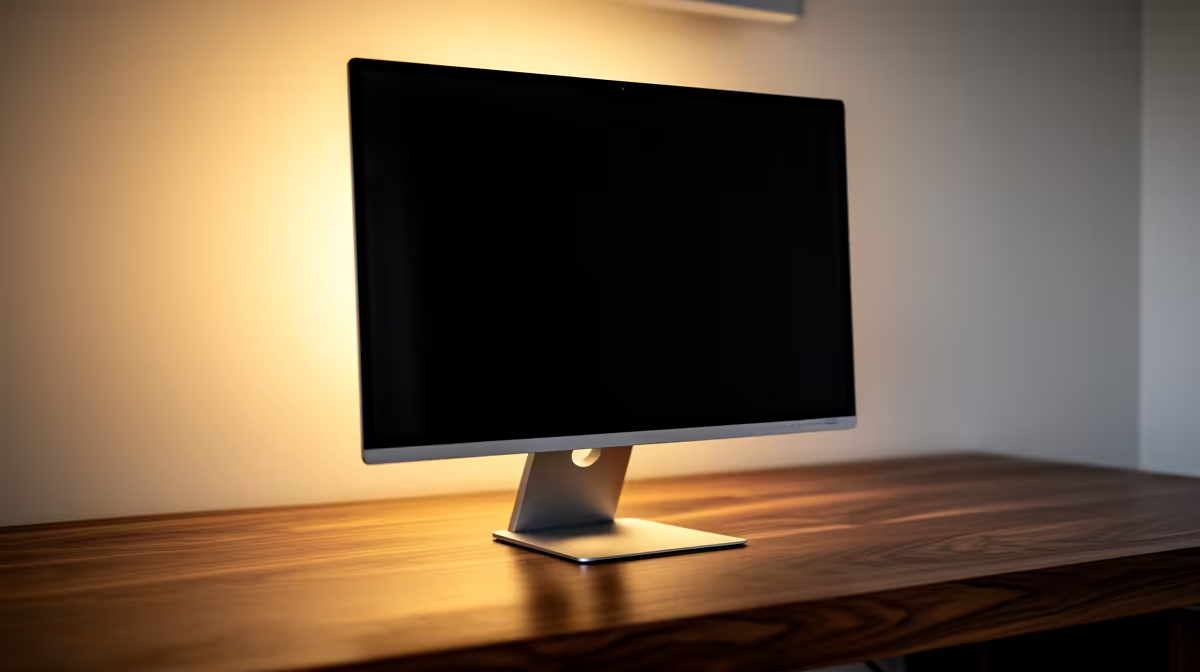
All-in-one PCs stay niche in SA desktop setups because they look neat but usually limit upgrades, cooling and repair flexibility. They suit reception desks, kitchens, classrooms and simple office tasks more than gaming or long-term workstation use. A mini PC plus monitor often gives the same clean desk with easier replacement later.
Where compact PCs make sense
A Core i5, Ryzen 5 or similar mini PC with 16GB RAM and a 512GB or 1TB SSD is enough for many office roles. It can mount behind a monitor, reduce cable clutter and keep a shared desk tidy. For call centres, admin teams and home offices in South Africa, that simplicity can matter more than upgrade freedom.
The upgrade trade-off
Compact systems usually restrict GPU upgrades, cooling options and internal storage expansion. A tower is better for users who may add a graphics card, capture card or multiple drives. Before choosing compact, confirm how long the machine must last and whether the job might change.
Monitor and port checks
Count screens, USB devices and network needs before ordering. Dual HDMI or DisplayPort support, Wi-Fi 6, gigabit Ethernet and enough front USB ports make the setup easier. A neat PC with too few ports quickly turns into a hub-heavy desk.
FAQ
Can a mini PC replace an office tower?
Yes for everyday office work, browser tools and video calls. It is not ideal for GPU-heavy work or gaming upgrades.
Is an all-in-one worth it?
It is worth it for very tidy public-facing desks. A separate mini PC and monitor is usually easier to service.
How much RAM should office workers choose?
16GB is the practical floor. Choose 32GB for heavier spreadsheets, many browser tabs or longer ownership.
Desk check
Count monitors and USB devices before choosing compact hardware; ports decide whether the clean setup stays clean.
Check the practical fit before you buy.
Compare the part against your monitor, desk space, cooling, storage and weekly games so the final setup feels balanced rather than just impressive on paper.