



550W PSU Planning for RTX 5080 Super Builds in SA
550W for RTX 5080 Super needs a full-build check, not a simple yes. Review GPU guidance, CPU draw, transient load, connectors, PSU quality, and upgrade plans before deciding.
Read moreA fightstick can fail on a console when the system is unsupported or has not recognised the controller. The GameSir C2 supports PS4 and Xbox One alongside PC, so identify the exact console before troubleshooting inputs or controls.
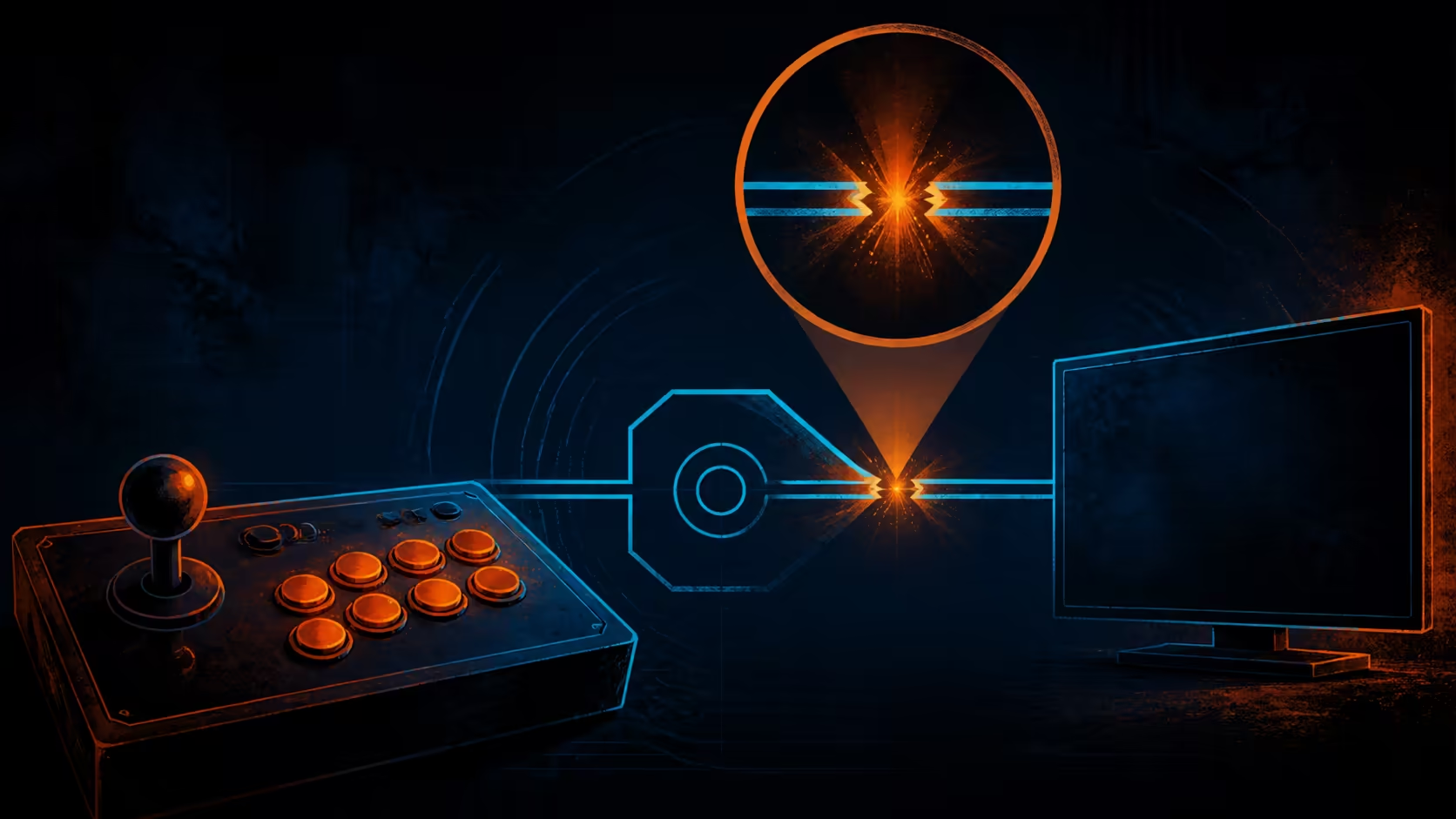
An unresponsive controller invites frantic button pressing, but that usually hides the first useful clue. When an arcade fightstick is not working on a console, identify the exact system, establish recognition and isolate one control layer at a time.
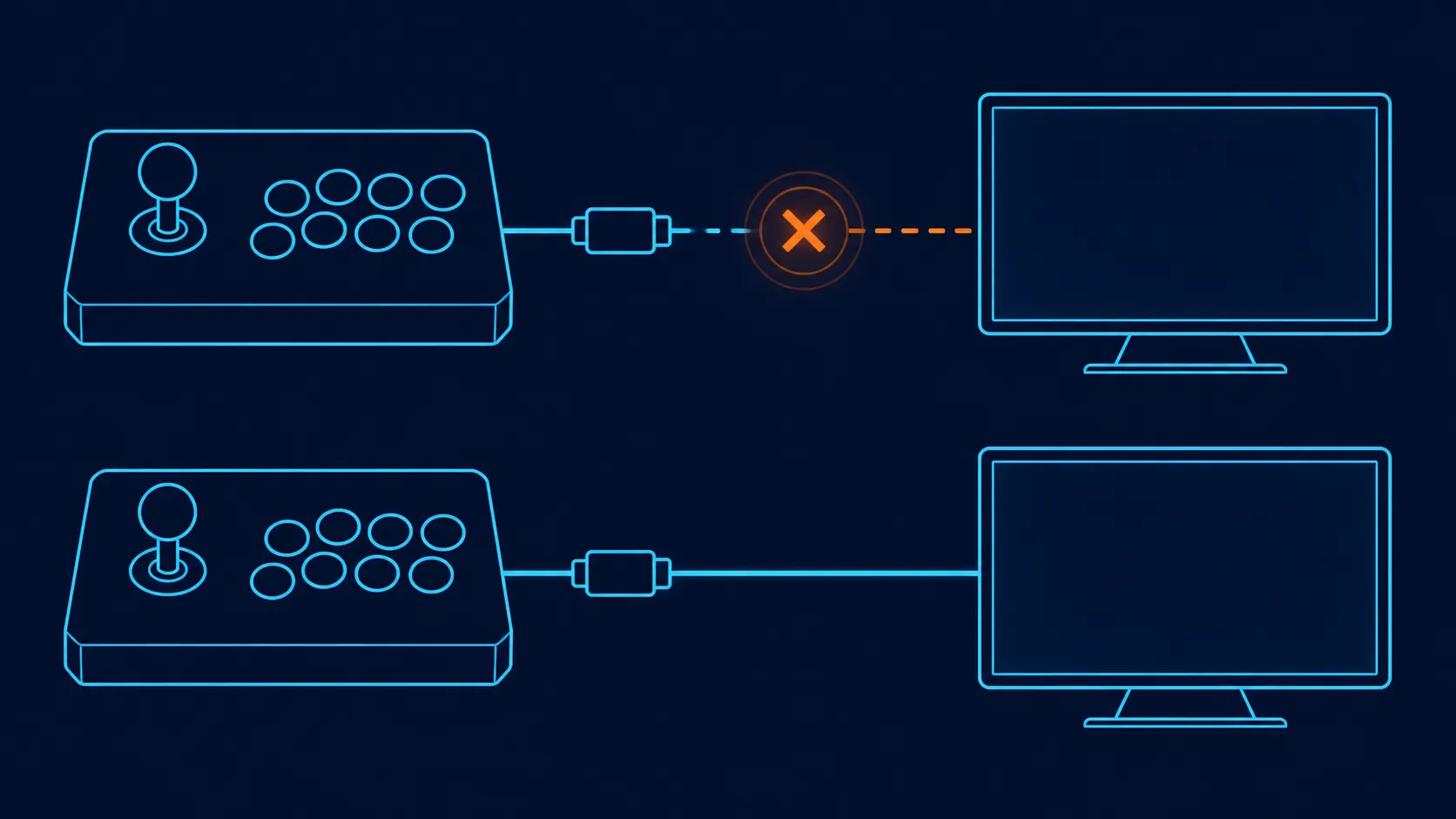
The C2 spans current and previous PlayStation or Xbox families, Nintendo Switch and computer use, so failure on a named system points to setup rather than unsupported hardware.
Confirm that the console is one of the C2's named systems, then check whether it recognises the fightstick before troubleshooting individual inputs. The R1,799 controller covers six platforms across PC, PlayStation, Xbox and Switch.
"PlayStation" or "Xbox" is too broad for a compatibility diagnosis. Read the actual generation and compare it with the product's named list. Sony support covers the fourth and fifth generations; Microsoft runs from Xbox One into Series X/S. An unnamed generation remains outside that answer.
If the platform falls outside those names, stop the control-level diagnosis until compatibility is confirmed. Repeated reconnection cannot repair a mismatch between controller support and the target system.
Use the gaming-controller range to compare explicit platform options if the current console is not covered.
First determine whether the console detects a controller at all through its normal interface. If it does, move to a menu where directional and confirmation inputs produce visible responses. If it does not, consult the C2's platform-specific connection instructions; its precise connection method should not be guessed.
Avoid changing console settings, game mapping and hardware controls together. Note one action and its result, then proceed. This simple log turns an apparent total failure into a smaller question about recognition or an individual input.
The GameSir includes a multi-functional directional toggle. An unintended selection can make movement appear wrong even when other buttons respond. Confirm the proper C2 mode from its instructions, then test up, right, down and left with the lever returning to centre each time.
Use only C2-confirmed toggle labels and avoid positions borrowed from another arcade controller. The observed response on the supported console is the evidence that matters for this diagnosis.
For organised cable paths or storage around a recognised controller, browse gaming accessories after the core fault has been identified.
The C2 also has a key lock button. Compare input response in the unlocked and engaged states according to its instructions. A lock left in an unexpected state can complicate diagnosis, but its exact restricted controls need to be observed rather than presumed.
Artwork customisation does not affect platform support. If the faceplate appearance changed recently, focus only on whether the documented work interfered physically; do not treat graphics as an electronic compatibility setting.
Use a simple fault table with three columns: observation, last change and next single test. "No system response" belongs with recognition; "menu works, game does not" points toward software handling; "one direction differs" moves attention to the selector and mapping layers. This classification prevents a console issue from being disguised by random button presses and repeated reconnection attempts.
Photograph or copy any on-screen error wording exactly. A precise message is more useful than a remembered paraphrase when seeking product or platform support.
Select the correct directional interpretation, confirm 5V/500mA power and test recognition before remapping buttons. Keep the key lock off during diagnosis so function changes remain available. Then isolate the lever and each Sanwa button one at a time.
A visible system-detection result should come before any game-specific remapping attempt.
Write down the exact model generation. Console coverage begins with Microsoft's One and Series X/S, then Sony's PS4/PS5 and Nintendo Switch; computer support completes the six-platform list.
Check whether the system sees a controller before opening the game. Once recognised, use a simple menu to examine directions and actions individually.
Yes, a selected directional function may change the response. Follow the C2 guidance and test four directions without altering other settings.
Their maker identity does not reveal the cause of a console-recognition issue. Work outward from platform support and controller detection first.
Inspect it after recognition, especially if some controls work while others appear inactive. Compare both states using the same input sequence.
Choose a controller with explicit support for that exact platform. The C2's R1,799 price cannot compensate for a compatibility mismatch.
Ready to replace guesswork with a compatibility-first check? Explore Evetech's controller selection by exact console generation, then add setup accessories only after recognition works.
Write down the exact model generation. Console coverage begins with Microsoft's One and Series X/S, then Sony's PS4/PS5 and Nintendo Switch; computer support completes the six-platform list.
Check whether the system sees a controller before opening the game. Once recognised, use a simple menu to examine directions and actions individually.
Yes, a selected directional function may change the response. Follow the C2 guidance and test four directions without altering other settings.
Their maker identity does not reveal the cause of a console-recognition issue. Work outward from platform support and controller detection first.
Inspect it after recognition, especially if some controls work while others appear inactive. Compare both states using the same input sequence.
Choose a controller with explicit support for that exact platform. The C2's R1,799 price cannot compensate for a compatibility mismatch.
550W for RTX 5080 Super needs a full-build check, not a simple yes. Review GPU guidance, CPU draw, transient load, connectors, PSU quality, and upgrade plans before deciding.
Read more
8000Hz polling is overrated for most SA gamers because gains can be tiny next to battery drain and monitor limits. Mbombela players should weigh mouse feel, game support, and system stability before chasing the number.
Read more
Magnetic switches are taking over SA gaming keyboards because actuation can be tuned. For Sandton gamers, rapid trigger, reset control, and profile depth can help, but layout, key feel, and software quality still matter.
Read more
Polokwane oled monitor value questions need cautious SA context because pricing can move with availability, exchange rates, specs, and warranty support. Treat the trend as a planning signal, not a fixed price promise.
Read more
Arc B580 budget builds for Midrand gamers can shift with exchange rates, supply, specs, and model tier. Treat the title as a buying prompt, then compare SA warranty, timing, and build priorities.
Read more
ROG Ally X may beat the LCD Steam Deck for SA gamers who value stronger handheld performance, more memory, and Windows flexibility. Compare battery life, controls, game libraries, and Polokwane support needs before deciding.
Read more
Minisforum's M2 Pro pairs Core Ultra X7, Arc B390 graphics and 32GB onboard memory in 1.8 litres. SA buyers should weigh its fixed memory and $1,439 launch offer against local mini PCs.

Lenovo says Legion Go failures linked to BIOS N3CN42WW are not user error. Affected SA owners should stop retrying the update, preserve proof and open a support case.

Smart monitors can add apps and convenience, but they also add privacy settings and unwanted-software risk. SA buyers should audit the operating system before paying for extras.

A fake 113GB GTA VI ISO reportedly used empty padding around a small malware payload. SA gamers should delete unofficial builds, keep Windows security active and wait for official channels.

ASUS calls the ROG GT-BN98 the first Wi-Fi 8 gaming router. SA buyers should fix coverage and client limits before paying for a future wireless standard.

Apple's M6 Mac mini adds faster AI, graphics and networking in the same compact format. SA buyers should wait for a rand listing before comparing value.

The Vulcan II XP adds hot-swappable switches, sound damping and gaming controls to a full-size wired board. SA buyers should compare feel before features.

Microsoft says Windows on Arm now has over 7,000 verified apps and games. SA buyers should still check each driver, game and work tool before switching.

Xbox Insiders can test disc-to-digital from 31 August 2026. Supported Xbox One and Series X discs gain a digital entitlement, but older discs, regions and title coverage still need exact checks.

ViewSonic's XG2738 pairs QHD QD-OLED with 240Hz and automatic panel care. SA buyers should compare warranty, brightness, ports and burn-in protection against today's R9,999-plus OLED shelf.

NVIDIA's final Windows 10 Game Ready driver is due in October 2026. SA gamers can keep using their GPU, but new game optimisations move on while critical security fixes continue quarterly.

JBL's new Quantum 520, 520X and 120 headsets cover wireless, Xbox-certified and wired use. SA buyers should compare connection, comfort and microphone needs before paying for a new badge.