Quick Answer
Adding more fans rarely fixes high temperatures on its own. The most common culprits are incorrect airflow direction, poor thermal paste application, restrictive case panels blocking intake, and inadequate CPU or GPU cooler contact, none of which extra fans resolve.
Why More Fans Can Make Things Worse 🔧
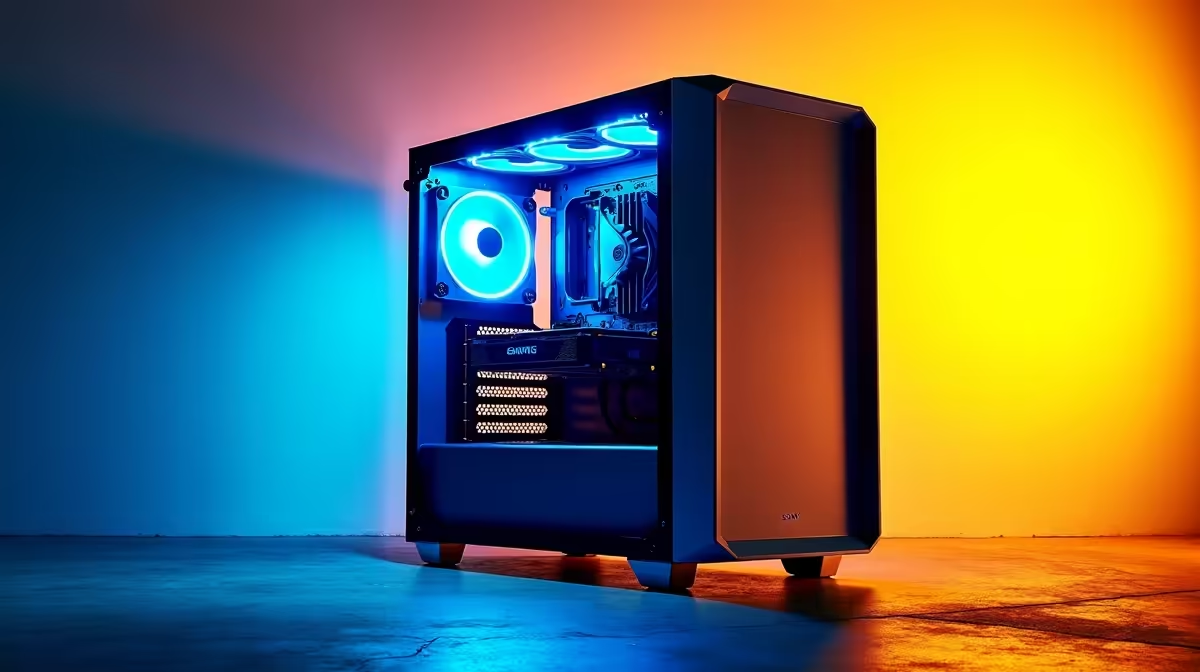
Every fan added to a case changes the pressure balance between intake and exhaust. Adding a third exhaust fan without matching intake creates negative pressure, pulling dusty air through every mesh gap, screw hole, and panel seam. That unfiltered air bypasses your filters entirely, coats heatsink fins in dust, and actually raises temperatures over time. Positive pressure (more intake than exhaust) is generally preferred for South African homes where red Highveld dust and coastal humid air carry fine particulate that clogs cooling fins quickly. Before adding another fan, check whether your current fans are spinning in the correct direction and that their blades face the right way relative to the case opening.
Check Your Thermal Interface and Cooler Mount 🖥️
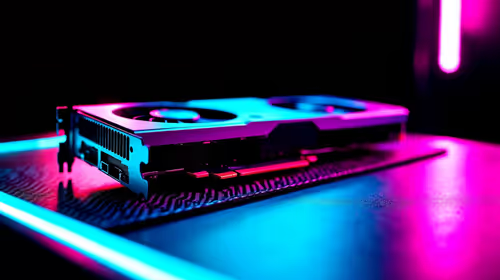
A GPU hitting 90 degrees Celsius in a case with four fans is almost never an airflow problem. It is far more likely that the GPU heatsink has dried thermal paste, a loose retention bracket, or a cooling shroud fan that is failing. Reseat the GPU cooler with fresh thermal compound (a pea-sized dot of quality paste) and confirm the shroud fans are spinning under load. For CPU temperatures above 85 degrees on a Ryzen 7 9700X under gaming load, check that your cooler mounting pressure is even and that the AM5 socket clips are properly seated, a common miss after a first build.
Use HWiNFO64 to Isolate the Source ⚡
Download HWiNFO64 and run a 15-minute stress test with Furmark and Cinebench simultaneously. Monitor CPU package temp, GPU hotspot, and VRM temps separately. If only one component is spiking, the fix is component-specific rather than a whole-case airflow overhaul. SA-based software download mirrors make this tool easy to grab without chewing international data.
Common Blockages SA Builders Miss 🔎
Several physical issues cause poor thermals regardless of fan count. Dust filters on intake vents that have not been cleaned in three months cut airflow by 20 to 40%. Cable bundles stuffed in front of a GPU shroud redirect exhaust heat back into the intake stream. Cases with solid steel front panels (common in older mid-tower designs) starve intake fans of fresh air even at full RPM. Replacing a solid-front case panel with a mesh alternative can drop GPU temperatures by 5 to 12 degrees Celsius without adding a single fan. Also verify that GPU backplate venting, if present, is not obstructed by a PCIe riser cable or cable tie.
FAQ
How many fans is the right number for a gaming PC?
Most mid-tower builds perform optimally with three 120mm intake fans and two 120mm exhaust fans, or two 140mm intake and one 140mm exhaust. Beyond that, returns diminish rapidly and the cost of fans and headers outweighs thermal benefit.
Could my ambient room temperature be causing the problem?
Yes. In a Johannesburg home office in January, ambient temperatures of 28 to 32 degrees Celsius set the floor for all cooling. An air-conditioned room at 22 degrees can drop CPU temperatures by 6 to 10 degrees compared to an uncooled room, with no hardware changes at all.
Is it worth replacing my cooler before buying more fans?
Almost always. A R600 to R900 upgrade from a stock cooler to a quality 120mm tower cooler delivers more temperature reduction than adding two case fans. Fans should complement a capable cooler, not substitute for one.
Struggling with high temps despite multiple fans?
Evetech stocks quality CPU coolers, thermal compounds, and replacement case fans. Check the cooling category to find the right solution for your specific bottleneck.