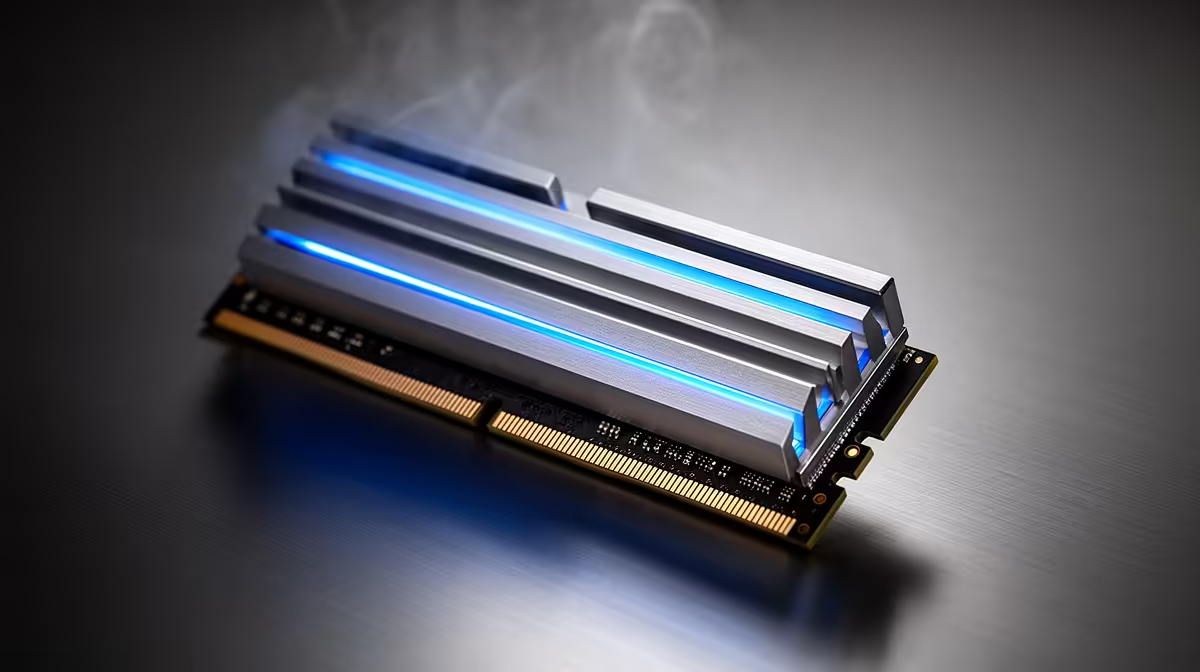
Buy a fast DDR5 kit, install it, boot up, and check the speed reading in Windows, only to find a number well short of what the box promised. It is a common moment of confusion, and it usually has a simple fix once you understand how a b860m motherboard boots memory by default.
Quick Answer
DDR5 memory typically boots at a conservative JEDEC-standard speed until you manually switch on its rated profile in the BIOS. Flipping that setting is all it takes to unlock speeds up to 8666MT/s with overclocking, and the ASUS B860M MAX Gaming AX supports exactly that, at a price of R4,499.
JEDEC Speed Versus the Number on the Box
Every DDR5 module carries a base JEDEC speed guaranteed to work on virtually any compatible motherboard with zero manual setup. The higher, flashier figure printed on the packaging, often the reason you paid more for that kit, is an overclocked profile the memory can reach, but only once the board is told to apply it. Until then, the system runs it safely at the lower default.
Why Manufacturers Set It Up This Way
Booting at the safe JEDEC speed guarantees the system starts reliably no matter which CPU or board it lands in. The faster rated speed depends on how well the specific memory controller and board pair together, so it stays an opt-in step rather than the out-of-box default.
Switching the Profile On in BIOS
Opening the BIOS and enabling the memory's XMP or EXPO profile, the exact label depends on the manufacturer, applies the rated timings and speed the kit was built for. This board makes it a single toggle, after which the system reboots and applies the higher DDR5 speed automatically.
Why This Default Catches Builders Off Guard
Because the system boots and runs perfectly normally at the lower JEDEC speed, nothing flags that performance is being left on the table. It simply looks like the memory is running slower than advertised, which is technically true until the profile gets switched on manually.
Getting the Most Out of This Board
This board's B860 chipset supports DDR5 up to 8666MT/s once overclocked through the memory profile, giving real headroom for a matched high-speed kit. The actual ceiling still depends on the specific kit and how many modules are installed, since four sticks instead of two often means a slightly lower stable speed. Full specs for this B860M board sit on its own listing, and comparing it against the rest of the Intel B860 lineup or the wider Intel motherboard catalogue helps confirm which boards support the DDR5 speed you are planning around.
Frequently Asked Questions
Why is my DDR5 running slower than the box says?
Because DDR5 boots at a conservative JEDEC speed by default. The faster advertised speed only kicks in once the memory's XMP or EXPO profile is enabled in BIOS.
Is it safe to enable the faster memory profile?
Generally yes, since the profile matches speeds and timings the manufacturer tested for that specific kit, though results can vary slightly by board and CPU.
Where do I find this setting in BIOS?
Look for XMP, EXPO or a similarly named memory profile, usually on the main BIOS screen or under an overclocking or Ai Tweaker menu.
Does enabling the profile void my warranty?
Enabling a standard XMP or EXPO profile is a supported feature on modern boards and does not typically affect warranty coverage.
What is the maximum DDR5 speed this board supports?
The ASUS B860M MAX Gaming AX supports DDR5 up to 8666MT/s when overclocked, provided the matching memory profile is enabled in BIOS.
Does running more memory modules lower the achievable speed?
Often, yes. Populating all four slots typically places more electrical load on the memory controller than running two modules, which can trim the maximum stable speed slightly.
Ready to get your DDR5 running at full speed?
The ASUS B860M MAX Gaming AX (R4,499) lives among Evetech's Intel B860 motherboard category, ready to apply fast DDR5 profiles instead of quietly falling back to defaults.