


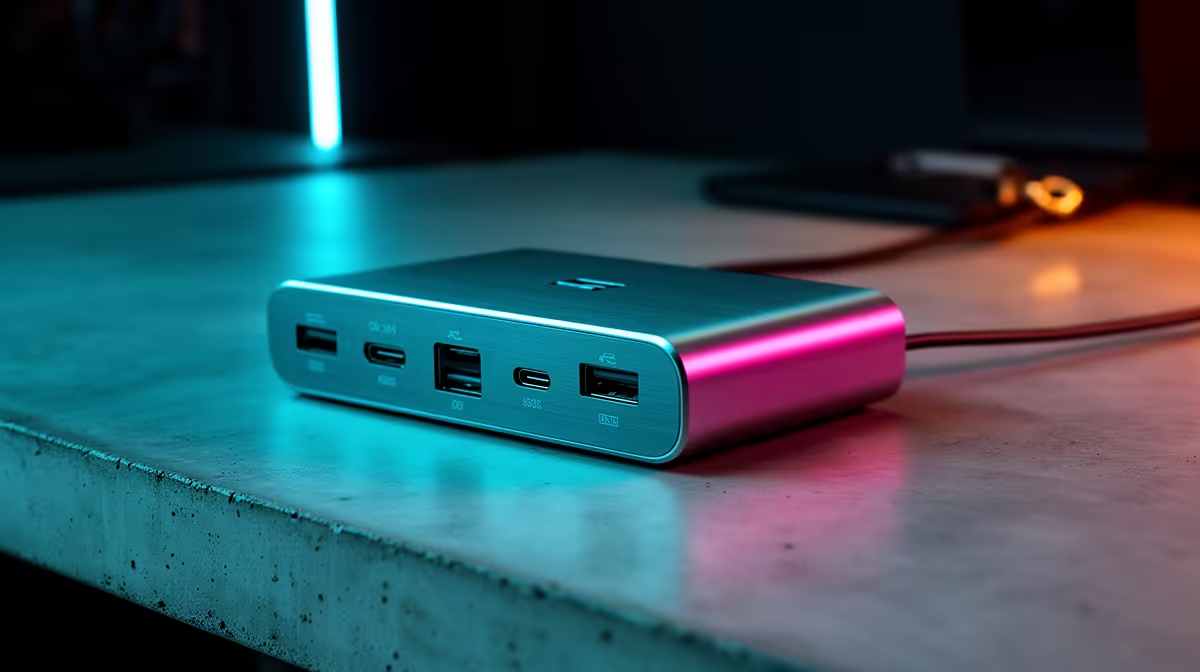
After work, casual gaming on a docked laptop is about a quick, comfortable setup, not a high-end production rig. So are entry-level docking stations enough? For most after-work gamers, the answer is yes. This guide helps South African casual gamers judge whether a budget dock covers relaxed evening play on a laptop.
Quick Answer
Yes, entry-level docking stations (R600 to R1,200) are enough for casual after-work gaming on a laptop. A basic USB-C hub with HDMI, a couple of USB ports and pass-through charging connects an external monitor, controller and headset, which is all relaxed evening play needs. You only need a premium dock for dual high-refresh displays or heavy power demands.
What Casual After-Work Gaming Needs
For relaxed evening gaming on a laptop, a dock's job is simple: connect one external monitor, plug in a controller and headset, and keep the laptop charged. An entry USB-C hub at R600 to R1,200 with HDMI, USB-A ports and pass-through charging does exactly this. You are not running a multi-monitor studio, so a basic dock covers casual play comfortably and lets you go from work to gaming in seconds.
Where Entry-Level Falls Short
Entry hubs typically drive a single display, often capped at 4K 30Hz or 1080p 60Hz over HDMI, and offer limited power, so a gaming laptop drawing more than 65W may charge slowly under load. They lack the bandwidth for dual high-refresh monitors. For casual single-screen evening gaming none of this matters, but a demanding setup with a 144Hz monitor or heavy power draw would feel the limits.
Check HDMI Refresh And Power
To make sure an entry dock suits your casual gaming, check two things: the HDMI output's refresh rate at your resolution, since some cheap hubs cap 4K at 30Hz, which feels choppy, and whether its pass-through power matches your laptop. For 1080p 60Hz casual play, most entry hubs are fine. If you want 1440p or 144Hz, confirm the hub supports it before buying, as that is where budget docks vary.
FAQ
Are entry docking stations enough for casual gaming?
Yes. A R600 to R1,200 USB-C hub with HDMI, USB ports and pass-through charging connects a monitor, controller and headset, which covers relaxed after-work play on a laptop.
Where do budget docks fall short for gaming?
They usually drive a single display, sometimes capped at 4K 30Hz, and offer limited power, so a gaming laptop over 65W may charge slowly. Dual high-refresh setups need a premium dock.
What should I check on an entry dock for gaming?
The HDMI refresh rate at your resolution, since some cap 4K at 30Hz, and whether the pass-through power matches your laptop. For 1080p 60Hz casual play, most entry hubs are fine.
after-work gaming, a R600 to R1,200 USB-C hub is plenty, but check its HDMI caps 1080p at 60Hz, not 4K at 30Hz, and that pass-through power suits your laptop before buying.










