Quick Answer
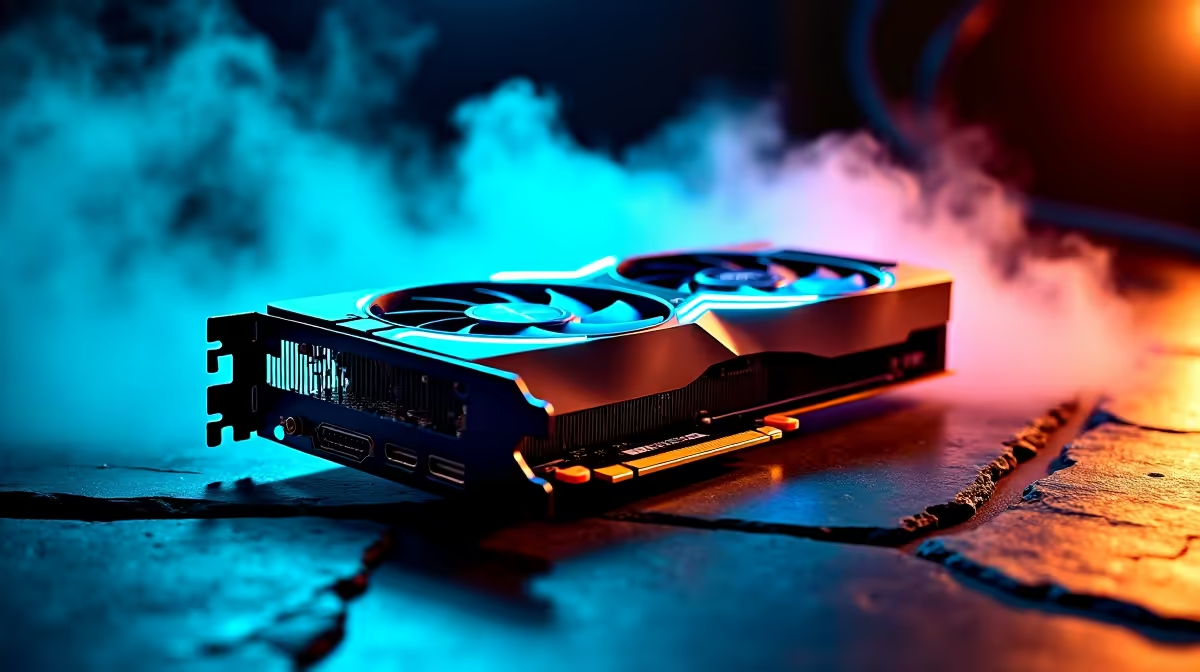
For refreshing an older PC, match VRAM to resolution: 8GB for 1080p, 12GB for 1440p, 16GB+ for high-refresh and heavier work. Graphics cards at Evetech span roughly R5,500 to over R30,000, so set your resolution target first.
A sensible plan for refreshing an older PC
Buy the tier you can justify out loud. Spend up when the extra rand buys something you will feel weekly for refreshing an older PC (steadier frame times, quieter cooling, more headroom), and spend down when a premium feature changes nothing in daily use. If a cheaper choice forces a second purchase within months, it was never the cheaper choice.
What actually moves the needle
Start with the job, not the spec sheet. For refreshing an older PC, VRAM and tier matter more than clock speed: 8GB handles 1080p, 12GB is the 1440p comfort line, and 16GB+ is what high-refresh and heavier work want. Pricing locally runs R5,500 at the entry end to well past R30,000 for high-end cards, so set a number before you browse and resist paying for headroom you will never use for refreshing an older PC.
Where SA buyers overspend (and underspend)
The common mistake is funding one premium part while the graphics card sits in a build that cannot use it. Match it to the rest of the rig and to refreshing an older PC specifically. Warranty handling and local stock at Evetech also matter: a part you can RMA in Johannesburg or Cape Town without a six-week wait is worth more than a marginal benchmark win.
FAQ
How much VRAM do I need for refreshing an older PC?
8GB covers 1080p, 12GB is the comfortable 1440p line, and 16GB+ suits high-refresh play and heavier creative work. Running out of VRAM causes stutter that no amount of raw clock speed fixes.
Will a cheaper card bottleneck the rest of my build?
It can, especially with a fast monitor: if the GPU cannot feed your panel's refresh rate, you waste the screen. Match the card's tier to your resolution and the rest of the rig for refreshing an older PC.
Is it worth waiting for a price drop?
GPU pricing in SA moves with stock and the rand. If a card at Evetech meets your resolution target today and is in budget, buying now usually beats an open-ended wait that delays refreshing an older PC.
Before you check out
| Put your real constraint for refreshing an older PC on paper first (your monitor, case, deadline or budget), then confirm current pricing and stock at Evetech and pick the option that solves that one constraint cleanly.