


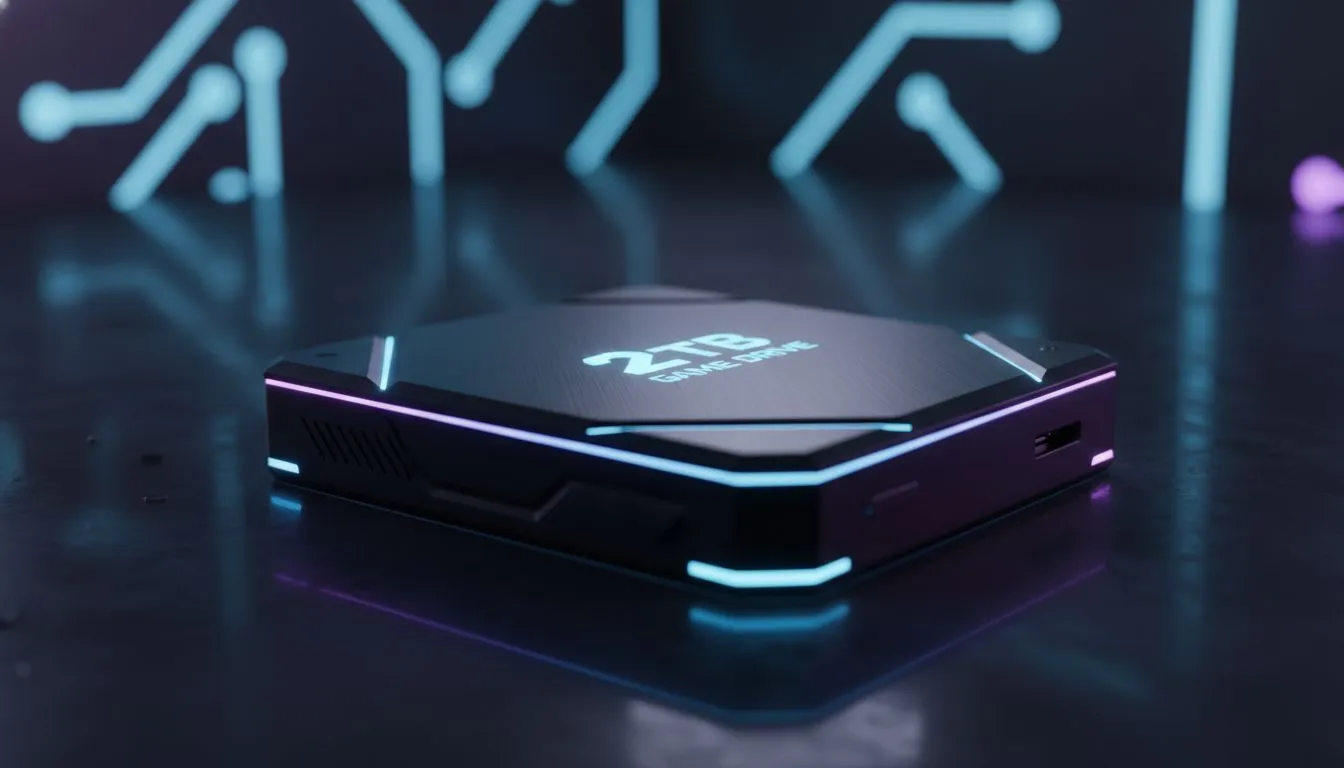
Why a 2TB Game Drive is the Sweet Spot for Modern Gaming
We’ve all been there. You want to install the latest 150GB update, but your drive is screaming for mercy. In South Africa, where data is precious and gaming is life, managing storage shouldn’t feel like a chore. A 2TB Game Drive offers the perfect balance for massive game libraries, ensuring you never have to choose which child to delete again. 🚀
With modern titles like Call of Duty or Cyberpunk 2077 easily exceeding 100GB, a standard 500GB drive fills up before you even finish your first playthrough. Upgrading to a high-speed external SSD allows you to carry your entire collection with you. It is about more than just space... it is about the freedom to play what you want, when you want.
Performance Benefits for Massive Game Libraries
Speed is the silent hero of any gaming setup. If you are still running games off an old mechanical hard drive, you are missing out on the responsiveness of a modern solid state drive. A 2TB Game Drive doesn't just hold more data... it moves it faster. This means shorter load times and no more staring at loading screens while your friends are already in the lobby.
For those who demand the absolute best, upgrading to PCI Express NVMe storage is a total necessity. These drives plug directly into your motherboard to eliminate bottlenecks. If you are building a future-proof rig, looking into cutting-edge Gen 5 NVMe drives will give you speeds that were unthinkable just a few years ago. ⚡
Library Management Pro Tip ⚡
Use the 'Move Install Folder' feature in Steam or Epic Games Launcher to shift your most-played titles to your fastest NVMe drive. Keep your older, less demanding indie games on a secondary external drive to keep your boot drive lean and mean.
Choosing the Right Brand for Your 2TB Game Drive
Reliability is non-negotiable when you are storing terabytes of precious data. You want a brand that has a proven track record in the South African market. Many local gamers swear by ADATA storage solutions for their excellent price-to-performance ratio. They offer great value without compromising on the build quality needed for long gaming sessions.
Alternatively, you might prefer the legendary reliability of Western Digital options or the consistent performance of Kingston drives. Both brands provide robust software tools to monitor your drive’s health. This ensures your massive game libraries remain safe from unexpected hardware failure. ✨
Internal vs External: What Suits Your Setup?
The choice between internal and external storage usually comes down to your specific hardware. If you are a console gamer or a laptop user, a dedicated external form factor is often the easiest way to expand. It is a simple plug-and-play solution that saves you from opening up your chassis.
For desktop purists, an internal M.2 drive is usually the way to go. It keeps your desk clutter-free and offers the highest possible throughput. Regardless of your choice, a 2TB Game Drive ensures your PC or console is ready for the next decade of gaming. 🔧
Ready to Expand Your Library? Don't let a "Disk Full" error stop your win streak. Whether you need the raw speed of an NVMe or the portability of an external drive, we have the best deals in South Africa. Explore our massive range of SSD specials and find the perfect 2TB Game Drive for your setup today.











