


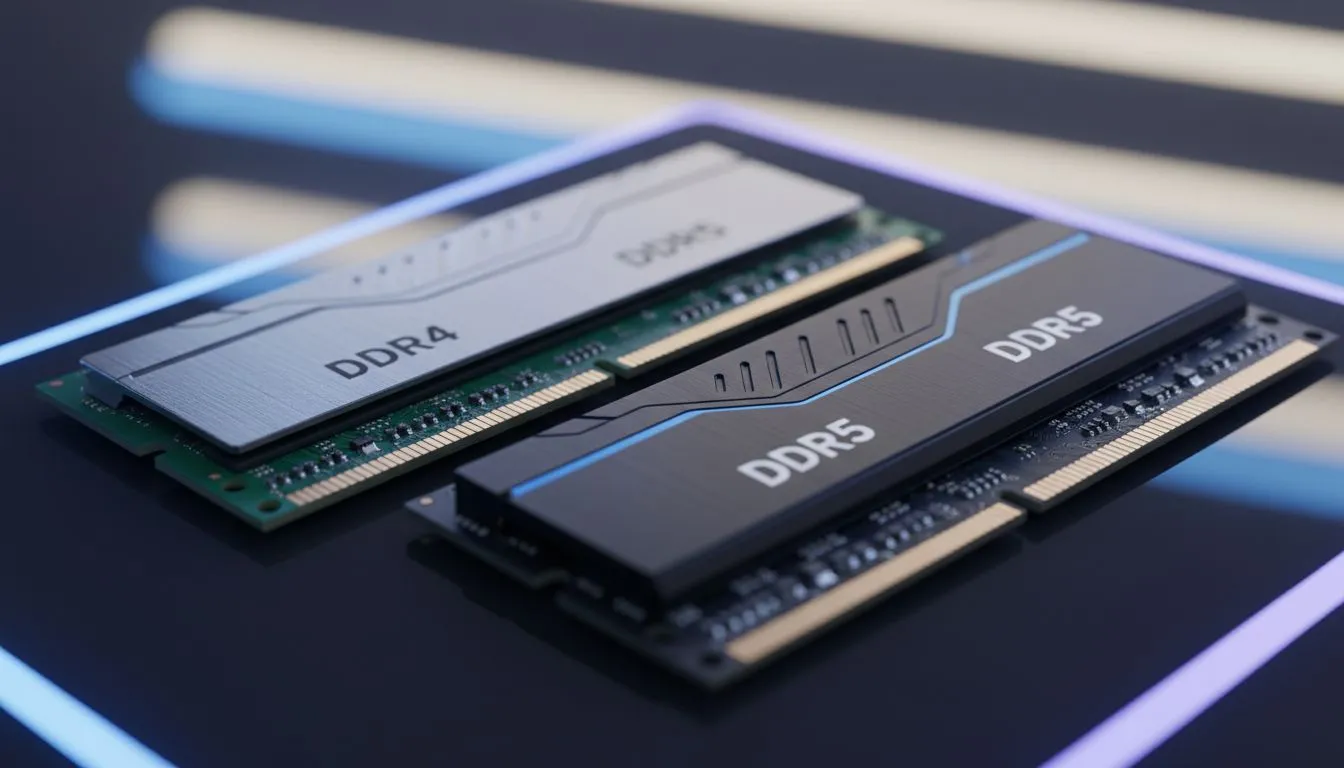
Why RAM Choice Matters for Your Budget
Staring at a laptop spec sheet in South Africa can feel like a balancing act between your bank balance and your frame rates. With DDR5 becoming the new standard, many budget-conscious buyers wonder if the older DDR4 is still a viable choice. Let’s break down the DDR4 vs DDR5 RAM for laptops: Budget buyer guide to see where your Rands are best spent. ⚡
The main difference lies in bandwidth and efficiency. DDR4 has been the reliable workhorse for years, offering stable performance for most modern titles. However, DDR5 brings higher base speeds and improved power management. If you are scouting for Intel laptops on special, you will notice that 12th and 13th Gen models often support both RAM types... but the motherboard determines which one you must use.
Performance vs Price: The South African Reality
For a gamer on a strict budget, DDR4 is often the smarter play. It allows manufacturers to keep the total cost of the machine lower. Those hunting for Ryzen laptop deals should note that newer Ryzen 7000 series chips almost exclusively demand DDR5. This usually pushes the entry price slightly higher.
Is the speed difference noticeable in everyday gaming? For most users... not significantly. While DDR5 can reach speeds of 4800MHz or higher, DDR4 at 3200MHz still handles AAA games with ease. Checking the best gaming laptop deals often reveals that DDR4 machines are significantly cheaper while offering similar in-game FPS when paired with a decent GPU. 🚀
The Dual-Channel Rule ⚡
Always ensure your laptop has two sticks of RAM rather than one. Running in dual-channel mode can boost your frame rates by up to 20% in certain titles. If your budget only allows for 8GB now, make sure there is an open slot to add another 8GB later for an easy performance lift.
Future-Proofing Your Portable Rig
If you plan to keep your laptop for five years or more, DDR5 is the way to go. It is designed to handle the heavier workloads of tomorrow. However, for most gaming laptops under R20k, DDR4 remains the king of value. You get more "bang for your buck" which can be redirected toward a better graphics card. 🔧
High-end performance seekers usually look at GeForce RTX gaming laptops on special. These machines often pair powerful GPUs with DDR5 to ensure there are no bottlenecks. If you are editing 4K video or doing heavy multitasking... the extra bandwidth of DDR5 will definitely save you time. ✨
Ready to Find Your Perfect Match? The DDR4 vs DDR5 debate is complex, but for maximum power, choice, and value in South Africa, Evetech has you covered. Explore our massive range of laptop specials and find the perfect machine to conquer your world.











