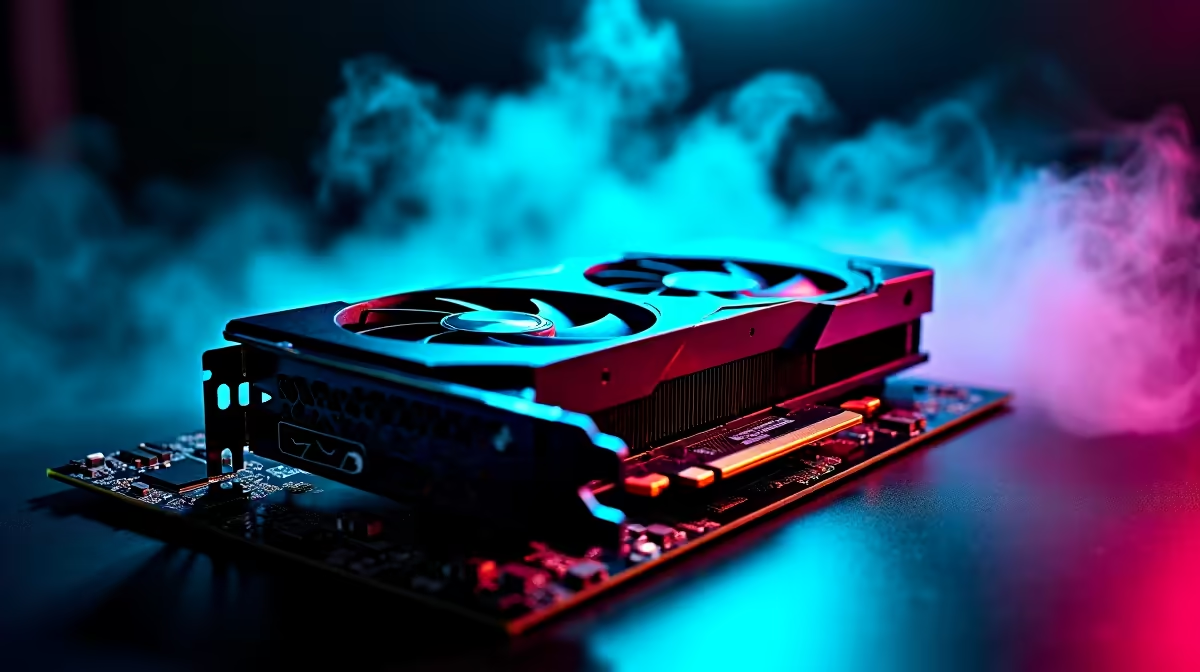
Understanding PCIe 5.0 for Your Next GPU
So, you’re eyeing a beastly new graphics card. You've seen the benchmarks, imagined the frame rates... but then a technical term pops up: PCIe 5.0. What is it, and does it mean your trusty motherboard is suddenly obsolete? Let's clear it up.
Think of PCIe (Peripheral Component Interconnect Express) as the super-highway that connects your graphics card to your motherboard and CPU. Each new generation doubles the speed. PCIe 5.0 offers a staggering 128 GB/s of bandwidth in a full x16 slot, double that of PCIe 4.0. This raw speed is designed for the next wave of ultra-powerful graphics cards and high-speed storage.
The Big Compatibility Question: Will It Work?
Here’s the good news that will save you some ZAR: Yes, a PCIe 5.0 GPU will work perfectly fine in a PCIe 4.0 or even a PCIe 3.0 motherboard slot. The system is fully backward compatible. ✨
But there's a catch. Your brand-new card will only run at the speed of the slot it's plugged into. Plugging a PCIe 5.0 GPU into a PCIe 4.0 slot means it will operate at PCIe 4.0 speeds. It’s like driving a Ferrari in a 60 km/h zone… you can do it, but you're not using its full potential. For most current games and cards, the real-world performance difference is often very small, but it's a factor to consider.
When Does Upgrading Your Motherboard Make Sense?
The real question isn't about basic compatibility, but about optimisation. The decision to upgrade your motherboard for a PCIe 5.0 GPU depends entirely on your build philosophy and budget.
For the Performance Chaser 🚀
If you're investing a significant amount of cash, say over R20,000, on a top-tier NVIDIA GPU or a flagship AMD card, you should absolutely pair it with a PCIe 5.0 motherboard. You're paying for every ounce of performance, and leaving any on the table due to a slower bus speed is a waste. You want to eliminate every possible bottleneck to justify your investment.
For the Smart Upgrader
Are you building a solid mid-to-high-end rig? Your current PCIe 4.0 motherboard is more than capable. The performance gains from jumping to a 5.0 board for most of NVIDIA's powerful lineup or AMD's Radeon offerings are minimal right now. Your money is better spent on a faster CPU, more RAM, or a bigger SSD. Even cards from Intel's Arc series perform brilliantly on PCIe 4.0.
For Creative Professionals
If your work involves massive datasets, 8K video editing, or complex 3D rendering with specialised workstation graphics cards, the extra bandwidth of PCIe 5.0 can actually make a noticeable difference in workflow efficiency and rendering times. In this case, the motherboard upgrade is a sound professional investment.
More Than Just the Slot: Essential Pre-Upgrade Checks 🔧
Before you finalise that GPU purchase, remember that PCIe 5.0 GPU motherboard compatibility is just one piece of the puzzle. Don't forget these crucial checks:
- Power Supply (PSU): High-end GPUs are thirsty for power. Check the card's recommended PSU wattage and ensure your unit can handle it. Many new cards use the 12VHPWR power connector, so you may need an adapter or a new ATX 3.0-compliant, reliable power supply. Investing in full modular units can make cable management much cleaner, too.
- Physical Size: These new cards are massive. Check the GPU's length, height, and slot-width dimensions against your case's clearance specifications.
- CPU Bottleneck: Will your current CPU be able to keep up with your new GPU? An old processor can hold back a new graphics card far more than a PCIe 4.0 slot ever could.
Measure Twice, Buy Once! 📏
Before buying a new GPU, check its dimensions (length, height, and width slot-count) on the Evetech product page. Compare these against your PC case's specifications, usually found on the manufacturer's website. Nothing's worse than a R20,000 card that won't physically fit!
Ultimately, while PCIe 5.0 is the future, it isn't a mandatory upgrade for everyone today. Your current motherboard is likely more than ready for your next big GPU purchase.
Ready to Unleash Maximum Performance?
Whether you're making the jump to PCIe 5.0 or finding the perfect card for your current setup, we've got you covered. Don't let compatibility confusion hold you back from the ultimate gaming experience. Explore our range of high-performance graphics cards and build the rig you deserve.