


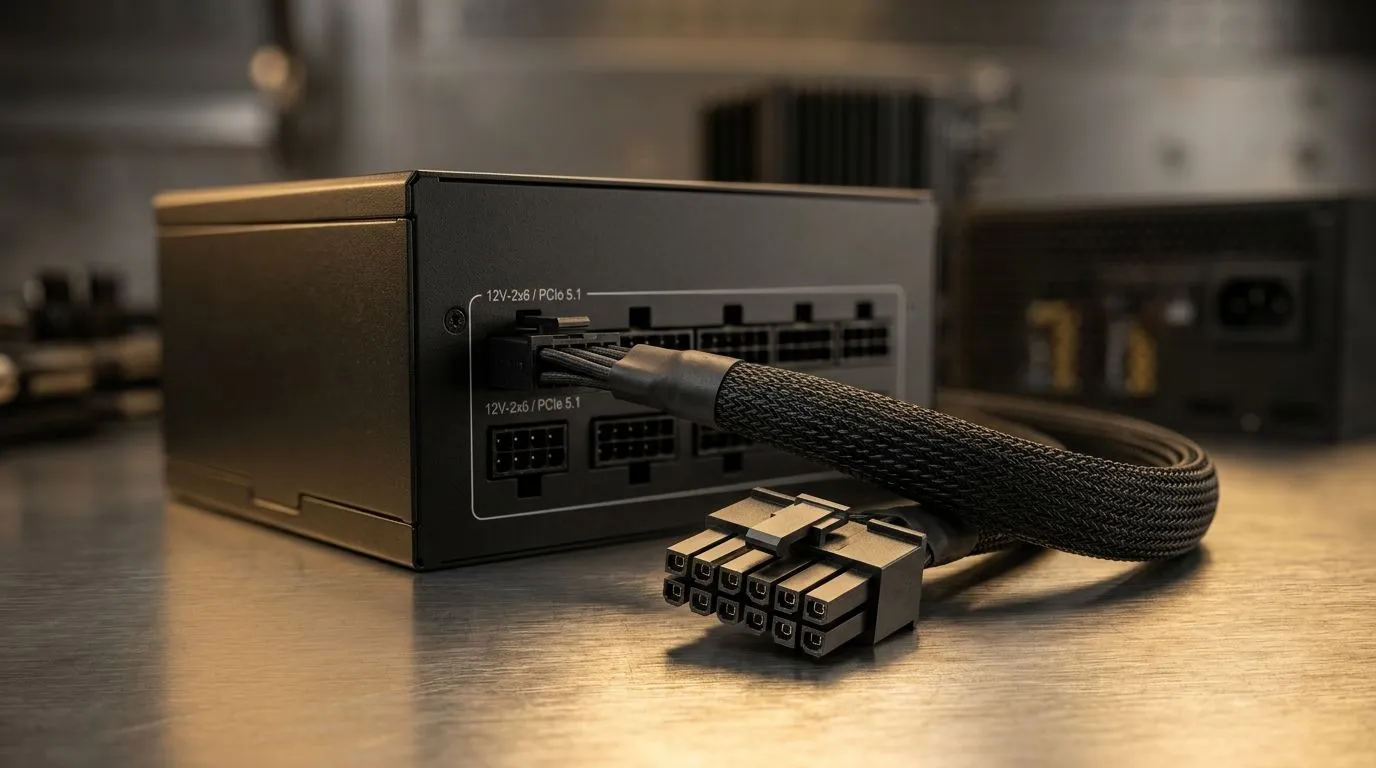
Powering Your Next-Gen Rig
Upgrading to a high-end GPU is the ultimate thrill for any South African gamer, but there’s a catch that catches many off guard: the power connection. If you have recently picked up a new card, you have likely encountered the PCIe 5.1 PSU cable requirement. This isn't just another cable; it is the bridge between your wall socket and your frame rates. Getting it wrong leads to system instability, but getting it right ensures your rig runs cool and quiet under load. ⚡
Why the PCIe 5.1 Standard Matters
Modern GPUs are power-hungry beasts. The shift to the 12VHPWR and newer PCIe 5.1 standards allows for a single, sleek connector to deliver massive amounts of wattage safely. Older power supplies often lack these native connectors, forcing users to rely on messy adapters that clutter your case and create potential points of failure. When looking for a reliable backbone for your system, check out our Corsair power supply range to find units that support these modern standards natively.
Cable Management Pro Tip 🔧
When installing your new PCIe 5.1 cable, ensure there is no sharp bend within 35mm of the connector. A clean, straight connection prevents resistance and keeps your GPU running at peak efficiency for years to come.
Choosing the Right Hardware
If you are building on a budget but still want future-proof reliability, you don't necessarily need the most expensive unit on the shelf. Some brands offer incredible value without sacrificing safety, such as the Gamdias power supply options available on our site. Always prioritise an 80 PLUS certification to ensure you aren't wasting electricity—a critical factor given the current state of the national grid. For those who demand maximum efficiency, browse our selection of 80 PLUS rated units to keep your monthly costs down while your GPU performs at its best. 🚀
Final Considerations
Before you commit to a purchase, double-check your GPU’s specific power requirements. If your card requires a 600W peak, your PSU should ideally sit in the 850W to 1000W range to handle transient spikes. Taking the time to select the right cable and power unit today saves you from troubleshooting headaches tomorrow. ✨
Ready to Find Your Perfect Match? Powering a modern GPU requires a stable, reliable foundation. Whether you are building a budget-friendly machine or a high-end workstation, we have the hardware to keep you running. Explore our massive range of power supplies and find the perfect component to fuel your gaming journey.











