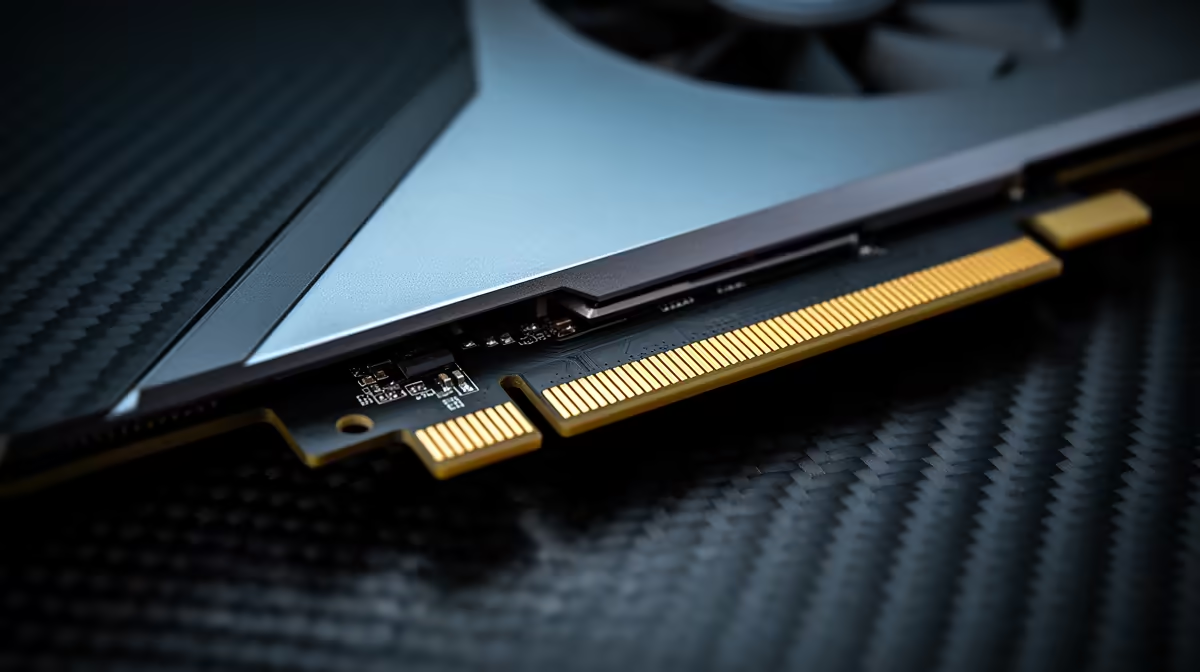
So, you’re planning a new PC build in South Africa. You’ve got your eye on a shiny new motherboard with all the bells and whistles, including that future-proof PCIe 5.0 slot. But your trusty GeForce RTX 30-series or Radeon RX 6000-series GPU is still a beast. The big question hits: can you plug a Gen 4 GPU into a Gen 5 slot without causing a short circuit... or worse, a bottleneck?
Let's clear this up: Absolutely, you can. It's a fantastic way to build for tomorrow without breaking the bank today.
The Magic of PCIe Backwards Compatibility 🔧
Think of PCIe (Peripheral Component Interconnect Express) slots like USB ports. You can plug a USB 2.0 device into a USB 3.0 port, and it just works, right? The same principle applies here. PCIe backwards compatibility is a core feature of the standard, ensuring that older-generation cards work perfectly in newer-generation slots.
When you install a PCIe 4.0 graphics card into a PCIe 5.0 motherboard slot, the connection simply negotiates to run at the slower speed, which in this case is PCIe 4.0. Your PC will boot up, your games will run, and everything will function exactly as it should. The motherboard and GPU automatically handle this handshake—no special software or settings required.
Performance Impact: Are You Losing Frames?
This is the real worry for most gamers. Will using a Gen 4 GPU in a Gen 5 slot cripple your performance?
For gaming, the answer is a resounding no. The bandwidth provided by a PCIe 4.0 x16 connection is already immense—more than enough to feed even the most powerful consumer GPUs on the market today. Tech deep-dives have repeatedly shown that the performance difference between a high-end GPU running at PCIe 3.0 vs 4.0 is often just a few percentage points. The leap to 5.0 is even less of a factor for current cards.
You won't be leaving precious frames on the table. Your focus should be on getting a solid motherboard foundation that supports the features you need now and in the future.
Check Your Lanes! ⚡
When installing multiple devices like a GPU and NVMe SSDs, always check your motherboard manual. Some M.2 slots can share PCIe lanes with your main GPU slot. Populating a certain M.2 slot might drop your x16 GPU slot to x8. For a Gen 4 GPU, this is still plenty of bandwidth, but it's a "gotcha" worth knowing to optimise performance!
So, Why Invest in a Gen 5 Motherboard?
If a Gen 4 GPU doesn't use the full speed, why spend the extra ZAR on a Gen 5-ready board? It’s all about creating a smart upgrade path. 🚀
A modern motherboard is the heart of your rig, and choosing a good one now saves you money and hassle later. Here’s what you’re really buying into:
- Future GPU Ready: When PCIe 5.0 graphics cards become mainstream and affordable, you can just drop one in. No need to rip out and replace your entire motherboard and CPU combo.
- Blazing-Fast Storage: The most immediate benefit of PCIe 5.0 is for NVMe SSDs. Gen 5 drives offer sequential read/write speeds that are almost double their Gen 4 counterparts, which is incredible for loading massive game worlds, video editing, and file transfers.
- Better Features: Newer motherboards often come with improved power delivery for more stable overclocking, faster Wi-Fi and Ethernet, and more robust connectivity options.
Whether you're looking at the latest Intel motherboards for their cutting-edge performance or the value-packed features of powerful AMD motherboards, you're investing in a platform that will last for years.
The Verdict: A Smart Way to Build in SA
Pairing a current-gen PCIe 4.0 GPU with a next-gen PCIe 5.0 motherboard isn't a compromise; it's a strategic move. You get all the performance your graphics card can deliver right now, while building on a platform that's ready for the next wave of PC hardware.
So go ahead, plan that build. That Gen 5 slot is waiting patiently, ensuring your rig stays relevant and powerful for years to come. ✨
Ready to Build a Future-Proof Rig?
A great motherboard is the foundation of every powerful PC. It unlocks performance, stability, and your future upgrade path. Explore our massive range of PC Components and find the perfect core for your next gaming beast.