


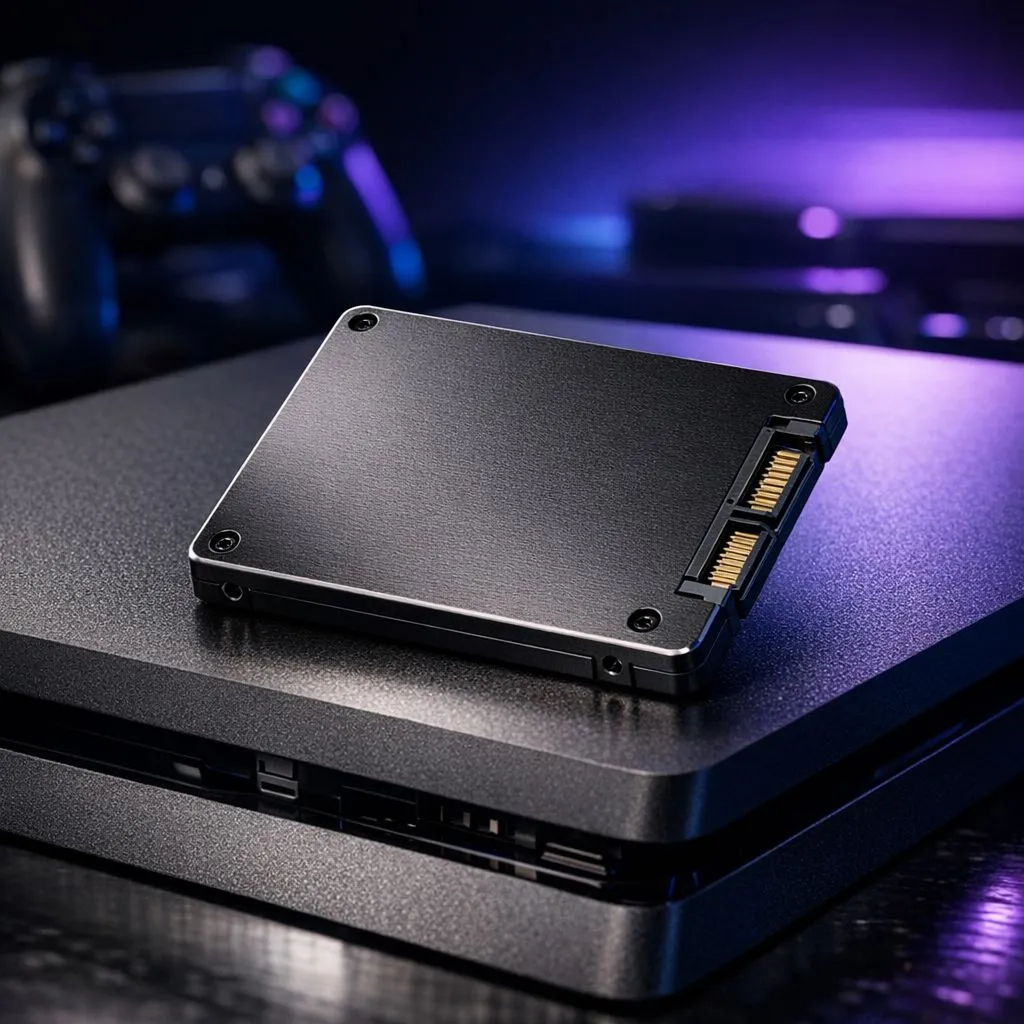
Is your PS4 starting to feel like a relic? Staring at loading screens for minutes while your friends are already in the match is frustrating. A PS4 SSD upgrade: Add a 2.5-inch SSD to your console and breathe new life into your gaming setup. It is the most cost-effective way to slash boot times and make the UI feel snappy again for South African gamers. 🔧
Why a PS4 SSD upgrade makes sense in 2024
Even though the PS5 is out, the PS4 still has a massive library of incredible titles. The bottleneck has always been that slow mechanical hard drive. When you choose a PS4 SSD upgrade: Add a 2.5-inch SSD, you are removing the physical spinning platter. This results in much faster data access.
While high-end PCs are now moving toward Gen 5 drives that offer blistering speeds, the PS4 uses a SATA interface. You do not need the latest NVMe SSDs for this specific project. A standard 2.5-inch drive is exactly what you need to optimise your console performance.
Choosing the right 2.5-inch SSD for your console
Selecting the right brand is vital for reliability. We often recommend Western Digital for their consistent performance... or perhaps Kingston if you are looking for great value for money. Another excellent contender in the South African market is ADATA, providing high endurance for those long gaming sessions. ⚡
You can browse our full range of solid state drives to find a capacity that fits your budget. Most gamers find that a 1TB drive is the "sweet spot" for a decent library size.
Installation Pro Tip ⚡
Before you unscrew anything, ensure you have a USB flash drive formatted to FAT32. You will need to download the PS4 system reinstallation file from the official PlayStation website. This allows you to initialise the new SSD once it is physically installed inside the console bay.
Internal vs External: What is best?
If opening your console feels too daunting, there is another path. You can opt for portable storage to expand your space. Using a plug-and-play external SSD is incredibly simple. You just plug it into the USB port and format it as extended storage.
However, an internal PS4 SSD upgrade: Add a 2.5-inch SSD is generally preferred. It keeps your setup clean and speeds up the actual operating system... not just the games stored on it. ✨
Ready to Speed Up Your Play? Don't let slow hardware hold back your kill-death ratio. Whether you want an internal boost or external convenience, we have the stock to get you back in the game. Explore our massive range of SSD specials and find the perfect upgrade to conquer your digital world.











