


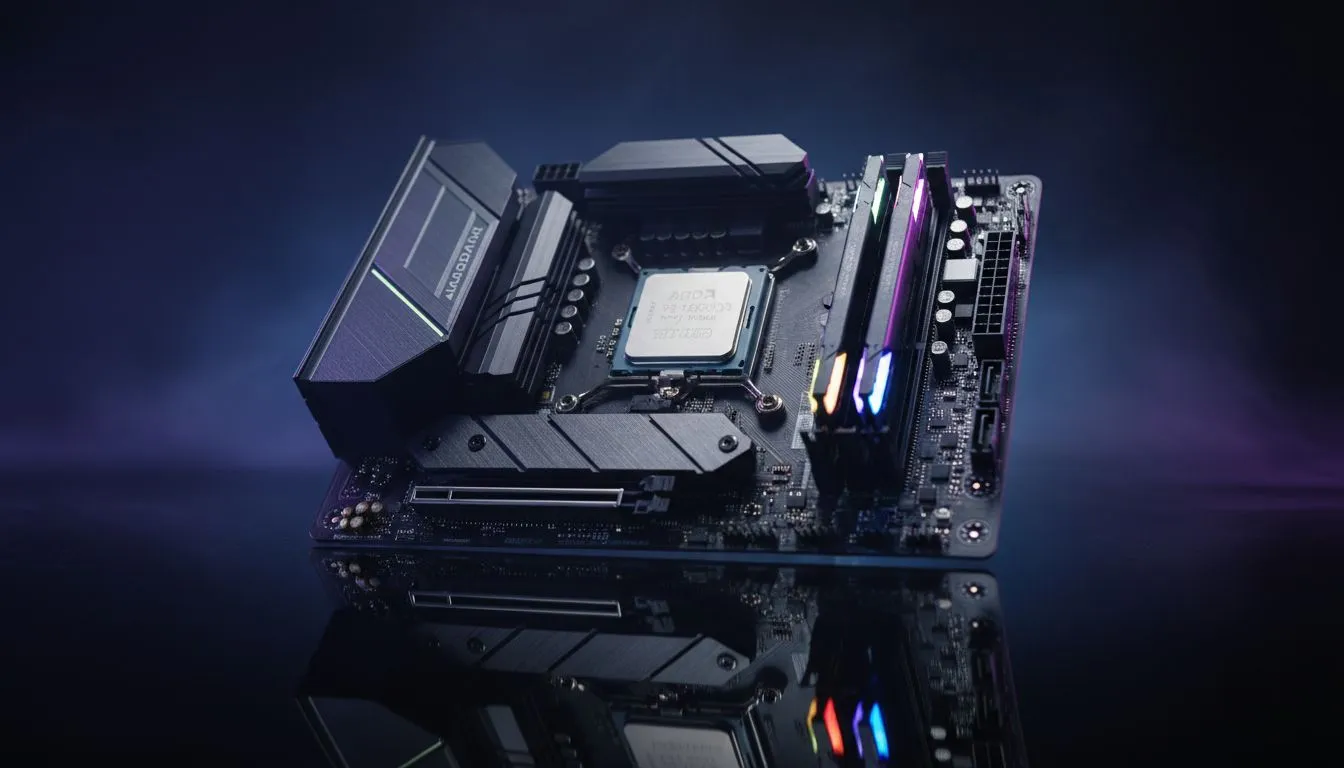
Why a Ryzen 7 7800X3D BIOS Update Matters
So, you’ve secured the king of gaming CPUs. The Ryzen 7 7800X3D is a beast, but leaving it on an outdated BIOS is like putting low-grade petrol in a supercar. In South Africa, where stability is key, getting your BIOS update right the first time is vital for performance and peace of mind. Keeping your firmware current ensures your 3D V-Cache runs exactly as AMD intended. 🔧
Even if you are currently browsing PCs under R20k, understanding the upgrade path is essential for future-proofing your setup. A proper BIOS version helps manage voltage levels... which is critical for the longevity of your AM5 motherboard.
Preparing for the Flash
Before you start, you need a reliable USB drive. Format it to FAT32... this is a non-negotiable step for most motherboards to recognise the file. Head to your motherboard manufacturer’s website and find the specific support page for your model. Download the latest stable version... avoid "Beta" releases unless you are troubleshooting a very specific bug.
This process is standard even for those starting with budget gaming PCs who plan to scale up their hardware later. Ensure your power is stable. If you live in an area prone to load shedding, check the Eskom schedule first. A power cut during a BIOS flash can turn your motherboard into a very expensive paperweight.
Pro Flash Tip ⚡
Always rename the BIOS file if your motherboard manufacturer requires it for "BIOS Flashback" features. Many ASUS or MSI boards need a specific filename like 'creative.bin' or 'MSI.ROM' to trigger the update from a dedicated rear USB port without needing to enter the BIOS menu itself.
The Step-by-Step Update Process
Once your file is ready, restart your PC and mash the 'Delete' or 'F2' key. This gets you into the BIOS interface. Look for a utility often called "M-Flash," "EZ Flash," or "Q-Flash." Select your USB drive and the file you downloaded.
The system will likely restart and begin the process. Do not touch anything. Do not turn off the power. While you wait, you might want to browse the best gaming PC deals to see how other hardware pairings compare to your 7800X3D powerhouse.
Final Tweaks for Peak Performance
After the update finishes, your settings will reset to default. You must go back in and re-enable AMD EXPO for your RAM. This ensures you get the full speed you paid for. For enthusiasts running high-end PCs above R20k, these small optimisations make the difference in competitive frame rates. 🚀
If this all sounds a bit daunting, remember that our pre-built PC deals come with the latest stable firmware pre-installed. This saves you the stress of manual updates on day one. Once updated, your Ryzen 7 7800X3D will be more stable, cooler, and ready to crush any title you throw at it. ✨
Ready to Elevate Your Gaming Experience? The Ryzen 7 7800X3D is the ultimate gaming weapon, but it needs the right foundation to shine. Explore our massive range of Ryzen 7000 Series Gaming PCs and find the perfect machine to dominate the local leaderboards.











