


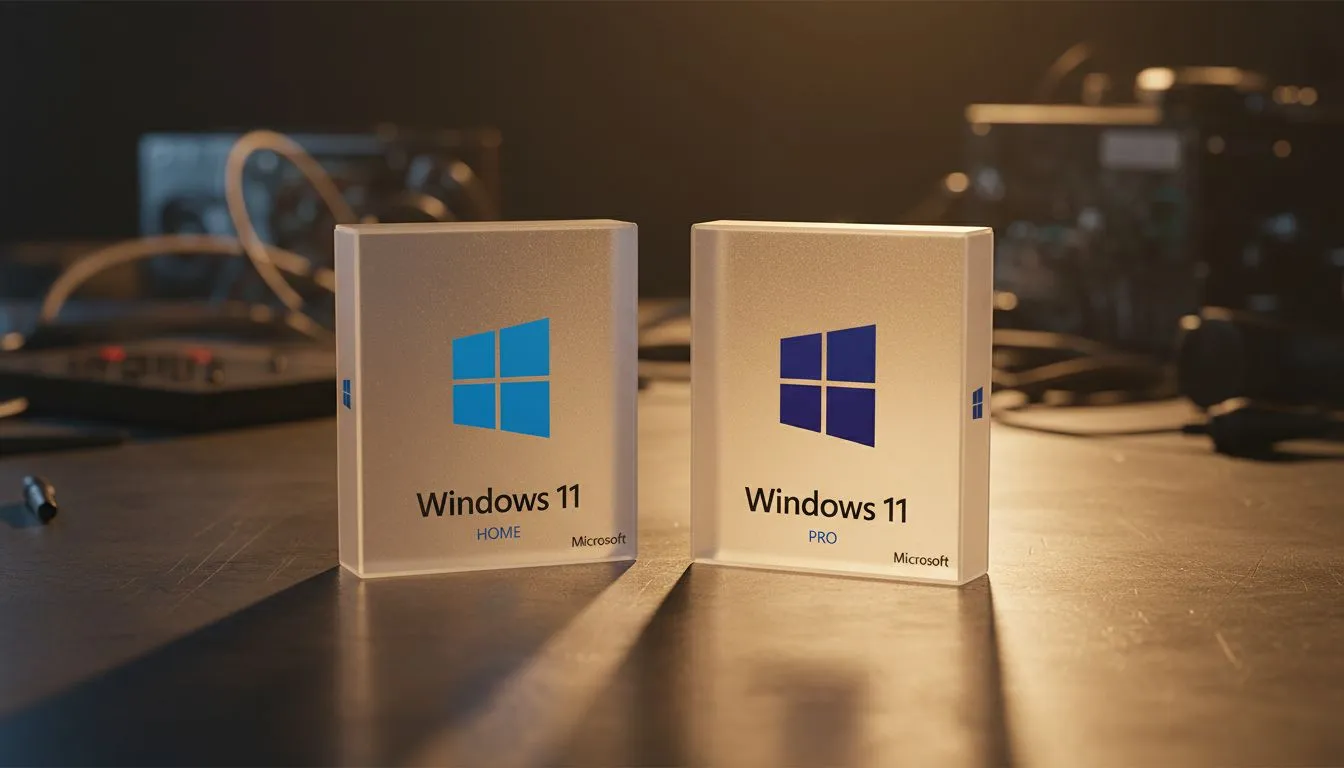
Starting university or college in South Africa? Choosing between Windows 11 Home vs Pro for a student can feel like a mission. You want the best performance for assignments without wasting your hard-earned Rands. Let's break down which version actually helps you graduate and which is just extra weight. Most students find that the "Home" edition covers every single base for daily lectures and Netflix sessions.
Understanding the Windows 11 Home vs Pro Debate for Students
For the vast majority of South African students, Windows 11 Home is the standard choice. It includes all the essential features like Microsoft Store, Windows Security, and the redesigned taskbar. If you are picking up one of the latest Intel laptops on special, it will likely come with Home pre-installed. This version is built for speed and simplicity... perfect for writing essays or streaming tutorials.
However, the "Pro" version isn't just a fancy name. It includes specific tools like BitLocker encryption and Remote Desktop. While Home is great for general use, Pro is designed for those who need to connect to a corporate or university domain. If you are looking at Ryzen laptop deals for a machine that needs to last four years of heavy computer science projects, the extra security might be worth the consideration.
Why Security and BitLocker Matter on Campus
One major difference when considering Windows 11 Home vs Pro: Which Version Does a Student Need is data protection. BitLocker is a Pro-only feature that encrypts your entire hard drive. If your laptop is unfortunately stolen on campus, your personal data remains locked away. For students on a budget, you can find excellent laptops under R20k that offer robust security features even on the Home edition, such as Windows Hello facial recognition.
Snap Layouts for Studying ⚡
Use the Windows + Z shortcut to quickly organise your research papers and your Word document side-by-side. It makes referencing much faster than constantly Alt-Tabbing between windows during those late-night study sessions.
Specialist Degrees and Virtual Machines
Are you studying Engineering, Architecture, or Computer Science? This is where the Windows 11 Home vs Pro: Which Version Does a Student Need question gets interesting. Pro supports Hyper-V, which allows you to run virtual machines. This is vital for testing software in different environments. Many students in these fields opt for RTX gaming laptops because they provide the raw GPU power needed for 3D rendering and simulation software.
Balancing Performance and Budget in South Africa
If you are a student who likes to unwind with some Apex Legends or Valorant after a long day of lectures, you should look at best gaming laptop deals currently available. Most of these machines ship with Windows 11 Home because it is lighter on system resources... leaving more power for your frame rates. Unless your specific degree requires joining a Windows Server domain or using advanced encryption, the Home version is more than enough to get you through your degree with flying colours.
Ready to Find Your Perfect Match? The Windows 11 Home vs Pro debate is about matching your tools to your tasks. For maximum power, choice, and value in South Africa, Windows is hard to beat. Explore our massive range of laptop specials and find the perfect machine to conquer your world.











