


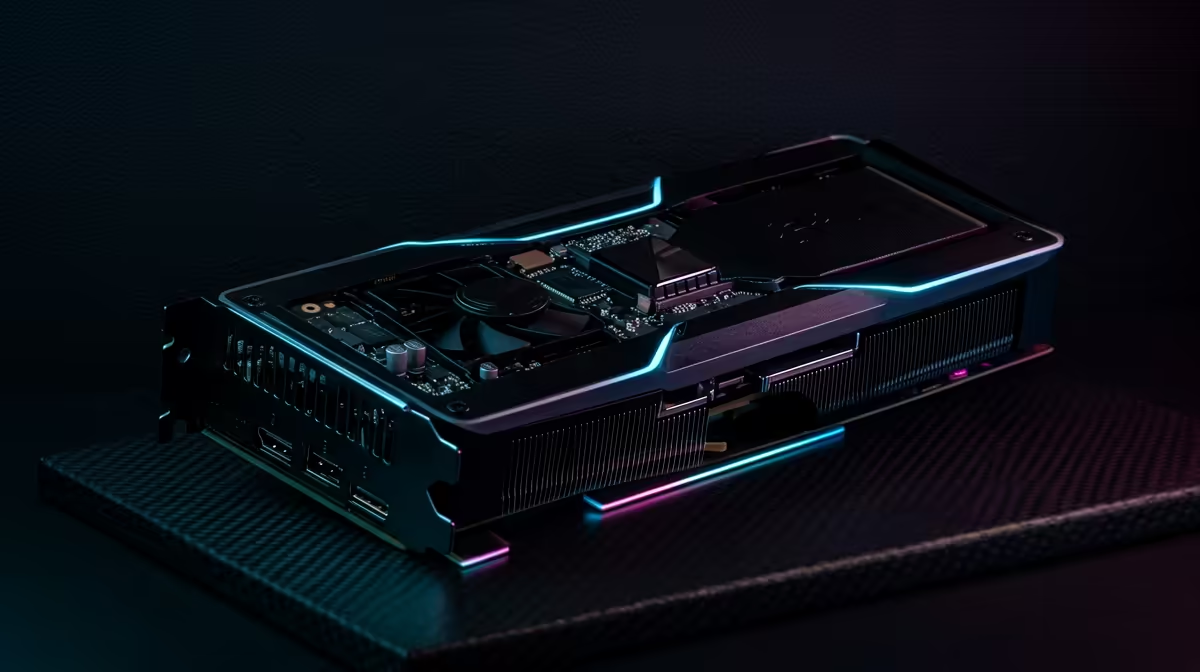
2nd Gen Radeon AI Accelerators: Boosting Gaming Performance Explained for South African gamers
If your PC feels “almost smooth” but never quite locked-in, it’s usually not just the CPU… it’s how modern graphics workloads are handled. South African gamers buying new hardware want two things: higher FPS and less stutter when things get busy. That’s where 2nd Gen Radeon AI Accelerators: Boosting Gaming Performance Explained becomes practical, not theoretical. In this guide, we’ll break down what these AI blocks do, when you’ll actually feel the difference, and what specs matter most before you part with your ZAR. ⚡🚀
What 2nd Gen Radeon AI Accelerators do (and what they don’t)
Think of AI accelerators as dedicated helpers inside the GPU. Instead of the GPU brute-forcing every step the traditional pipeline handles, AI can assist with certain workloads that benefit from prediction and reconstruction.
In plain terms, you can often see outcomes like:
- smoother motion during fast camera movement
- steadier frame pacing (less “micro-stutter”)
- improved image handling at certain resolutions and settings
What they typically don’t guarantee:
- a free FPS jump at every game and every setting
- perfect performance when your CPU, RAM, or storage is the bottleneck
For buyers, the key is understanding that AI acceleration is a system feature. It can shine most when the rest of your setup matches the target resolution and refresh rate.
Where performance gains usually show up
You’re more likely to feel gains in scenarios like:
- high-detail settings where the GPU is already working hard
- games with lots of motion and complex lighting
- modern titles that are built to take advantage of AI-assisted rendering features
If your GPU is already underpowered for your chosen resolution, AI assistance helps, but it can’t replace raw horsepower.
Productivity Pro Tip 🔧
Windows, create a simple “test routine” before you buy or tune anything: record your in-game settings, lock your resolution and upscaling mode, then run the same built-in benchmark scene 3 times. Compare average FPS and 1% lows. It’s the fastest way to see whether AI-assisted features are truly helping your setup, instead of chasing placebo changes.
How to choose the right GPU for your target FPS in South Africa
Before you decide you “need AI,” decide what you’re gaming on. Your monitor is the hidden boss of this conversation.
Ask yourself:
- Are you on 1080p, 1440p, or 4K?
- Is your monitor 60Hz, 120Hz, or 144Hz?
- Do you care more about highest FPS, or smooth 1% lows?
Then match your GPU class to that target. If you want smoother gameplay and you’re building in SA today, it’s also smart to look at current Radeon options alongside other mainstream line-ups, because pricing and availability move quickly.
Explore Radeon options with Evetech
If you’re considering Radeon cards and want to compare configurations, start here:
- Check Radeon Graphics Cards: Browse Radeon Graphics Cards at Evetech
- Or compare broader GPU choices: Explore all GPU options at Evetech
If you also want to see what’s available across brands, you can view:
Real-world tuning: get the benefit, not just the headline
Even with AI acceleration, settings still matter. Here’s a practical approach that works for most modern shooters, RPGs, and action games. 🎮✨
- Item
- Item
- Item
- Item
If you want to compare performance expectations with NVIDIA alternatives for your workload, you can also browse:
Quick decision guide: should you prioritise AI acceleration?
Prioritise 2nd Gen Radeon AI Accelerators: Boosting Gaming Performance Explained when:
- you’re chasing smoother motion and better 1% lows
- you game at resolutions where upscaling helps visuals and FPS
- your GPU is close to the sweet spot for your target
Skip the obsession (and spend smarter) when:
- your CPU is the limiting factor
- you’re running with slow or insufficient RAM
- your storage is causing load hiccups that look like “performance issues”
Bottom line… AI acceleration is a bonus that can be very noticeable, but it works best when the whole build is balanced.
Ready to Find Your Perfect Match? The Mac vs Windows debate is complex, but for maximum power, choice, and value in South Africa, Windows is hard to beat. Explore our massive range of laptop specials and find the perfect machine to conquer your world.










