


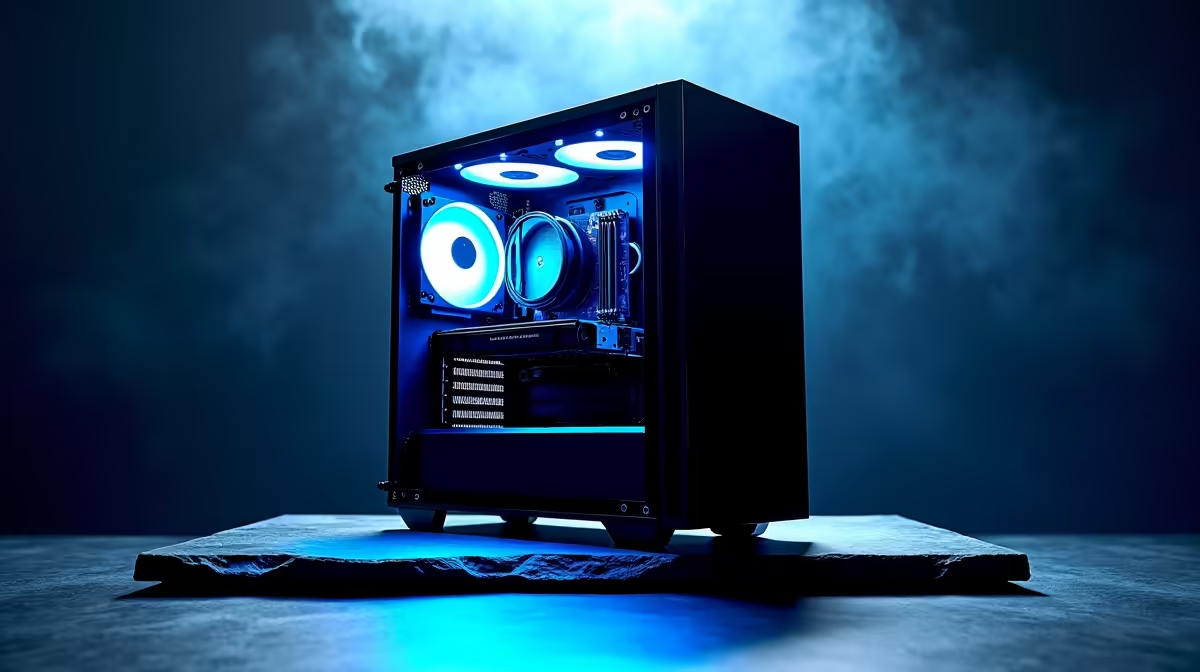
So, you’ve seen what ChatGPT can do, and the AI bug has bitten hard. You’re not just a gamer anymore; you're an innovator ready to train and run your own Large Language Models (LLMs) here in South Africa. But that high-end gaming PC you love might not be the beast you need. Building a dedicated LLM development PC is a different game entirely, one that prioritises raw data-crunching power over frame rates. Let's get you sorted.
Core Components for Your LLM Development PC
While there's some overlap with gaming hardware, an effective LLM development PC shifts the focus dramatically. Your priorities need to be re-evaluated, moving from a balanced build to one that's heavily skewed towards specific components. Forget pretty RGB for a moment; we're talking about pure, unadulterated processing muscle.
Here’s the breakdown:
- The GPU (Graphics Processing Unit): This is the heart of your machine. AI and LLM tasks are massively parallel, meaning they can be broken into thousands of small calculations that run simultaneously. This is exactly what GPUs were designed for. VRAM (video memory) is the single most important factor—more on that below.
- System RAM (Random Access Memory): You'll need loads of it. While 16GB is fine for gaming, for LLMs, 32GB is a bare minimum starting point. If you're handling large datasets, 64GB or even 128GB is not overkill. It prevents your system from slowing to a crawl when loading models and data.
- The CPU (Central Processing Unit): Your CPU is more of a supporting actor here. It manages the operating system, prepares data for the GPU, and handles parts of the workflow that can't be parallelised. A modern mid-range CPU like an Intel Core i5 or AMD Ryzen 5 with a decent core count is perfectly adequate.
- Storage: Speed is crucial. An NVMe SSD is non-negotiable for your operating system and the datasets you're actively working with. Loading a multi-gigabyte model from a traditional hard drive is a painful experience you want to avoid.
The GPU Showdown: Choosing Your AI Powerhouse 🚀
This is where the real decision-making happens. For years, the AI development space has been dominated by one name: NVIDIA. Their CUDA (Compute Unified Device Architecture) platform is the industry standard, with near-universal support across all major AI frameworks like TensorFlow and PyTorch.
For anyone serious about building an LLM development PC, starting with an NVIDIA card is the path of least resistance. The sheer amount of documentation, community support, and pre-built tools available for CUDA will save you countless hours of troubleshooting. Many high-performance NVIDIA GeForce gaming PCs offer a fantastic starting point, equipped with the VRAM and core counts you need.
What about Team Red? AMD has made significant strides with its ROCm software stack, and their hardware offers incredible value. For a rig that pulls double duty for gaming and introductory AI tinkering, exploring AMD Radeon gaming PCs is a smart move. However, be prepared for a bit more of a DIY software experience, as support isn't as widespread as CUDA... yet.
VRAM: The New Kingmaker
For LLMs, VRAM is everything. It determines the size and complexity of the models you can load and train locally.
- 12GB VRAM (e.g., RTX 4070): A great entry point for experimenting with smaller, open-source models.
- 16GB VRAM (e.g., RTX 4080 SUPER): The sweet spot for many enthusiasts, allowing you to run more capable models and fine-tune them effectively.
- 24GB VRAM (e.g., RTX 4090): The holy grail for prosumers. This allows you to tackle significantly larger models without resorting to complex workarounds.
Pro Tip for Windows Users ⚡
Windows Subsystem for Linux (WSL2) to create a Linux environment directly inside Windows. It gives you the best of both worlds: the massive software support of Linux for AI development and the familiar convenience of your Windows desktop. Installation is simple, and it integrates perfectly with tools like Docker and VS Code.
Advanced Optimisation for Your LLM Rig 🔧
Once your hardware is sorted, software optimisation is key to unlocking its full potential. An un-optimised LLM development PC is like a supercar stuck in traffic.
First, install the correct drivers. For NVIDIA cards, choose the "Studio Driver" over the "Game Ready Driver." Studio Drivers are optimised for stability and performance in creative and computational applications, which is exactly what you need.
Next, manage your software environment. Using containers like Docker or virtual environments like Conda is essential. This prevents conflicts between different project dependencies and ensures your code runs consistently. It’s a bit of a learning curve, but it’s a professional practice that will save you headaches down the line.
Finally, consider your power plan. Ensure your PC is set to "High Performance" mode in Windows to prevent the CPU or GPU from throttling down during long training sessions. Every bit of processing power counts.
Building vs. Buying: The Workstation Advantage
Building a PC from scratch gives you ultimate control over every component. But for a mission-critical LLM development PC, stability and reliability are paramount. This is where pre-built systems shine.
Professionally assembled systems undergo rigorous testing to ensure all components work together flawlessly under heavy, sustained loads—the exact conditions of training an AI model. For those who need a machine that works perfectly out of the box with warranty support, exploring purpose-built workstation PCs is the most direct path to productivity. These machines are often designed with superior cooling and power delivery specifically for 24/7 computational tasks.
Ready to Build the Future? Building your own LLM development PC is a rewarding challenge, but for guaranteed performance and stability, a professionally built system is unmatched. Explore our range of powerful Workstation PCs and get a machine engineered to handle the future of AI, right here in South Africa.











