


RTX 5070 Ti 16GB for Video Editing and AI Workflows
RTX 5070 Ti 16GB for video editing powers faster renders and AI-assisted workflows, speed up Premiere and Resolve exports, and optimize inference. 🎬🤖
Read moreRX 9060 XT for machine learning: Explore whether the RX 9060 XT can handle local AI and ML tasks, plus practical tips, benchmarks, and configuration advice. ✅🔧
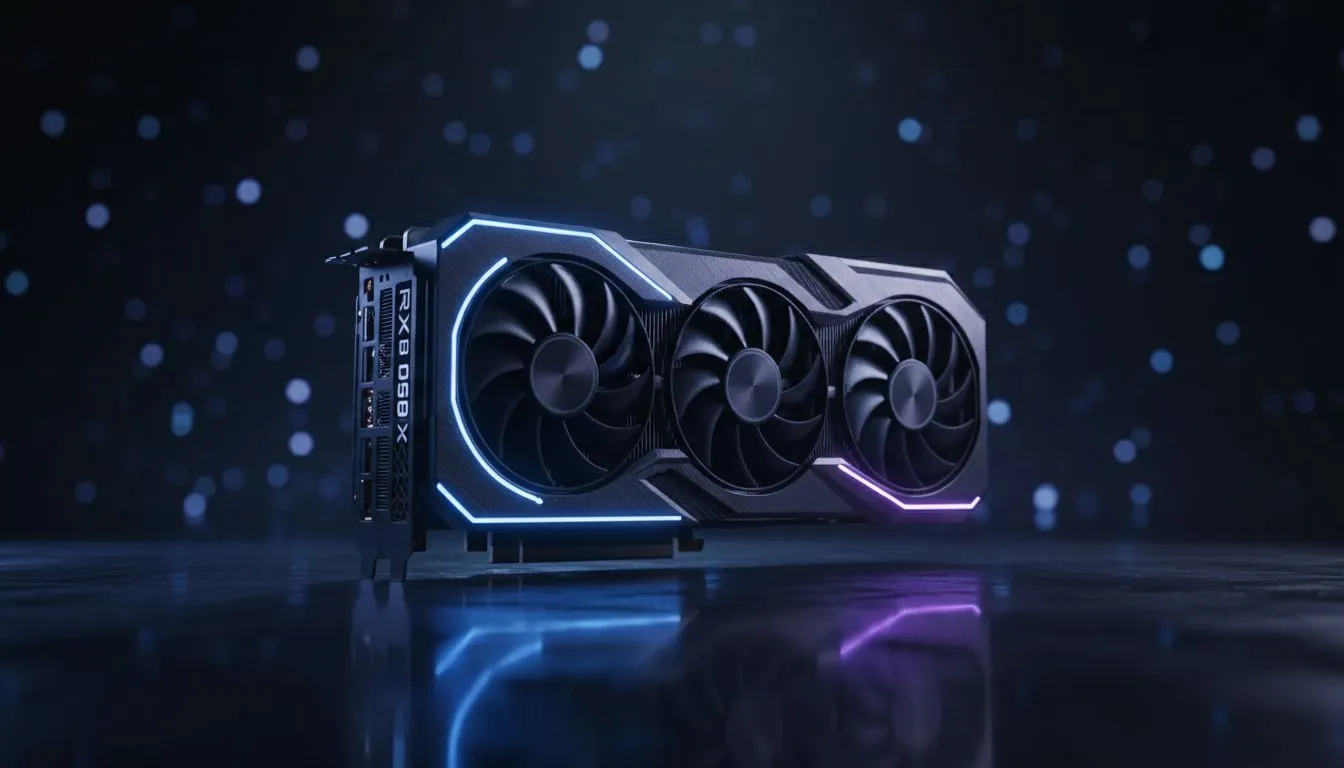
Ever wondered if your gaming rig could double as a personal AI workstation? For many South Africans, the RX 9060 XT for machine learning is becoming a serious conversation starter. It bridges the gap between high-frame-rate gaming and local AI development. If you are tired of paying for cloud compute in Dollars, bringing your workloads home makes sense. This card offers a unique balance of speed and memory for the local market. 🚀
AMD has made massive strides in software support recently. When you look at modern Radeon graphics cards, the focus is no longer just on textures and shadows. The compute units in this card are designed to handle complex mathematical operations. This is essential for training small models or running inference locally.
When running machine learning workloads on AMD hardware, always use the Linux-based ROCm (Radeon Open Compute) platform. It provides better driver support and significantly faster execution times for PyTorch and TensorFlow compared to Windows-based implementations.
Memory is the most critical factor for AI. The RX 9060 XT for machine learning shines because of its generous VRAM buffer. Most local LLMs (Large Language Models) require significant memory to stay resident. Without enough space, your system will crawl... or simply crash. By choosing from the latest graphics cards available today, you ensure your hardware won't be obsolete by next year's model updates.
We often see a divide in the community. Many users still gravitate towards GeForce graphics cards because of CUDA. However, the price-to-performance ratio in South Africa is shifting. For the price of a mid-range competitor, the RX 9060 XT often provides more raw memory. This allows you to run larger image generation models without running out of resources. 🔧
AI workloads are intensive. They can run for hours or even days. Choosing high-quality builds like MSI graphics cards ensures that your thermal management is up to the task. Proper cooling prevents thermal throttling... keeping your training speeds consistent. This is vital when you are optimising a model overnight in a warm South African summer. ✨
Ready to Build Your AI Workstation? Whether you are a developer or a hobbyist, the right GPU is your most important investment. Explore our massive range of graphics cards and find the perfect machine to power your local AI projects today.
Yes — the RX 9060 XT can run local AI inference and small-scale training tasks. Expect solid RX 9060 XT local AI performance for optimized or quantized models.
It handles light training and fine-tuning of small models. Heavy full-scale training benefits from higher-end GPUs with more VRAM and tensor acceleration.
Support varies. Use AMD drivers, ROCm or vendor-backed builds and community runtimes. Check current docs for TensorFlow and PyTorch compatibility.
VRAM limits affect model size and batch rates. For smooth local inference, aim for models that fit comfortably below available GPU memory or use quantization.
AMD can offer competitive raw performance, but NVIDIA still leads in AI software ecosystem and CUDA tooling, affecting real-world convenience and performance.
Use latest drivers, enable optimized runtimes, apply mixed precision or quantization, and test RX 9060 XT inference benchmarks to tune settings.
Ideal: on-device inference, model prototyping, edge AI demos, and small-scale fine-tuning. Avoid large-scale full training workloads.
RTX 5070 Ti 16GB for video editing powers faster renders and AI-assisted workflows, speed up Premiere and Resolve exports, and optimize inference. 🎬🤖
Read more
- Assess longevity - Embrace scalable AI - Plan upgrade paths AI upscaling for gaming boosts visuals and FPS while extending GPU life, helping you future-proof your rig with smart upgrades ⚡🎮
Read more
RTX 5060 Ti for AI workflows delivers cost-effective tensor performance to accelerate training, inference, and data prep. Learn tuning tips, memory/driver setup, and benchmark gains to boost daily AI productivity. ⚡️💡
Read more
AI NAS combines storage and on-device AI by adding a neural processing unit (NPU). Learn how an AI NAS speeds inference, secures data, and boosts backups. 🤖💾
Read more
Edge computing smart home setups reduce latency, boost privacy, and enable on-device AI for future-proof automation and security. Learn hardware picks and upgrade tips. 🔒🤖
Read more
AI photo organization helps photographers automate tagging, fast search, and secure cloud backups. Learn workflows, tools, and AI settings to declutter and scale photo libraries 📷☁️
Read more
Discover webcams that automatically adjust light and color for crystal-clear video calls 🎥✨. Boost your streaming quality today!

Discover webcams that blend into your workflow 🎯 Capture moments while you work, stream, or create. Upgrade your setup with smart, multitasking tech!

Dedicated media keys give streamers one-touch control to mute, switch scenes, clip highlights, and adjust audio — cutting task time and boosting consistency 🎛️⚡

PBT vs ABS keycaps: Clear, local guide for South African gamers—compare feel, sound, durability and where to buy. Find the best material for your budget and playstyle 🎮🇿🇦

- Multi-Function Digital Dial: define benefits - Show gamer setups and macros - Offer buying and setup tips Multi-Function Digital Dial puts programmable control at your fingertips for faster actions and smoother streaming. 🎮⚙️

- Explain benefits; - Show the science; - Compare options; - Recommend picks. Magnetic wrist rest for gaming cuts wrist strain and boosts comfort during long sessions 🕹️✨