


AI Upscaling for Gaming: Future-Proof Your Rig
- Assess longevity - Embrace scalable AI - Plan upgrade paths AI upscaling for gaming boosts visuals and FPS while extending GPU life, helping you future-proof your rig with smart upgrades ⚡🎮
Read moreRTX 5070 Ti 16GB for video editing powers faster renders and AI-assisted workflows, speed up Premiere and Resolve exports, and optimize inference. 🎬🤖
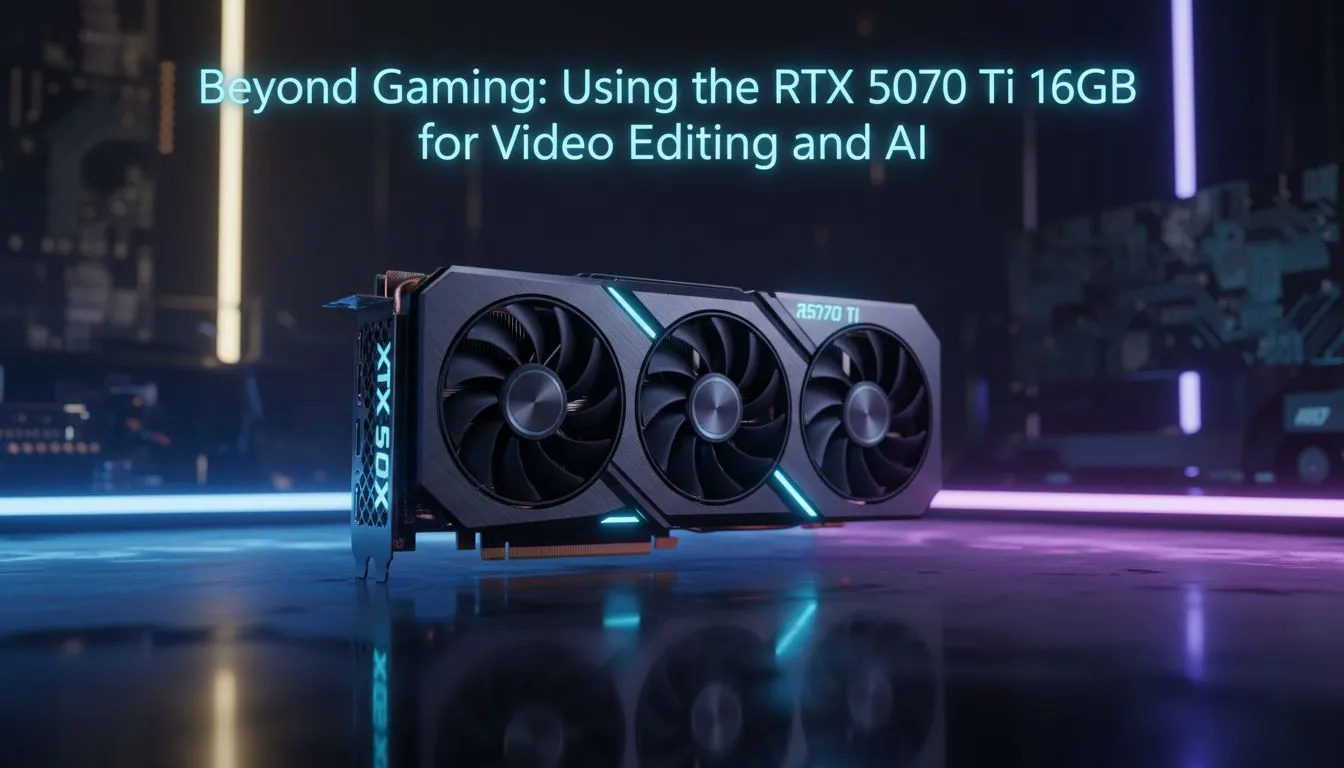
Struggling with 4K timelines that stutter or AI renders that take an eternity? In the South African creative scene, time is literally money... especially when you’re racing against the next loadshedding block. The RTX 5070 Ti 16GB for video editing and AI workflows is looking like the definitive answer for those who need professional-grade performance without the eye-watering price tag of a flagship card. 🚀
For years, mid-range cards were held back by limited memory buffers. However, as we move into more complex textures and higher resolutions, 8GB or even 12GB just doesn't cut it anymore. When you browse the latest GeForce Graphics Cards, the jump to a 16GB frame buffer is the most significant upgrade for your workstation.
In applications like DaVinci Resolve, the GPU handles almost all the heavy lifting for colour grading and noise reduction. If your VRAM fills up, the software often crashes or reverts to sluggish CPU processing. Having that extra overhead ensures that even when you are working with 10-bit 4:2:2 footage, your system remains responsive. It’s about more than just speed... it’s about the stability of your professional environment.
The "AI Edge" isn't just a buzzword... it is a shift in how we work. Whether you are running Large Language Models (LLMs) locally to keep your data private or using Stable Diffusion for rapid prototyping, the RTX 5070 Ti 16GB for video editing and AI workflows provides the necessary headroom. AI models are hungry for memory. A 16GB card allows you to run larger "Checkpoints" or batch sizes that would simply fail on lesser hardware.
While we carry a massive variety of NVIDIA and AMD graphics cards at Evetech, the Tensor cores found in the RTX 50-series are specifically optimised for these mathematical heavy-lifting tasks. This makes the 5070 Ti a versatile tool for South African developers and prompt engineers looking to build the future from their home office. ✨
When working in DaVinci Resolve, try to keep your timeline resolution at 1080p while editing and only switch to 4K for the final render. This keeps your 16GB VRAM buffer clear for heavy colour grading and complex Fusion effects without hitting a bottleneck.
When choosing your next upgrade, you might be looking at Radeon Graphics Cards for pure gaming rasterization. But for the professional who needs CUDA support... which is still the industry standard for most rendering engines... Nvidia remains the primary choice.
Efficiency is also a major factor in South Africa. With electricity costs rising and many of us running on inverters, the performance-per-watt of the 5070 Ti is a hidden blessing. It delivers top-tier results without drawing the massive amounts of power required by a 90-class card. Brands like MSI have further refined this with advanced cooling solutions that keep the card quiet and cool, even during long overnight renders. 🔧
Investing in your gear is a big decision, especially when prices in ZAR can be volatile. However, the longevity provided by a 16GB buffer cannot be overstated. You aren't just buying a card for today's software... you are buying a card that will handle the updates and more demanding AI models of next year.
The RTX 5070 Ti 16GB for video editing and AI workflows strikes that perfect balance between the high-end enthusiast space and the professional workstation tier. It allows you to produce world-class content right here in Mzansi without needing a Hollywood budget.
Ready to Supercharge Your Workflow? Don't let your hardware hold back your creativity. Whether you are cutting a feature film or training the next big AI model, the right GPU makes all the difference. Explore our full range of RTX 50-series graphics cards and find the perfect power partner for your professional journey.
Yes. The RTX 5070 Ti 16GB handles 4K timelines well with optimized settings — see RTX 5070 Ti video editing benchmarks for export times and render rates.
It outperforms many mid-range cards in CUDA and Tensor tasks, delivering faster exports and AI effects; useful when comparing RTX 5070 Ti vs 4060 for editing.
16GB VRAM supports heavy 4K projects and most AI inference tasks; very large 8K timelines or multi-GPU nodes may need more memory.
Adobe Premiere Pro, DaVinci Resolve and After Effects gain from CUDA, NVENC and AI acceleration — see RTX 5070 Ti Adobe Premiere Pro workflows.
Yes. Tensor cores accelerate AI upscaling, denoising and inference in tools like Topaz and Resolve — key for gpu acceleration for ai video editing.
Use a quality 650W+ PSU and strong case airflow. A capable cooler prevents thermal throttling and sustains RTX 5070 Ti DaVinci Resolve performance.
For creators wanting faster exports and AI features, it’s a strong value. Balance GPU with CPU, RAM and fast storage for best results.
- Assess longevity - Embrace scalable AI - Plan upgrade paths AI upscaling for gaming boosts visuals and FPS while extending GPU life, helping you future-proof your rig with smart upgrades ⚡🎮
Read more
RTX 5060 Ti for AI workflows delivers cost-effective tensor performance to accelerate training, inference, and data prep. Learn tuning tips, memory/driver setup, and benchmark gains to boost daily AI productivity. ⚡️💡
Read more
RX 9060 XT for machine learning: Explore whether the RX 9060 XT can handle local AI and ML tasks, plus practical tips, benchmarks, and configuration advice. ✅🔧
Read more
AI NAS combines storage and on-device AI by adding a neural processing unit (NPU). Learn how an AI NAS speeds inference, secures data, and boosts backups. 🤖💾
Read more
Edge computing smart home setups reduce latency, boost privacy, and enable on-device AI for future-proof automation and security. Learn hardware picks and upgrade tips. 🔒🤖
Read more
AI photo organization helps photographers automate tagging, fast search, and secure cloud backups. Learn workflows, tools, and AI settings to declutter and scale photo libraries 📷☁️
Read more
Discover webcams that automatically adjust light and color for crystal-clear video calls 🎥✨. Boost your streaming quality today!

Discover webcams that blend into your workflow 🎯 Capture moments while you work, stream, or create. Upgrade your setup with smart, multitasking tech!

Dedicated media keys give streamers one-touch control to mute, switch scenes, clip highlights, and adjust audio — cutting task time and boosting consistency 🎛️⚡

PBT vs ABS keycaps: Clear, local guide for South African gamers—compare feel, sound, durability and where to buy. Find the best material for your budget and playstyle 🎮🇿🇦

- Multi-Function Digital Dial: define benefits - Show gamer setups and macros - Offer buying and setup tips Multi-Function Digital Dial puts programmable control at your fingertips for faster actions and smoother streaming. 🎮⚙️

- Explain benefits; - Show the science; - Compare options; - Recommend picks. Magnetic wrist rest for gaming cuts wrist strain and boosts comfort during long sessions 🕹️✨