


RTX 5070 Ti 16GB for Video Editing and AI Workflows
RTX 5070 Ti 16GB for video editing powers faster renders and AI-assisted workflows, speed up Premiere and Resolve exports, and optimize inference. 🎬🤖
Read moreRTX 5060 Ti for AI workflows delivers cost-effective tensor performance to accelerate training, inference, and data prep. Learn tuning tips, memory/driver setup, and benchmark gains to boost daily AI productivity. ⚡️💡
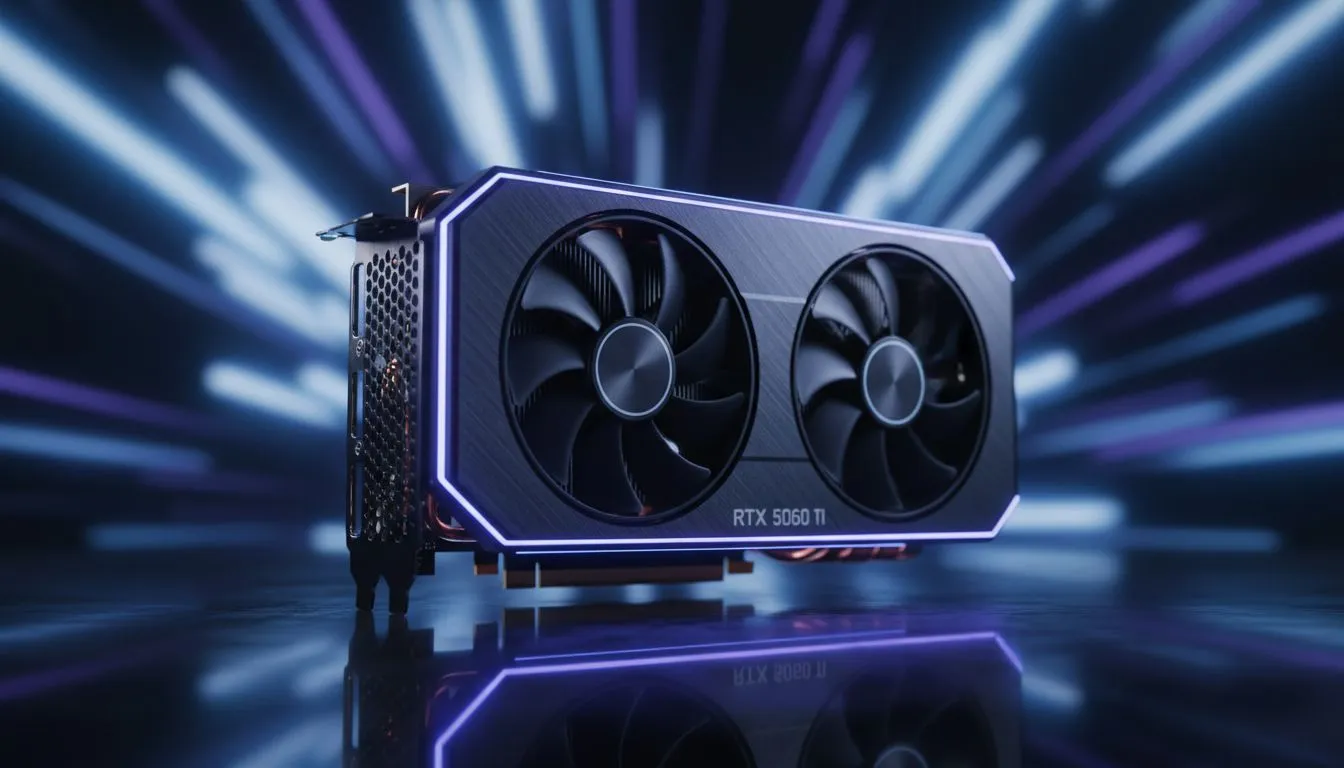
Staying ahead in South Africa’s competitive tech landscape means working smarter, not harder. Whether you are generating high-res images or training small language models, hardware matters. The RTX 5060 Ti for AI workflows is becoming the go-to choice for local creators. It offers the perfect balance of price and performance for those looking to speed up productivity without breaking the bank. 🚀
Artificial intelligence relies heavily on parallel processing. NVIDIA has spent years perfecting this through their CUDA core technology. When you browse the latest GeForce Graphics Cards, you are looking at hardware designed for deep learning.
The RTX 5060 Ti features dedicated Tensor cores. These cores handle the complex mathematical matrix operations required by AI software. While some users might consider Radeon Graphics Cards for traditional gaming, NVIDIA remains the industry standard for AI development. This card ensures your local LLMs and image generators run smoothly... saving you hours of waiting time every week.
Time is money in the professional world. If your GPU takes five minutes to render a single AI-generated asset, your workflow stalls. Upgrading your system with modern graphics cards can cut that time in half.
The RTX 5060 Ti is particularly efficient for South African users. It provides high performance without drawing massive amounts of power. This is vital when considering our local electricity costs and the need for efficiency. Many creators choose brands like MSI for their superior cooling designs. Better cooling means the card can maintain high clock speeds for longer periods. ✨
When working with AI image generation, use the 'Xformers' library in your environment. It significantly reduces VRAM usage on NVIDIA cards. This allows you to generate larger images or batches without hitting memory limits, making your RTX 5060 Ti feel even more powerful.
To truly speed up productivity, your software must match your hardware. Ensure you have the latest NVIDIA Studio Drivers installed rather than the standard Game Ready drivers. These are tested against creative applications to ensure maximum stability.
Localised AI workflows are a great way to keep your data private. You don't need to rely on expensive cloud subscriptions billed in US Dollars. Investing in the RTX 5060 Ti for AI workflows allows you to run everything locally in ZAR. It is a one-time investment that pays off through faster iterations and zero monthly fees. 🔧
Ready to Speed Up Your Workflow? Don't let slow hardware hold back your creative potential. The RTX 5060 Ti offers the best value for AI enthusiasts in South Africa. Explore our full range of graphics cards and find the perfect upgrade for your workstation today.
Yes — the RTX 5060 Ti supports efficient training for many models; optimize batch size and mixed precision for best rtx 5060 ti ai performance.
Use TensorRT, enable FP16/INT8 where possible, and tune batch sizes to improve rtx 5060 ti inference optimization.
Depends on model size; 12GB works for many CV and NLP tasks with gradient accumulation and optimized settings like memory-friendly data loaders.
Use the latest stable NVIDIA drivers with a compatible CUDA and cuDNN release; check release notes for rtx 5060 ti cuda driver setup.
The 5060 Ti boosts tensor throughput and memory bandwidth vs the 4060, improving mixed-precision training and inference speed.
Enable mixed precision, increase batch size to fit memory, use data prefetching, and profile to remove bottlenecks for rtx 5060 ti ai performance.
Yes — optimized models with TensorRT and quantization make the RTX 5060 Ti a strong choice for edge inference and deployment.
RTX 5070 Ti 16GB for video editing powers faster renders and AI-assisted workflows, speed up Premiere and Resolve exports, and optimize inference. 🎬🤖
Read more
- Assess longevity - Embrace scalable AI - Plan upgrade paths AI upscaling for gaming boosts visuals and FPS while extending GPU life, helping you future-proof your rig with smart upgrades ⚡🎮
Read more
RX 9060 XT for machine learning: Explore whether the RX 9060 XT can handle local AI and ML tasks, plus practical tips, benchmarks, and configuration advice. ✅🔧
Read more
AI NAS combines storage and on-device AI by adding a neural processing unit (NPU). Learn how an AI NAS speeds inference, secures data, and boosts backups. 🤖💾
Read more
Edge computing smart home setups reduce latency, boost privacy, and enable on-device AI for future-proof automation and security. Learn hardware picks and upgrade tips. 🔒🤖
Read more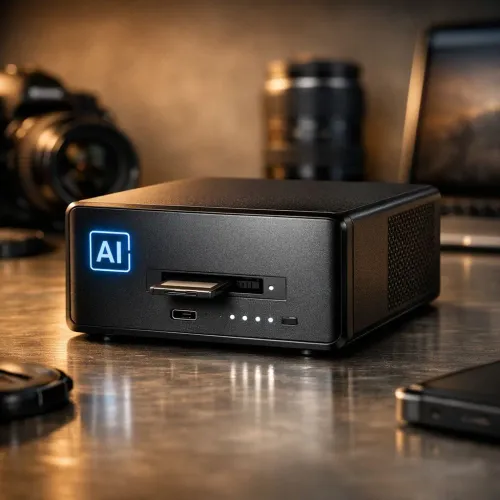
AI photo organization helps photographers automate tagging, fast search, and secure cloud backups. Learn workflows, tools, and AI settings to declutter and scale photo libraries 📷☁️
Read more
Discover webcams that automatically adjust light and color for crystal-clear video calls 🎥✨. Boost your streaming quality today!

Discover webcams that blend into your workflow 🎯 Capture moments while you work, stream, or create. Upgrade your setup with smart, multitasking tech!

Dedicated media keys give streamers one-touch control to mute, switch scenes, clip highlights, and adjust audio — cutting task time and boosting consistency 🎛️⚡

PBT vs ABS keycaps: Clear, local guide for South African gamers—compare feel, sound, durability and where to buy. Find the best material for your budget and playstyle 🎮🇿🇦

- Multi-Function Digital Dial: define benefits - Show gamer setups and macros - Offer buying and setup tips Multi-Function Digital Dial puts programmable control at your fingertips for faster actions and smoother streaming. 🎮⚙️

- Explain benefits; - Show the science; - Compare options; - Recommend picks. Magnetic wrist rest for gaming cuts wrist strain and boosts comfort during long sessions 🕹️✨