


RTX 5070 Ti 16GB for Video Editing and AI Workflows
RTX 5070 Ti 16GB for video editing powers faster renders and AI-assisted workflows, speed up Premiere and Resolve exports, and optimize inference. 🎬🤖
Read more- Assess longevity - Embrace scalable AI - Plan upgrade paths AI upscaling for gaming boosts visuals and FPS while extending GPU life, helping you future-proof your rig with smart upgrades ⚡🎮
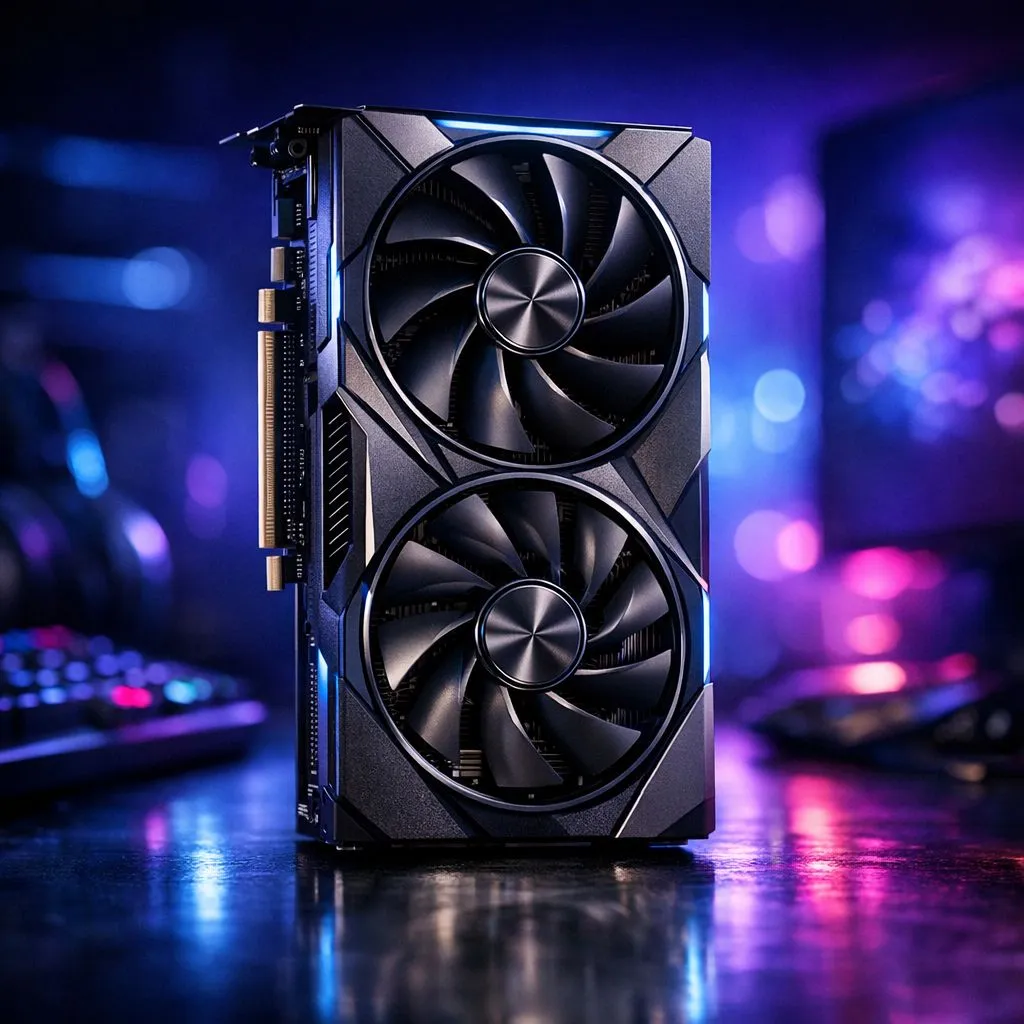
Struggling to hit 60 FPS on your current setup? With local hardware prices fluctuating, every South African gamer wants their gear to last longer. AI upscaling for gaming is the secret weapon that lets you push high resolutions without needing a R20,000 upgrade every year. It is no longer just a luxury... it is a necessity for anyone looking to stay competitive in modern titles. 🚀
The concept is simple but brilliant. Your graphics card renders the game at a lower resolution, like 1080p, and then uses artificial intelligence to fill in the missing pixels to output a 4K image. This reduces the workload on your hardware significantly. If you are browsing for the latest GeForce Graphics Cards, you will see this tech branded as DLSS.
By using these smart algorithms, you can enjoy crisp visuals and high frame rates on a card that might otherwise struggle. This effectively adds years to your PC's lifespan... ensuring you get the best possible value for your ZAR investment. 🔧
Not all upscaling is created equal. While NVIDIA leads with dedicated hardware cores, AMD offers a fantastic alternative known as FSR. This technology is available on a wide range of Radeon Graphics Cards and works across many different game engines.
Always prioritise 'Quality' or 'Balanced' modes in your game settings. While 'Ultra Performance' modes exist, they can sometimes introduce visual noise. 'Quality' mode provides the perfect sweet spot for 1440p gaming... giving you a boost without sacrificing the fine details.
For those who want premium build quality and top-tier cooling, looking at specific brands is key. For example, MSI models often feature superior thermal designs that allow the AI processors to run at peak efficiency without thermal throttling. ✨
In South Africa, we face unique challenges like high import costs and electricity concerns. A more efficient GPU uses less power... which is a win for both your wallet and your UPS during a long gaming session. When you look at the full range of NVIDIA and ATI graphics cards available today, you aren't just buying raw power. You are buying the software ecosystem that keeps that power relevant for years to come. ⚡
AI upscaling for gaming has moved from a "nice-to-have" feature to the backbone of modern performance. It bridges the gap between affordable hardware and high-end visual experiences.
Ready to Future-Proof Your Gaming Experience? Don't let stuttering frame rates ruin your immersion. Whether you need the raw power of Ray Tracing or the efficiency of AI upscaling, we have the right gear for you. Explore our massive range of graphics card specials and find the perfect GPU to conquer your favourite worlds.
AI upscaling for gaming uses machine learning to reconstruct higher-resolution frames, improving visuals and often lifting FPS without heavier hardware.
Yes. Techniques like DLSS and FSR render at lower resolution and upscale, typically boosting FPS while preserving image quality.
NVIDIA cards support DLSS; AMD supports FSR and FSR 3 benefits many GPUs. Check driver updates and GPU compatibility for best results.
AI upscaling can match or approach native 4K detail with far less GPU load, making 4K gaming feasible on midrange hardware.
Combine quality upscaling mode, reduced render resolution, updated drivers, and GPU-specific optimizations for the best balance.
Yes. By lowering render stress and maintaining playable FPS, upscaling reduces need for immediate GPU upgrades and extends usability.
For esports, choose low-latency upscaling modes and test input lag; some AI methods add minimal latency while improving FPS.
RTX 5070 Ti 16GB for video editing powers faster renders and AI-assisted workflows, speed up Premiere and Resolve exports, and optimize inference. 🎬🤖
Read more
RTX 5060 Ti for AI workflows delivers cost-effective tensor performance to accelerate training, inference, and data prep. Learn tuning tips, memory/driver setup, and benchmark gains to boost daily AI productivity. ⚡️💡
Read more
RX 9060 XT for machine learning: Explore whether the RX 9060 XT can handle local AI and ML tasks, plus practical tips, benchmarks, and configuration advice. ✅🔧
Read more
AI NAS combines storage and on-device AI by adding a neural processing unit (NPU). Learn how an AI NAS speeds inference, secures data, and boosts backups. 🤖💾
Read more
Edge computing smart home setups reduce latency, boost privacy, and enable on-device AI for future-proof automation and security. Learn hardware picks and upgrade tips. 🔒🤖
Read more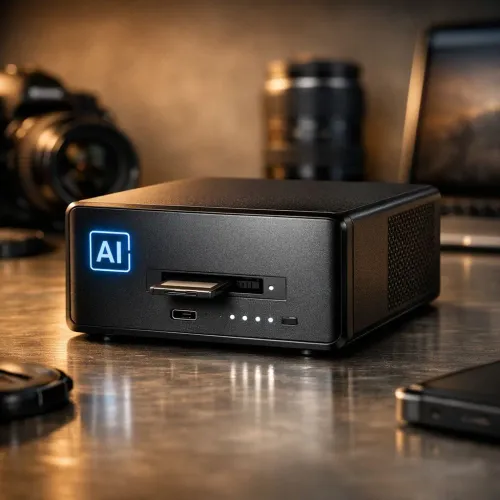
AI photo organization helps photographers automate tagging, fast search, and secure cloud backups. Learn workflows, tools, and AI settings to declutter and scale photo libraries 📷☁️
Read more
Discover webcams that automatically adjust light and color for crystal-clear video calls 🎥✨. Boost your streaming quality today!

Discover webcams that blend into your workflow 🎯 Capture moments while you work, stream, or create. Upgrade your setup with smart, multitasking tech!

Dedicated media keys give streamers one-touch control to mute, switch scenes, clip highlights, and adjust audio — cutting task time and boosting consistency 🎛️⚡

PBT vs ABS keycaps: Clear, local guide for South African gamers—compare feel, sound, durability and where to buy. Find the best material for your budget and playstyle 🎮🇿🇦

- Multi-Function Digital Dial: define benefits - Show gamer setups and macros - Offer buying and setup tips Multi-Function Digital Dial puts programmable control at your fingertips for faster actions and smoother streaming. 🎮⚙️

- Explain benefits; - Show the science; - Compare options; - Recommend picks. Magnetic wrist rest for gaming cuts wrist strain and boosts comfort during long sessions 🕹️✨