


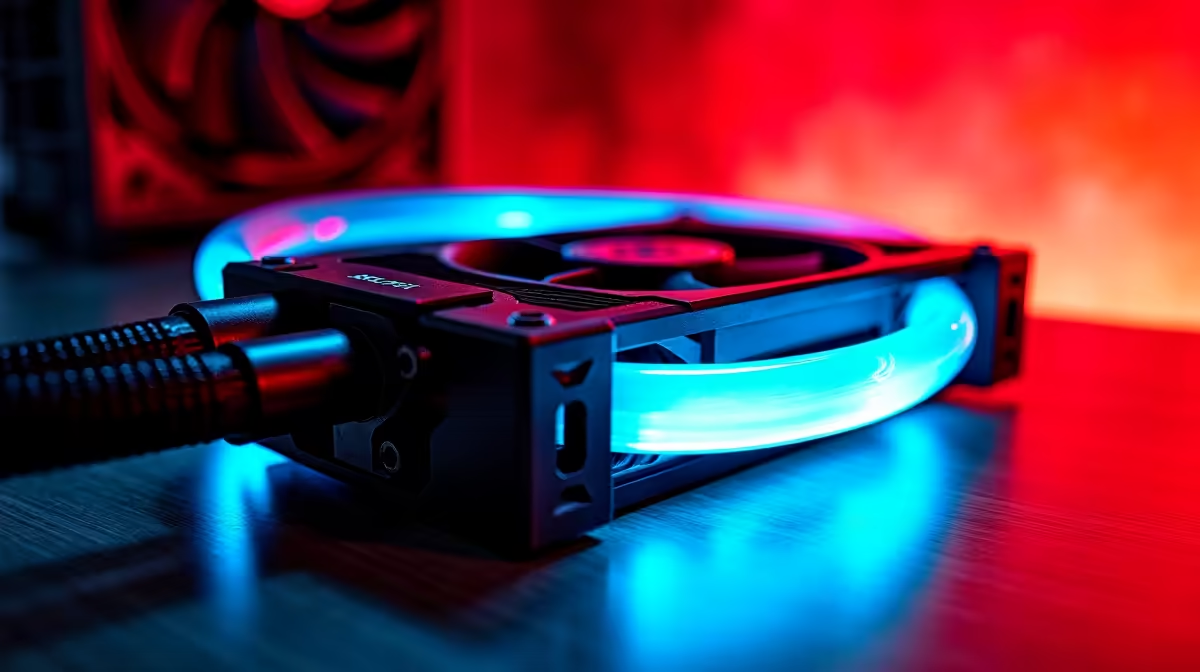
You’re in the final circle, the pressure is on, and suddenly… your frames drop. The stuttering begins. It’s not your internet connection, it’s your PC gasping for air in the South African heat. This is thermal throttling, the silent performance killer that turns a high-end rig into a laggy mess. But what if your PC could think for itself, predicting heat spikes before they happen? Welcome to the era of AI PC cooling solutions.
Understanding the Enemy: What is Thermal Throttling?
Before we dive into the fix, let's break down the problem. Thermal throttling is a safety feature built into your CPU and GPU. When a component gets too hot, it automatically reduces its performance (clock speed) to cool down and prevent damage. Think of it as your PC forcing its star players to sit on the bench to avoid injury.
The result for you?
- In-game stutters and FPS drops: The most noticeable and frustrating symptom.
- Slower rendering times: Video exports and 3D projects take forever.
- System instability: In extreme cases, it can lead to crashes.
This isn't just a problem for older machines; even the best gaming PC deals can suffer if their cooling isn't up to the task of handling today's powerful components.
Beyond Static Fans: The Dawn of AI PC Cooling Solutions
For years, PC cooling has been reactive. You set a fan curve, and when a temperature sensor hits a certain point, the fans spin up. It works, but it’s not very smart. It’s like having a security guard who only reacts after the alarm goes off.
AI PC cooling solutions change the game entirely. Instead of just reacting to current temperatures, they use machine learning algorithms to analyse data from multiple sensors and predict future thermal loads. This intelligent thermal management allows the system to make proactive adjustments.
It’s the difference between a basic thermostat and a smart home system that knows you’re on your way home and starts cooling the house in advance. Whether you're running one of the latest Intel PC deals or a powerful rig from our AMD Ryzen PC deals, this AI-powered approach ensures you get the performance you paid for, consistently.
The Real-World Benefits of Smarter Cooling ⚡
So, what does this new wave of intelligent PC cooling actually mean for your daily use? The benefits are tangible and immediate.
Peak Performance, For Longer
An AI-optimised system can keep your components in their optimal temperature window for sustained periods. This means your boost clocks stay higher for longer, giving you a smoother, more responsive experience in demanding games and applications. This is crucial for getting the most out of powerful graphics cards found in NVIDIA GeForce gaming PCs and the latest AMD Radeon gaming PCs.
Quieter Operation 🤫
Because AI cooling is predictive, it can make smaller, more gradual fan adjustments. It avoids the sudden "jet engine" roar of fans ramping up from 20% to 100% instantly. Your PC stays whisper-quiet during light tasks like browsing and only ramps up precisely when needed, creating a much more pleasant acoustic environment. Even newer options like our Intel Arc gaming PCs benefit immensely from this intelligent noise management.
Check Your Temps 🔧
Keeping an eye on your component temperatures is easy. Download a free tool like HWMonitor or MSI Afterburner. During a gaming session, check your CPU and GPU temps. If they're consistently hitting 90°C or more, you're likely experiencing thermal throttling and leaving performance on the table.
Is an AI-Ready PC Your Next Upgrade?
While any user can benefit from better thermals, some people will see a massive improvement with AI-powered cooling.
- Competitive Gamers: For you, every frame matters. AI cooling ensures your rig delivers maximum, stable FPS when the stakes are highest.
- Content Creators & Professionals: If you're editing 4K video or running complex simulations, thermal throttling can cost you valuable time. A robust cooling system, often found in high-performance workstation PCs, keeps your machine running at full speed through heavy workloads.
- Enthusiasts in Hot Climates: Let's be honest, South Africa gets hot. An intelligent cooling solution is essential for maintaining performance during our summer months.
You don't need to spend a fortune to get these benefits. Even well-designed budget gaming PCs can leverage smart airflow and cooling to punch well above their weight. And for those who want a guaranteed, professionally optimised system without the hassle of building, our range of pre-built PC deals offers perfectly balanced performance and cooling right out of the box.
Ultimately, an AI PC cooling solution isn't just about lower temperatures; it's about unlocking the full, consistent, and quiet performance you expect from your hardware.
Ready to Stop Throttling and Start Winning? A powerful processor and graphics card are only half the battle. A well-cooled system is the foundation of a truly elite gaming experience. Explore our best gaming PC deals and find a machine engineered to stay cool under pressure.









