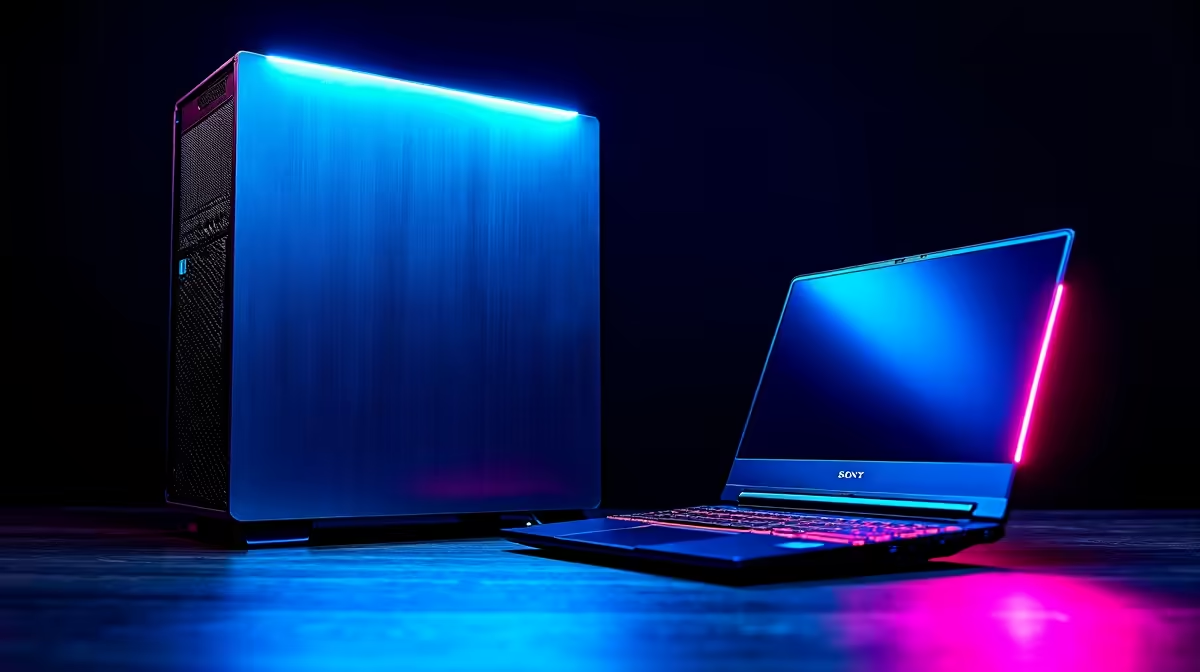
Thinking of diving into the world of AI with DeepSeek? This powerful coding assistant is turning heads, but it needs some serious muscle. So, what's the best computer for DeepSeek if you're in South Africa? A beastly desktop rig or a sleek, powerful laptop? It's a classic tech showdown, and getting it right means the difference between smooth coding sessions and frustrating lag. Let's break it down, Mzansi-style.
What Hardware Does a PC for DeepSeek Need?
Before we jump into the laptop vs. desktop debate, let's quickly cover what makes an AI model like DeepSeek tick. Unlike gaming, which balances CPU and GPU, running large language models (LLMs) locally is almost entirely a GPU-bound task.
Here’s the hierarchy of what matters most:
- Graphics Card (GPU): This is the heart of your AI machine. The critical factor here is VRAM (Video RAM). The more VRAM you have, the larger and more complex the models you can run smoothly. NVIDIA GPUs with their CUDA technology are the industry standard for AI work.
- System RAM: While the GPU does the heavy lifting, your system needs enough RAM to load the model and manage the operating system. 16GB is a bare minimum, but 32GB or more is highly recommended.
- CPU & Storage: A decent modern CPU ensures the rest of your system doesn't bottleneck the GPU. A fast NVMe SSD is essential for quickly loading models and datasets, drastically cutting down your waiting time.
The Desktop Advantage: Maximum Power for DeepSeek 🖥️
When raw performance is the goal, a desktop is almost always the best computer for DeepSeek. It’s the undisputed champion for serious developers and AI enthusiasts for a few key reasons.
Unmatched Performance and Cooling
Desktops have space... a lot of it. This allows for larger, more powerful components and superior cooling solutions. For AI workloads that can run a GPU at 100% for hours, effective cooling is non-negotiable. It prevents thermal throttling, ensuring you get the full performance you paid for, every time. This is why developers looking for the ultimate setup often start by browsing the best gaming PC deals.
Future-Proof Upgradability
The world of AI moves at lightning speed. A model that's cutting-edge today might be standard tomorrow. With a desktop, you can easily swap out the GPU for a newer model, add more RAM, or upgrade your storage. This modularity gives you a long-term platform that can grow with your ambitions. Even starting with one of our excellent budget gaming PCs gives you a solid foundation to build upon later.
Incredible Value for Your ZAR
Rand-for-rand, desktops deliver more power. You can configure a machine that perfectly matches your budget and needs. For those starting out, there are fantastic options in our selection of PCs under R20,000. But if you're ready to invest in a serious development rig, exploring PCs above R20,000 will unlock the high-VRAM GPUs needed for top-tier performance.
VRAM is King 👑
When choosing a GPU for DeepSeek, focus on VRAM (Video RAM). Models like DeepSeek-Coder-33B require a lot of it... aim for at least 12GB for a good experience, and 16GB+ for serious work. An NVIDIA RTX 40-series card is an excellent choice due to its powerful CUDA cores and ample VRAM.
The Laptop Option: AI on the Go 💻
So, is a laptop completely out of the running? Not at all. For many, a laptop is the more practical, and therefore better, choice.
A high-end gaming laptop with a modern NVIDIA RTX 30 or 40-series GPU can absolutely run DeepSeek and other models for tasks like code generation and inference. The major advantage is portability. If you're a student, a freelancer working from coffee shops, or a developer who needs their tools everywhere, a laptop is the obvious winner.
However, there's a trade-off. Laptops have thermal and power constraints, meaning they often can't sustain peak performance as long as a desktop. While a top-tier laptop offers portability, for the same price you can often get significantly more power from our range of pre-built PC deals, making it a tough choice for budget-conscious developers.
The Verdict: Your Perfect DeepSeek Computer 🚀
So, which is the best computer for DeepSeek?
- Choose a Desktop if: You demand maximum performance, plan to train or fine-tune models, and want an upgradable, long-term investment for your home or office.
- Choose a Laptop if: Portability is your top priority, you'll mainly be running models for inference (like code completion), and you value an all-in-one solution.
Ultimately, the right choice depends entirely on your specific needs and how you plan to use this incredible AI tool.
Ready to Power Your AI Journey?
Whether you need the raw, upgradable power of a desktop or the portable convenience of a laptop, the right machine is waiting. The best computer for DeepSeek is the one that fits your workflow and budget. Explore our massive range of PC deals and find the perfect rig to build the future.