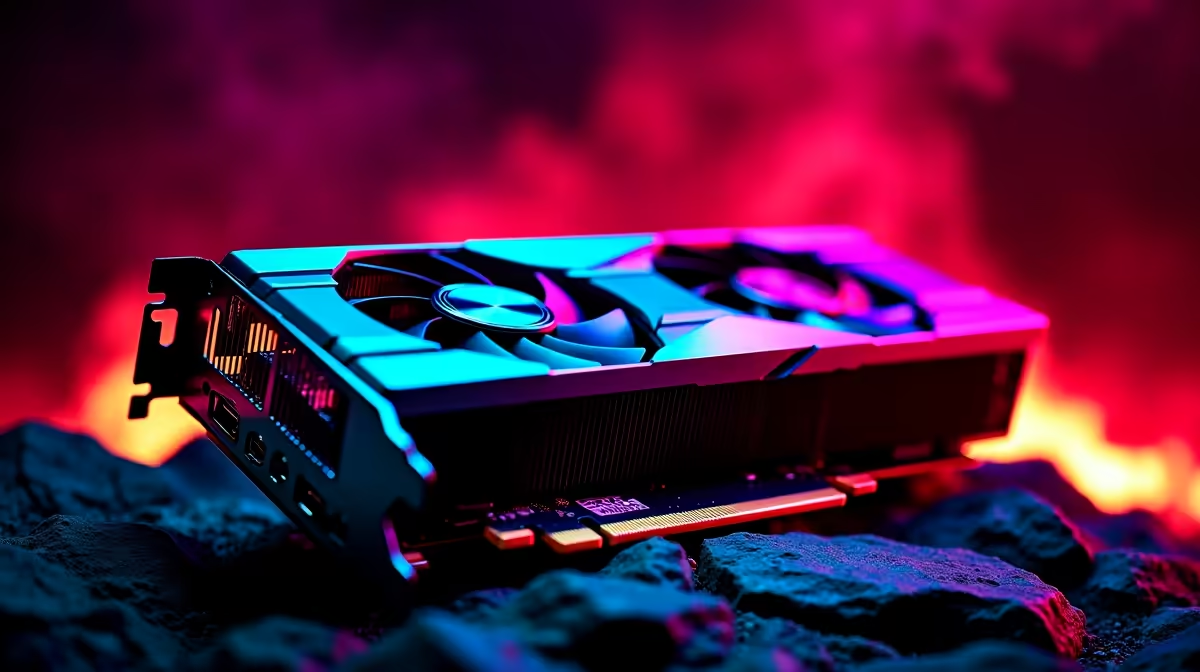
So, you’ve heard the buzz. AI is taking over, and powerful models like DeepSeek are now accessible to everyone. But running them locally, right here in South Africa, isn't just about downloading software… it's about having the right hardware. Are you wondering what the best GPU for DeepSeek South Africa is? You're in the right place. Let's dive into the NVIDIA vs. AMD showdown and find the perfect graphics card for your AI ambitions.
Why Your GPU is the Heart of Your AI Rig
Before we pick a side, let's quickly cover why your GPU is so important. Large Language Models (LLMs) like DeepSeek are massive, containing billions of parameters. Think of these as the model's "neurons." To run smoothly, these parameters need to be loaded into your GPU's dedicated memory, or VRAM.
The more VRAM you have, the larger and more complex the models you can run. Your GPU's processing cores then handle the complex calculations needed to generate text. This is where the real battle between NVIDIA and AMD begins: their software ecosystems.
NVIDIA's CUDA: The AI King 👑
When it comes to AI, NVIDIA has a massive head start. Their secret weapon is CUDA (Compute Unified Device Architecture), a software platform that gives developers direct access to the GPU's processing power. Almost every major AI tool, including the ones needed for DeepSeek, is built and optimised for CUDA first.
This means that with an NVIDIA GPU, your setup process will be far smoother. For anyone serious about exploring AI without wanting a major technical headache, choosing an NVIDIA card is currently the most reliable path to success. A powerful RTX 40-series card will not only crush AI tasks but will also deliver incredible gaming performance, making it a fantastic investment. For top-tier performance, you'll want a rig from our selection of high-performance PCs over R20k, which are built to handle these demanding workloads.
Top NVIDIA GPUs for DeepSeek
- The Powerhouse (RTX 4080 / RTX 4090): With a massive 16GB or 24GB of VRAM, these cards can handle larger, more capable versions of DeepSeek without breaking a sweat.
- The Sweet Spot (RTX 4070 / RTX 4060 Ti 16GB): Offering excellent performance and a healthy amount of VRAM, these are arguably the best value options for a powerful AI and gaming machine. You can find fantastic systems built around these cards in our range of PCs under the R20k mark.
AMD's ROCm: The Powerful Challenger
AMD isn't sitting on the sidelines. Their answer to CUDA is ROCm (Radeon Open Compute platform). It's a powerful, open-source alternative that is rapidly improving. On paper, AMD cards often offer incredible value, providing a lot of VRAM and raw performance for your Rand.
However, the software support for ROCm in the AI world is still maturing. While it's definitely possible to get DeepSeek running on an AMD GPU, it often requires more technical know-how, troubleshooting, and patience. If you're a tinkerer who loves open-source tech, AMD presents an exciting option. The great news is that what makes a good AI PC also makes it one of the best gaming PCs available, and AMD shines brightly in this department.
VRAM is Key ⚡
Before you buy, check the specific DeepSeek model you want to run. A 7B (7 billion parameter) model might need around 8-12GB of VRAM, while a 33B model could require 24GB or more. Always aim for a GPU with more VRAM than you think you'll need… future models will only get bigger!
The Verdict: What's the Best GPU for DeepSeek in South Africa?
So, who wins the NVIDIA vs. AMD battle for AI in SA?
For most people—from beginners to professionals—NVIDIA is the clear winner for running DeepSeek right now. The stability, ease of use, and massive community support provided by the CUDA ecosystem are simply unmatched. You'll spend less time fighting with drivers and more time actually using the AI. Even our excellent budget-friendly gaming PCs featuring NVIDIA cards can get you started on your AI journey.
AMD is the choice for the enthusiast who values open-source platforms and isn't afraid of a little command-line work. Their hardware is fantastic, and the ROCm software is getting better every day.
Ultimately, the best AI GPU is one that fits into a balanced system. A lightning-fast card won't help if it's bottlenecked by a slow CPU or insufficient RAM. That's why considering one of our expertly configured pre-built PC deals is often the smartest move, ensuring every component works together perfectly from day one. 🚀
Ready to Unleash Your AI Potential?
Choosing the right hardware is the first step into the incredible world of local AI. Whether you're Team Green or Team Red, Evetech has the perfect machine for you. Explore our massive range of pre-built PC deals and find the perfect rig to conquer your world.