


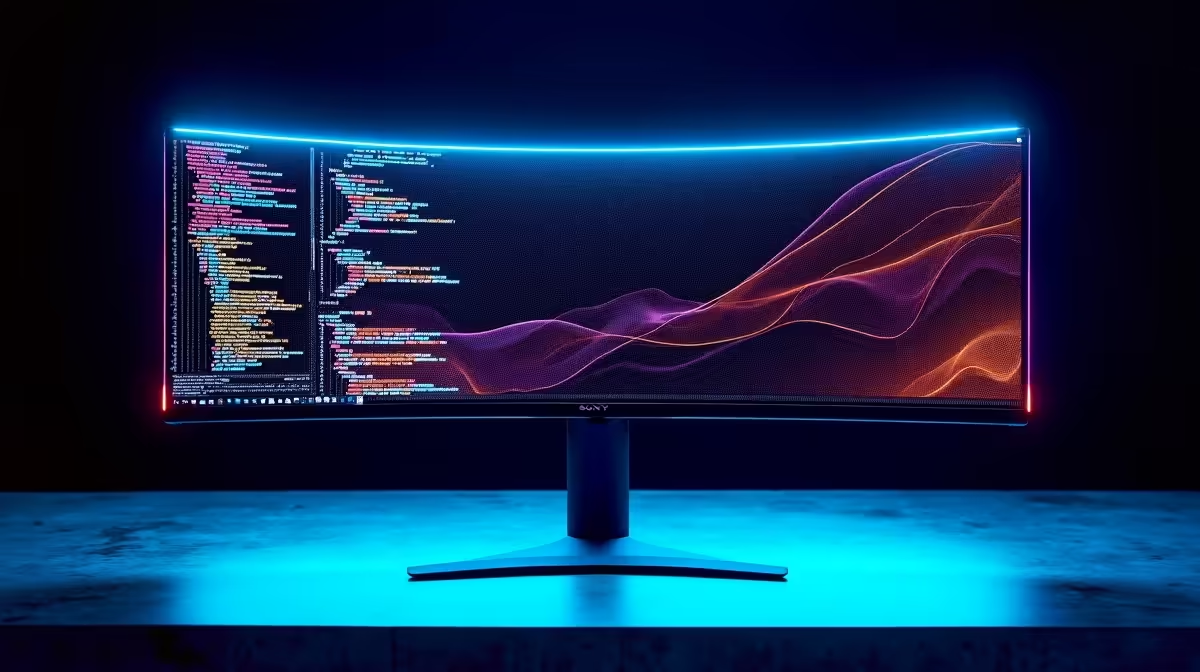
Coding the future with AI on a DeepSeek PC? That’s the easy part. The hard part is staring at thousands of lines of code on a blurry, cramped screen. In South Africa, where every minute of productivity counts, your monitor isn't just a display… it's your window into complex models and datasets. The right screen can slash eye strain and supercharge your workflow, making it one of the most crucial upgrades you can make. 🚀
Why Your Monitor is a Critical Tool for AI Coding
When you're building and training AI models, your PC is doing the heavy lifting. Whether you're running one of our powerful NVIDIA GeForce gaming PCs or a custom build, the GPU is firing on all cylinders. But what about you? Your efficiency depends on how much information you can see and process at once.
One of the best monitors for AI coding offers two things above all else: space and clarity. You need enough screen real estate to have your code editor, a terminal, documentation, and maybe a data visualisation window open simultaneously without constantly alt-tabbing. More importantly, crisp, clear text reduces mental fatigue and eye strain over long coding sessions, letting you focus on logic, not on deciphering fuzzy characters.
Key Features in the Best Monitors for AI Coding
Choosing a display isn't just about picking the biggest one you can find. Certain technical specs directly impact your programming experience, especially when working with dense AI scripts and large datasets.
Resolution and Pixel Density: Go Beyond 1080p
Full HD (1920x1080) is the old standard. For serious coding in 2024, Quad HD (2560x1440) should be your starting point, especially on monitors 27 inches or larger. The jump in sharpness is immediately noticeable.
For the ultimate experience, a 4K (3840x2160) monitor provides incredible text clarity, making fonts look almost print-like. This "retina" effect is a massive quality-of-life improvement. More pixels also mean more vertical space, so you can see more lines of code without scrolling. This is a huge benefit, whether you're using a top-tier gaming rig or one of our value-packed AMD Radeon gaming PCs for your development work.
Panel Type and Ergonomics: Comfort is Key
Look for monitors with IPS (In-Plane Switching) panels. They offer superior colour accuracy and wider viewing angles compared to older TN or VA panels. This ensures your syntax highlighting is consistent and text is readable even if you're not sitting perfectly centred.
Don't forget ergonomics! A good monitor should have a stand that allows for height, tilt, and swivel adjustments. The ability to pivot the screen 90 degrees into portrait mode is also incredibly useful for reading long scripts or documents. 💻
Productivity Pro Tip ⚡
On Windows, use the PowerToys FancyZones utility to create custom snap layouts. It's a lifesaver for managing multiple windows on a high-res or ultrawide monitor. You can create a perfect layout for your code editor, terminal, and browser, snapping them into place with a single key press.
Finding the Right Display for Your DeepSeek PC
So, what's the ideal setup? It depends on your workflow and budget. An ultrawide monitor offers a seamless, immersive canvas, while a dual-monitor setup provides excellent separation for different tasks.
Ultimately, the goal is to create a workspace that complements the power of your machine. When you've invested in one of our expertly configured workstation PCs optimised for AI and machine learning, pairing it with a subpar monitor is like putting budget tyres on a supercar. You're bottlenecking your own potential. ✨ A high-resolution display isn't a luxury; it's a vital tool that unlocks your PC's—and your—full capabilities.
Ready to Upgrade Your View? A powerful DeepSeek PC deserves a monitor that can keep up. A high-res display isn't just an accessory; it's a productivity multiplier. Explore our huge range of PC monitors and find the perfect screen to supercharge your AI coding workflow in South Africa.







