


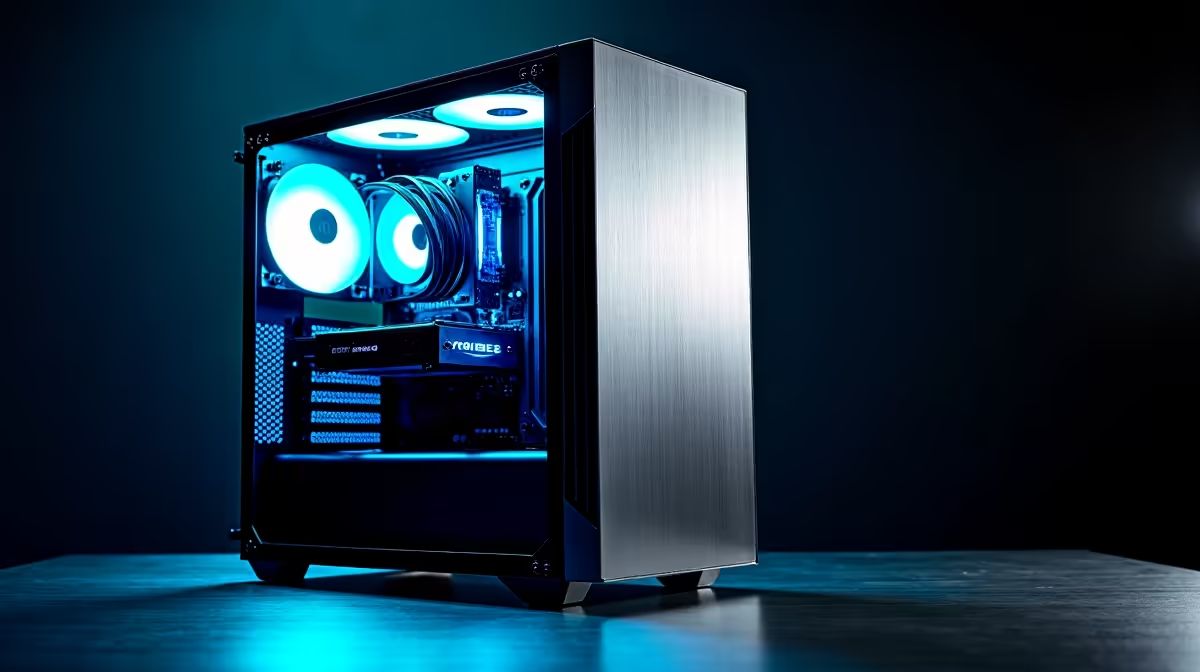
So, you’ve heard the buzz about DeepSeek and other powerful AI models you can run right on your own machine. Forget waiting for slow web interfaces… the real magic happens when you have the raw horsepower at home. But what is the best PC for DeepSeek? The good news for South African gamers is that the high-end rig you’ve been eyeing for 4K gaming is almost perfectly suited for serious AI performance. Let's dive in. 🚀
The GPU: Your AI Engine Room
When running large language models (LLMs) like DeepSeek, the Graphics Processing Unit (GPU) does the heaviest lifting. It’s not about frame rates here; it’s about VRAM (video memory) and processing cores. The more VRAM you have, the larger and more complex the models you can load and run smoothly.
For years, NVIDIA has been the top choice for AI thanks to its CUDA architecture. A rig from our range of powerful NVIDIA GeForce gaming PCs with an RTX 30-series or 40-series card (like the RTX 4070 or above) provides an excellent starting point. However, the landscape is changing. AMD's latest offerings are becoming increasingly competitive, and you can find great value in our selection of capable AMD Radeon gaming PCs, especially if you're working with frameworks that support ROCm. Even new contenders like Intel ARC gaming PCs are entering the scene, offering more choice for enthusiasts.
The key takeaway? Prioritise a GPU with at least 12GB of VRAM for a good experience. 16GB or more is ideal for an optimal DeepSeek setup.
CPU and RAM: The Crucial Support Crew
While the GPU is the star, the Central Processing Unit (CPU) and system RAM are vital supporting actors. A capable CPU ensures your operating system and other applications run smoothly while the GPU is under heavy load. It also handles data preparation and pipeline management, so a sluggish processor will bottleneck your entire AI workflow. Whether you choose from the latest Intel PC deals or the versatile options in our AMD Ryzen PC deals, a modern 6 or 8-core processor is a wise investment.
System RAM is just as important. We recommend a minimum of 32GB of fast DDR4 or DDR5 RAM. If your GPU's VRAM gets maxed out, the system will start using your main RAM, and having a plentiful, high-speed pool of it can save your workflow from grinding to a halt.
AI Pro Tip ⚡
For running local AI tools like DeepSeek, it's best practice to use a Python virtual environment (like venv or conda). This isolates your project's dependencies, preventing conflicts between different AI models and tools. It keeps your main system clean and makes your projects portable and reproducible.
Finding the Right DeepSeek PC Build for Your Budget
Building the best PC for DeepSeek doesn't mean you have to spend hundreds of thousands of Rands. The goal is to find the smartest balance of components for your specific needs and budget. You can get started on a surprisingly modest machine.
For those just starting to experiment, exploring our range of budget gaming PCs can provide a solid foundation that you can upgrade later. Often, the best gaming PC deals feature last-generation high-end components that offer incredible value for AI tasks today. A PC with an RTX 3060 12GB, for example, is a fantastic entry point into the world of local AI. ✨
Pre-Built vs. Custom: The Smart Path to AI Performance
While building a PC from scratch is rewarding, for a task as demanding as AI, a pre-built system offers significant advantages. With Evetech's pre-built PC deals, you get a machine where all components have been tested for compatibility and stability under load. This saves you the headache of troubleshooting and ensures you have a reliable system with a full warranty.
For those who are serious about AI development, coding, or content creation, stepping up to one of our specialised workstation PCs is the ultimate choice. These machines are purpose-built with certified drivers, maximum RAM capacity, and enterprise-grade components for unmatched reliability and performance.
Ready to Build Your AI Powerhouse? Whether you're fine-tuning models or exploring the creative potential of AI, having the right hardware is crucial. The best PC for DeepSeek is one that doesn't hold you back. Explore our massive range of PC deals and configure the ultimate machine for your AI ambitions today.










