


RTX 5070 Ti 16GB for Video Editing and AI Workflows
RTX 5070 Ti 16GB for video editing powers faster renders and AI-assisted workflows, speed up Premiere and Resolve exports, and optimize inference. 🎬🤖
Read morebest SSDs for AI development: Get NVMe speed, high endurance, and low latency to load massive training datasets faster and reduce I/O bottlenecks. 🚀💾
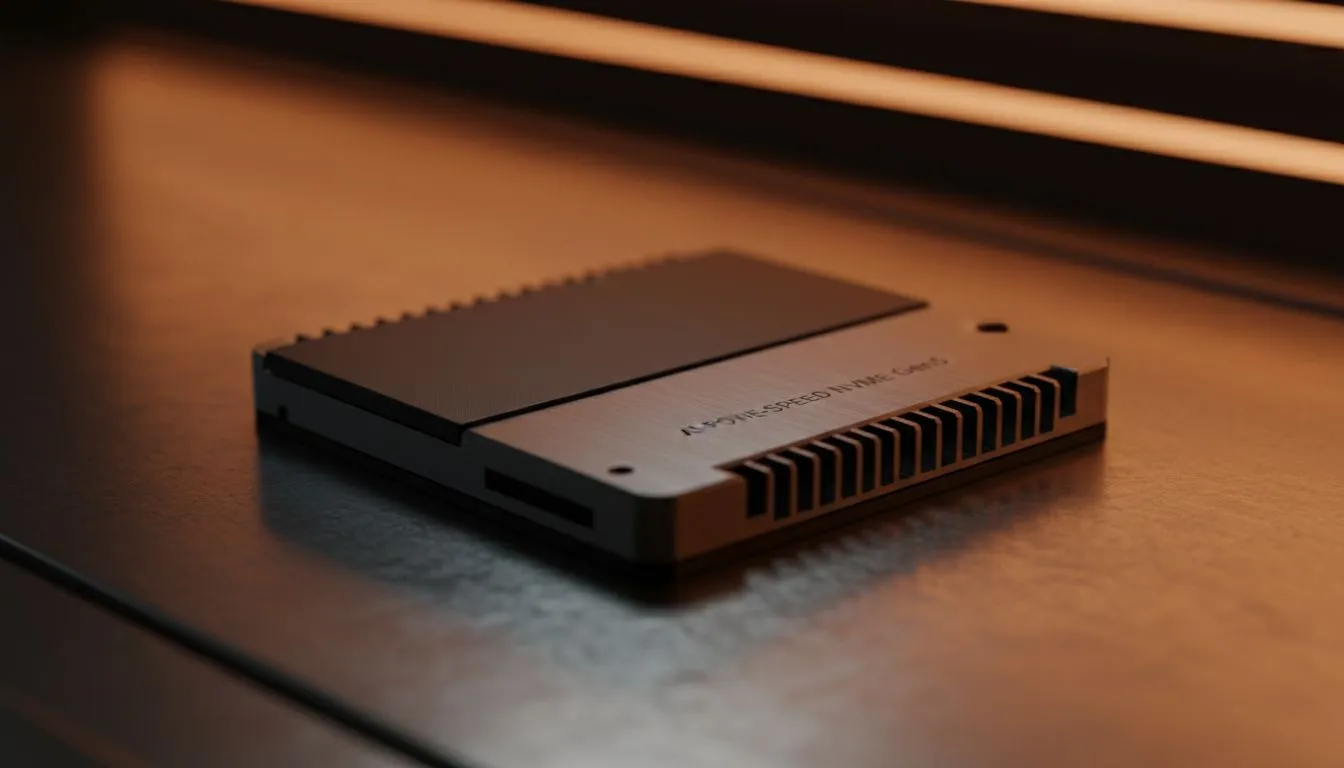
Staring at a progress bar while your AI model ingests a massive dataset? You're not alone. For developers across South Africa, the biggest bottleneck isn't always the CPU or GPU... it's the storage. The speed at which your system can read and write data is crucial. Upgrading to one of the best SSDs for AI development isn't just a minor tweak; it's a fundamental workflow accelerator that gives you back your most valuable asset: time. 🚀
Think of AI development like cooking a complex recipe. Your GPU is the powerful stove, and your CPU is the master chef. But what if your pantry assistant can only fetch one ingredient at a time? Everything grinds to a halt. That's what a slow hard drive does.
AI and machine learning models often work with gigantic datasets—terabytes of images, text, or sensor data. Loading this data from storage into your system's memory (RAM) is an I/O-heavy (Input/Output) task. Traditional hard drives, and even older SATA SSDs, simply can't keep up with the demand, leaving your expensive components waiting. The jump to modern solid-state drives was just the beginning; for AI, we need to be even more selective.
Not all SSDs are created equal, especially when it comes to the punishing demands of AI. Forget marketing hype; these are the specs that directly impact fast data set loading and model training times.
If you're serious about AI, you need to be serious about NVMe (Non-Volatile Memory Express). Unlike older SATA SSDs that use a protocol designed for spinning hard drives, NVMe drives connect directly to your motherboard's PCIe bus—the same high-speed interface your graphics card uses.
This direct line results in drastically lower latency and massively higher throughput. When your model needs to access thousands of small files or a single colossal data file, this is where the sheer speed of high-speed NVMe SSDs becomes essential, cutting down wait times from minutes to mere seconds.
While sequential speed (how fast a drive can read one large file) is important, random read/write speeds, measured in IOPS (Input/Output Operations Per Second), are arguably more critical for many AI tasks. Training often involves jumping between different parts of a dataset, a classic random access pattern. A drive with high IOPS can handle these scattered requests without breaking a sweat, ensuring your GPU is always fed with data.
AI datasets are huge and they're not getting any smaller. A 1TB drive is a good starting point, but 2TB or even 4TB is becoming the standard for serious practitioners. Furthermore, training models involves constantly writing data (checkpoints, logs, augmented data). This is where endurance, measured in Terabytes Written (TBW), comes in. A higher TBW rating means the drive is built to withstand heavy, continuous write cycles for years to come.
Partition your primary NVMe drive. Create a smaller partition for your operating system and software, and a larger, separate one just for your active datasets and projects. This isolates the intense I O of your AI work from your OS, preventing system-wide slowdowns and making it easier to manage and back up your critical data.
The best SSD setup for AI development often involves a multi-drive strategy to balance speed and cost.
Investing in the right storage solution pays for itself. Every hour saved waiting for data to load is an hour you can spend refining your model, running more experiments, and pushing the boundaries of what's possible. To make the upgrade easier on your wallet, it's always wise to check out the latest SSD deals and find top-tier performance without breaking the bank. ✨
Ready to Accelerate Your AI Workflow? The storage bottleneck is real, but the solution is here. Upgrading your storage is one of the most significant quality-of-life improvements for any AI developer in South Africa. Explore our massive range of SSD deals and find the perfect drive to unleash your machine's true potential.
NVMe PCIe SSDs offer the best mix of throughput and low latency for AI workloads; they speed dataset loading and training compared to SATA SSDs.
Aim for 1TB–4TB for typical projects; larger models and datasets may need 8TB+. Use NVMe ssd for ai training when working with terabytes.
Yes. High write endurance (DWPD) reduces replacement costs for heavy dataset writes and checkpoints during model training.
High-end consumer NVMe drives work for development and prototyping, but enterprise ssds for ai workloads provide better sustained performance.
Higher sequential read speeds directly reduce dataset load times; prioritize drives with high sustained throughput for large datasets.
External NVMe over Thunderbolt can work for portability, but internal NVMe offers lower latency and better sustained throughput for training.
Look for high TBW, strong sustained read/write, DRAM or HMB, and thermal throttling controls to keep dataset loading consistent.
RTX 5070 Ti 16GB for video editing powers faster renders and AI-assisted workflows, speed up Premiere and Resolve exports, and optimize inference. 🎬🤖
Read more
- Assess longevity - Embrace scalable AI - Plan upgrade paths AI upscaling for gaming boosts visuals and FPS while extending GPU life, helping you future-proof your rig with smart upgrades ⚡🎮
Read more
RTX 5060 Ti for AI workflows delivers cost-effective tensor performance to accelerate training, inference, and data prep. Learn tuning tips, memory/driver setup, and benchmark gains to boost daily AI productivity. ⚡️💡
Read more
RX 9060 XT for machine learning: Explore whether the RX 9060 XT can handle local AI and ML tasks, plus practical tips, benchmarks, and configuration advice. ✅🔧
Read more
AI NAS combines storage and on-device AI by adding a neural processing unit (NPU). Learn how an AI NAS speeds inference, secures data, and boosts backups. 🤖💾
Read more
Edge computing smart home setups reduce latency, boost privacy, and enable on-device AI for future-proof automation and security. Learn hardware picks and upgrade tips. 🔒🤖
Read more
Discover webcams that automatically adjust light and color for crystal-clear video calls 🎥✨. Boost your streaming quality today!

Discover webcams that blend into your workflow 🎯 Capture moments while you work, stream, or create. Upgrade your setup with smart, multitasking tech!

Dedicated media keys give streamers one-touch control to mute, switch scenes, clip highlights, and adjust audio — cutting task time and boosting consistency 🎛️⚡

PBT vs ABS keycaps: Clear, local guide for South African gamers—compare feel, sound, durability and where to buy. Find the best material for your budget and playstyle 🎮🇿🇦

- Multi-Function Digital Dial: define benefits - Show gamer setups and macros - Offer buying and setup tips Multi-Function Digital Dial puts programmable control at your fingertips for faster actions and smoother streaming. 🎮⚙️

- Explain benefits; - Show the science; - Compare options; - Recommend picks. Magnetic wrist rest for gaming cuts wrist strain and boosts comfort during long sessions 🕹️✨