


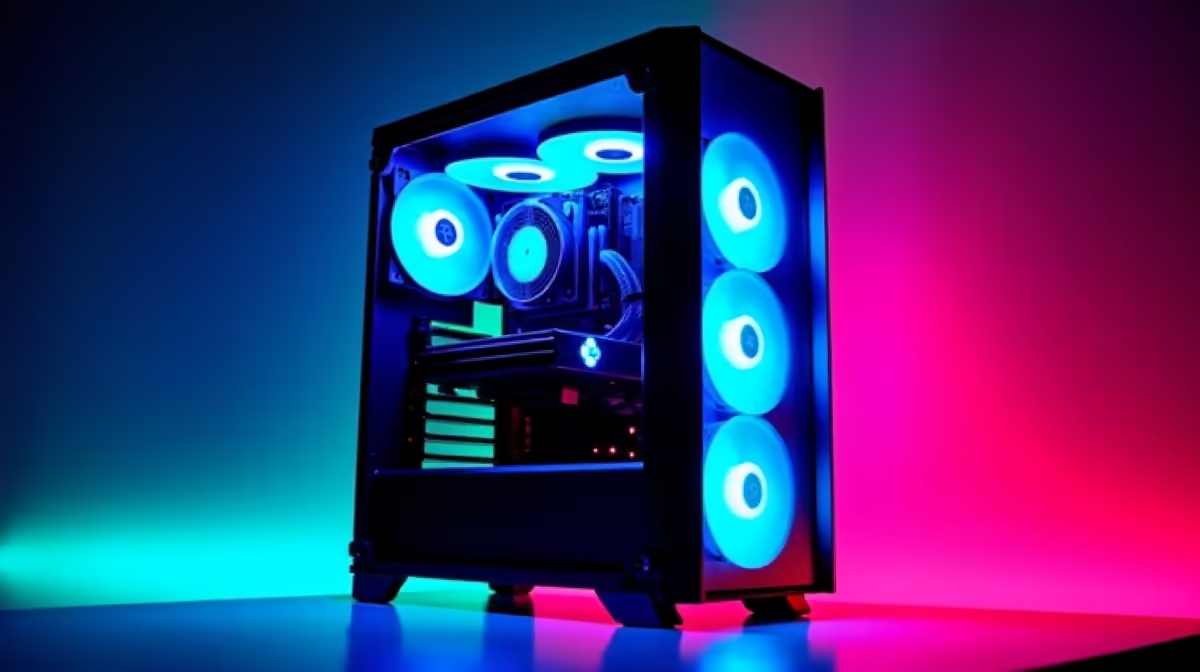
So, you’ve been tinkering with ChatGPT and now you’re itching to run powerful AI models right here in South Africa, on your own machine. Smart move. Relying on cloud services gets expensive fast, and privacy is a real concern. The solution? A dedicated PC for running LLMs locally. This guide cuts through the noise and shows you exactly what you need to build or buy an AI powerhouse in SA, without breaking the bank. 🤖
Why You Need a Local PC for Running LLMs
Before we dive into the hardware, let's be clear on why building a local rig is such a powerful strategy. It’s about more than just dodging high API costs in ZAR.
- Total Privacy: Your data, your prompts, and your custom models stay on your machine. Period. For sensitive projects or proprietary data, this is non-negotiable.
- Zero Latency: Get near-instant responses from your models. There's no waiting for a request to travel to a server in another country and back.
- Endless Customisation: Fine-tune open-source models like Llama 3 or Stable Diffusion on your own datasets. This is where true innovation happens, and it’s something you can’t easily do with closed-off commercial services.
- One-Time Cost: While the initial investment for an LLM PC can be significant, it’s a once-off purchase. Compare that to the endless monthly subscription fees for cloud GPU access, which can quickly run into thousands of Rands.
The Core Components for Your AI Rig
Building a PC for running LLMs is a bit different from a standard gaming setup. While there’s a lot of overlap, the priority of components shifts dramatically. Here’s the breakdown.
The GPU: Your AI Engine 🧠
This is the single most important component. The Graphics Processing Unit (GPU) does the heavy lifting for AI computations. When choosing one, a single specification reigns supreme: VRAM (Video RAM).
VRAM is the memory on the graphics card, and it's where the Large Language Model itself is loaded. If the model is bigger than your VRAM, you simply can't run it efficiently.
- NVIDIA is King: Thanks to its CUDA software platform, NVIDIA GPUs are the undisputed industry standard for AI. For anyone serious about running LLMs, starting with Team Green is the safest bet. Their massive ecosystem and community support mean you’ll find tutorials and pre-built tools for almost anything. Many high-performance NVIDIA GeForce gaming PCs offer an excellent starting point with cards like the RTX 4070 SUPER or RTX 4080 SUPER.
- AMD as an Alternative: AMD has made significant strides with its ROCm platform, but the software ecosystem is still maturing. While their cards offer great value for gaming, getting them to work seamlessly for a wide range of AI tasks can require more technical know-how. Still, for those on a budget who enjoy tinkering, exploring AMD Radeon gaming PCs can be a viable option.
VRAM is Everything ⚡
Before you buy a GPU, check the VRAM requirements for the models you want to run. A 7-billion (7B) parameter model might run on 8GB VRAM, but for larger 70B models or fine-tuning, you'll want 24GB or more. The RTX 4090 with its 24GB of VRAM is the current consumer champion for this reason.
System RAM, CPU, and Storage
While the GPU gets the spotlight, the supporting cast is crucial for a smooth experience.
- System RAM: Aim for at least 32GB of fast DDR5 RAM. This gives your operating system and other applications enough breathing room while the GPU is maxed out. If you plan on running very large models that might need to be partially offloaded from VRAM, 64GB or more is a wise investment.
- CPU (Processor): You don't need a top-of-the-line CPU. A modern mid-range processor like an Intel Core i5 or AMD Ryzen 5 with 6-8 cores is more than enough to handle data preparation and keep the system responsive.
- Storage: Speed is key. An NVMe SSD is essential for quickly loading multi-gigabyte models. A 1TB drive is a good starting point, but 2TB will give you more space for datasets and multiple models.
Gaming PC vs. Workstation: Which is the Best LLM PC?
So, should you get a tricked-out gaming rig or a professional workstation?
For most enthusiasts, developers, and researchers starting out, a high-end gaming PC is the perfect PC for running LLMs. It offers fantastic performance-per-Rand and can, of course, run the latest games flawlessly after you’re done training your AI. 🚀
However, if your work involves critical, long-running tasks, handling massive datasets, or you need maximum stability, then dedicated workstation PCs are the superior choice. They are built with components like ECC (Error Correcting Code) RAM for ultimate reliability and often feature motherboards with more PCIe lanes to support multiple GPUs. For professional AI development, exploring workstation PCs is the logical next step.
Ultimately, the best machine is the one that fits your budget and your ambition. Building a PC to run LLMs locally is an exciting journey that puts the power of AI directly in your hands.
Ready to Build Your AI Powerhouse? From high-VRAM gaming rigs to rock-solid professional workstations, the perfect machine for your AI ambitions is waiting. Explore our massive range of custom-built PCs and find the perfect rig to conquer your world.









