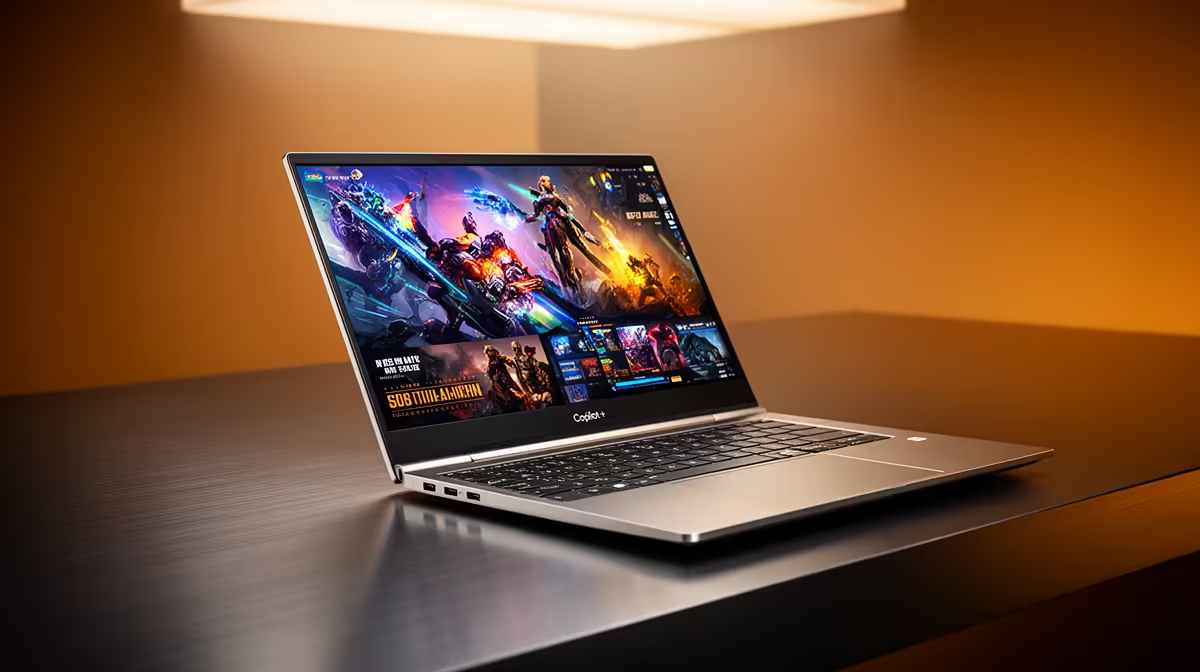
So, you’ve just unboxed one of the shiny new Copilot+ PCs, ready to dive into the future of AI-powered computing. The hype is real! But as a South African, you know the ultimate test isn’t just raw power… it’s whether the battery can survive a full day of work, creativity, and the dreaded outage schedule. If your new machine’s endurance isn’t living up to the promise, don’t stress. We’ve got the ultimate fixes.
Understanding Your Copilot+ Laptop Battery Life
Before diving into fixes, it’s crucial to understand why your Copilot+ laptop battery life might not hit those advertised "all-day" figures straight out of the box. These machines are powerhouses, running complex AI tasks on dedicated NPUs (Neural Processing Units). While incredibly efficient, features like real-time translation, advanced background effects in video calls, and constant system optimisation can sip more power than you’d expect.
The good news is that these new AI laptops are redefined for smart performance, and with a few tweaks, you can fine-tune their endurance to match our unique South African needs.
Essential Fixes for Better Battery Performance 🔋
Getting more screen-on time often comes down to smart software management. These simple, high-impact adjustments are the first things you should try to improve your laptop's battery longevity.
1. Optimise Your Windows Power Mode
Windows 11 gives you granular control over performance and efficiency. Instead of leaving it on "Balanced," switch to "Best power efficiency" when you're on the move.
- Click the battery icon in your taskbar.
- Use the slider or dropdown menu to select "Best power efficiency."
- This tells Windows to prioritise battery life over raw performance for background tasks.
2. Tame Your Screen's Power Draw
Your laptop's display is one of its most power-hungry components. A few small changes here can make a massive difference to your Copilot+ laptop battery life.
- Lower the Brightness: This is the easiest win. Dim it to a comfortable level.
- Disable HDR on Battery: High Dynamic Range makes content look stunning, but it uses significant power. Go to
Settings > System > Display > HDR and turn off "Use HDR" when on battery. - Use a Dark Theme: On OLED screens, a dark theme can noticeably reduce power consumption as black pixels are simply turned off.
Quick Tip: Battery Saver Mode ⚡
Activate Windows Battery Saver to automatically limit background activity and push notifications when your battery gets low. You can customise it to turn on at 20%, 30%, or any level you choose in Settings > System > Power & battery. It’s a lifesaver when you’re trying to stretch that last bit of juice.
3. Manage Your Apps and Processes
Some apps are notorious for draining power, even when you're not actively using them.
- Go to
Settings > System > Power & battery > Battery usage. - This screen shows you which apps have consumed the most power over the last 24 hours.
- If you see a culprit you don't need running, you can manage its background activity or close it completely.
Advanced Tweaks for Power Users 🔧
If the basic fixes aren't enough, it's time to dig a little deeper. These steps can provide another significant boost to your laptop's endurance.
- Update Your Drivers & BIOS: Manufacturers constantly release updates that optimise performance and efficiency. Check your laptop manufacturer's support page for the latest downloads.
- Control Connectivity: Turn off Bluetooth and Wi-Fi when you don't need them. Modern standards are efficient, but they still draw power when searching for networks or devices.
- Review Startup Apps: Too many programs launching at startup can slow your machine down and drain the battery. Press
Ctrl + Shift + Esc to open Task Manager, go to the "Startup apps" tab, and disable anything non-essential.
Sometimes, hardware is the key. If your current machine is a few years old, you might be surprised by the efficiency gains in newer models. The latest generation of powerful and efficient AMD laptops, for example, are designed with modern workloads and battery life in mind. If you’ve tried everything and still can't get through the day, browsing some of the latest great laptop specials might reveal a worthy upgrade that solves the problem for good. ✨
Ready to Find Your Perfect Match?
The Mac vs Windows debate is complex, but for maximum power, choice, and value in South Africa, Windows is hard to beat. Explore our massive range of laptop specials and find the perfect machine to conquer your world.