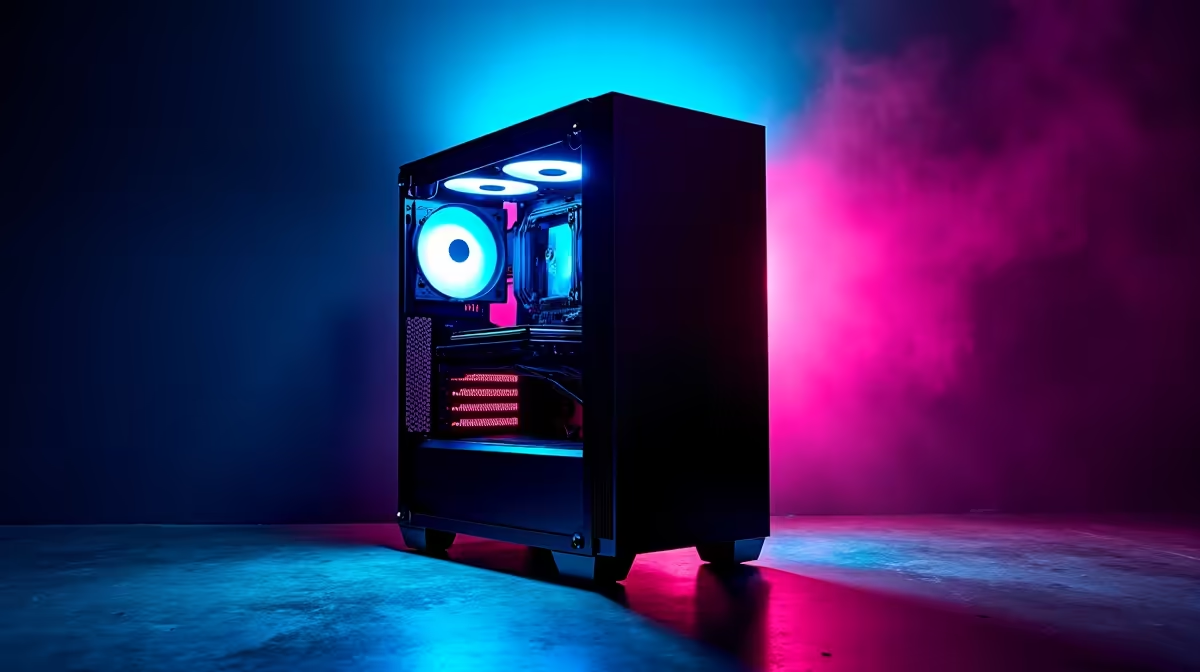
Is your PC stuttering under the weight of AI models like DeepSeek? You're not alone. Here in South Africa, getting peak performance from these powerful tools isn't just about fast fibre... it's about smart hardware and software tuning. This pro guide to DeepSeek PC optimization in South Africa will help you unlock your machine's true potential, ensuring your rig is ready for the AI revolution. Let's get your PC running at lightning speed. 🚀
Your Hardware Foundation: The AI Engine Room
Before you touch a single setting, your core components determine your AI ceiling. Running large language models is incredibly demanding, and your PC needs the right muscle. Think of it less like running a game and more like a constant, high-intensity workout for your hardware.
The GPU: Your AI Workhorse
The Graphics Processing Unit (GPU) is the single most important component for AI. Models like DeepSeek rely on the parallel processing power of GPU cores (specifically CUDA cores on NVIDIA cards) to function efficiently. For solid DeepSeek PC optimization, a modern GPU with plenty of VRAM (Video RAM) is non-negotiable. More VRAM allows you to load larger, more complex models directly into the GPU's memory, which is dramatically faster than system RAM.
Many of the best options are found in modern NVIDIA GeForce gaming PCs, as their architecture is perfectly suited for these tasks.
CPU and RAM: The Supporting Cast
While the GPU does the heavy lifting, your CPU and RAM are crucial for keeping the entire system responsive. The CPU manages data pipelines, feeding information to the GPU, while system RAM holds the OS, background apps, and parts of the AI model that don't fit in VRAM. For a smooth experience, a multi-core CPU and at least 32GB of fast DDR4 or DDR5 RAM are recommended. While gaming PCs are a great start, many powerful AMD Radeon gaming PCs also offer the CPU and RAM configurations needed for impressive AI performance.
Software Tuning for Peak DeepSeek Performance
With the right hardware in place, it's time to fine-tune your software environment. This is where you can squeeze out extra performance without spending another Rand. Proper DeepSeek performance tuning is about creating a lean, efficient software stack.
Start with the basics:
- Update Your GPU Drivers: Always install the latest "Studio" or "Game Ready" drivers from NVIDIA. These updates often include critical performance improvements for AI and CUDA applications.
- Close Background Apps: Free up every megabyte of RAM and every CPU cycle. Close web browsers, streaming apps, and any unnecessary background processes before launching a demanding AI task.
- Manage Your Power Plan: Ensure your Windows power plan is set to "High Performance" or "Ultimate Performance". This prevents the OS from throttling your CPU and GPU speeds to save power.
Pro Tuning Tip ⚡
For serious AI work, consider setting up a dedicated Linux environment using WSL (Windows Subsystem for Linux). It provides a native-like Linux terminal in Windows, often delivering better performance and compatibility for AI development tools and libraries like PyTorch and TensorFlow. It's a powerful step in your DeepSeek PC optimization journey.
For professionals and enthusiasts pushing the limits, a system built from the ground up for sustained, heavy workloads is the ultimate goal. These machines often feature enhanced cooling and power delivery, making dedicated Workstation PCs the top-tier choice for serious AI development in South Africa. ✨
Ready to Build Your AI Powerhouse?
Optimising is key, but for game-changing performance, nothing beats a purpose-built machine. Use our Custom PC Builder to configure the perfect rig for DeepSeek and conquer the next generation of AI.