


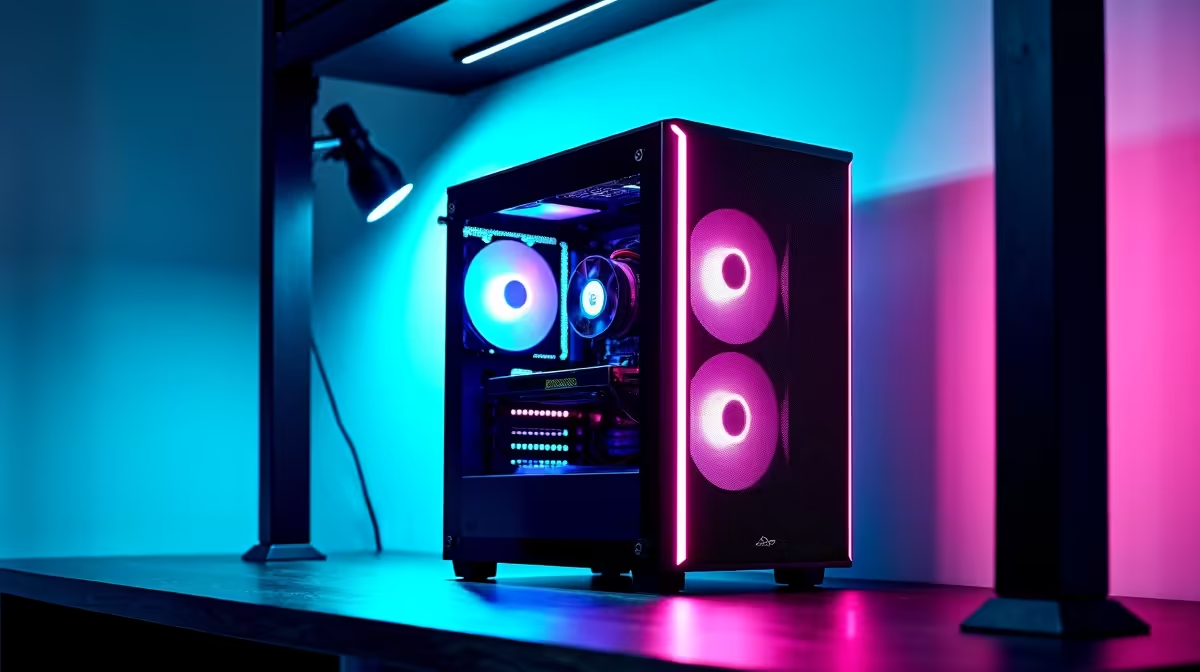
So, you’re diving into the world of local AI, ready to run powerful models like DeepSeek right on your own machine. It’s an exciting frontier for creators and developers in South Africa. But let's be real... with outage schedules on speed dial, the big question is: what will this do to your electricity bill? Understanding DeepSeek power consumption isn't just a tech spec—it's about making local AI practical and affordable.
What Drives Local AI Power Consumption?
When your PC is crunching through complex AI tasks, it's not your CPU that's sweating... it's your Graphics Processing Unit (GPU). The power draw from running a model like DeepSeek is almost entirely dictated by your GPU's workload, which is influenced by a few key factors.
- Model Size: A larger model, like DeepSeek-Coder-33B, requires significantly more VRAM and processing power than a smaller 7B model. More complexity means more watts.
- Your GPU: The single biggest factor. A high-end card like an NVIDIA RTX 4090 can pull over 450W under full load, while a more modest RTX 4060 might sit closer to 160W.
- The Task: Generating text or code in short bursts uses less sustained power than fine-tuning a model for hours on end. Continuous, heavy tasks will keep your GPU running at maximum capacity, pushing your power usage to its limit.
Understanding the relationship between your hardware and the AI workload is the first step toward building an efficient local AI setup.
Choosing Your Hardware for Efficient AI 🖥️
Your PC's components directly impact the power consumption of DeepSeek and other local models. The right choice balances performance with efficiency, ensuring you're not paying a fortune in ZAR just to run your prompts.
The NVIDIA Advantage: CUDA Cores
For the vast majority of AI applications, NVIDIA is the undisputed leader. Its CUDA platform is the industry standard, offering widespread support and optimised performance that makes running models a breeze. Cards with more VRAM, like the RTX 4070 Ti or 4080 SUPER, are ideal for handling larger models without issue. If you're serious about local AI, exploring powerful NVIDIA GeForce gaming PCs is the most straightforward path to success.
Can AMD Keep Up?
While NVIDIA holds the crown, AMD offers a compelling value proposition. With platforms like ROCm gaining traction, running AI on Radeon cards is more viable than ever. For those who want a machine that excels at gaming and can still handle AI workloads, modern AMD Radeon gaming rigs are a fantastic, budget-conscious choice, though they may require a bit more software tinkering to get started.
Monitor Your Watts ⚡
Want to see exactly how much power your GPU is using? Install a free tool like HWInfo64. Under the 'Sensors' section, find your GPU and look for the "GPU Power" reading. This gives you a real-time look at your consumption, helping you understand the impact of different AI models and settings.
The Case for a Dedicated Workstation
If you plan on running AI models for extended periods... think training sessions that last all night... stability is everything. While a gaming PC is capable, professional-grade workstation PCs are built for this kind of marathon. They often feature more robust power supply units (PSUs), superior cooling, and components designed for 24/7 reliability, ensuring your AI tasks run smoothly without overheating or crashing.
Tweak Your Way to Lower Power Usage 💡
Beyond hardware, you can use software tricks to manage your DeepSeek power consumption.
- Use Quantized Models: Look for "quantized" versions of models (e.g., GGUF or AWQ). These are slightly compressed versions that use less VRAM and processing power, often with a minimal impact on performance.
- Limit Your GPU Power: Using tools like MSI Afterburner, you can manually set a power limit for your GPU (e.g., 80% of its maximum). This is an easy way to cap your electricity usage during long tasks.
- Optimise Your Code: When inferencing, process requests in batches where possible. This is more efficient than handling them one by one and can reduce the overall time your GPU spends at high power states.
Ultimately, running local AI efficiently in South Africa is a balancing act. By choosing the right hardware for your needs and applying a few smart optimisations, you can explore the incredible world of AI without dreading your next electricity bill.
Ready to Build Your Ultimate AI Rig? Whether you need the raw power of NVIDIA or the balanced performance of a workstation, the right machine makes all the difference. Explore our wide range of custom-built PCs and find the perfect system to power your AI ambitions.











