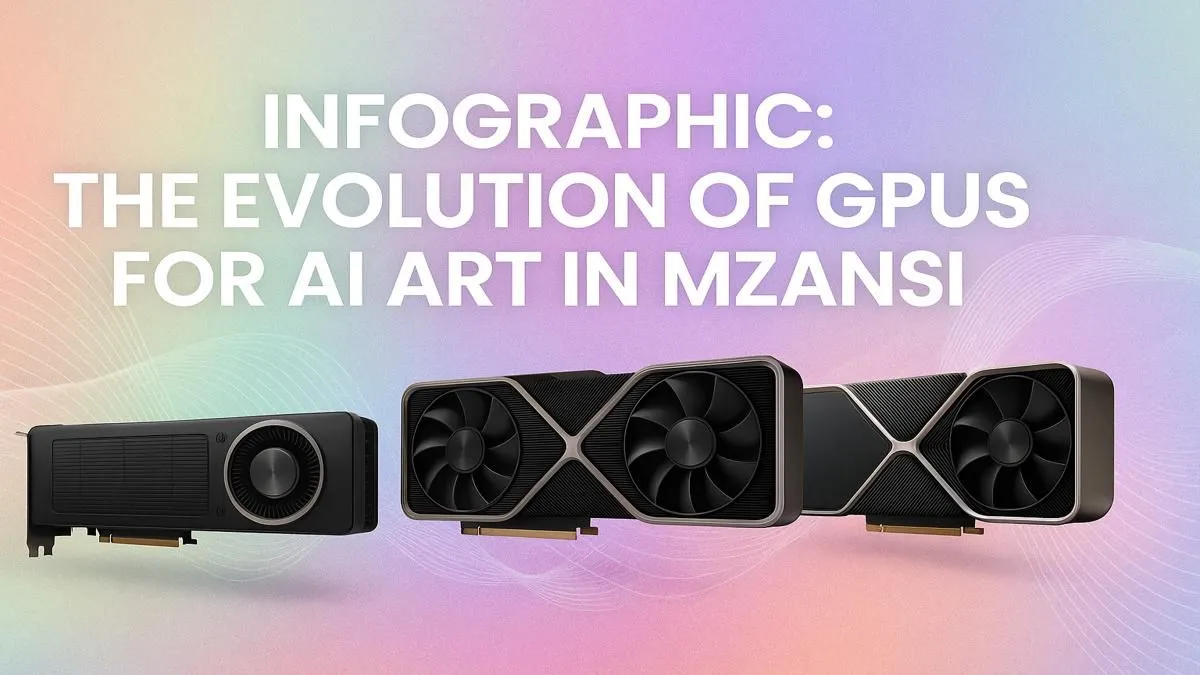
Staring at a blank canvas... or a blinking command prompt? If you've been bitten by the AI art bug, you know the feeling. From Midjourney's dreamy landscapes to Stable Diffusion's wild creations, generative AI is reshaping creativity in South Africa. But there's a catch: your old gaming GPU might be holding you back. The hardware that runs Warzone smoothly might struggle to "paint" a single high-resolution image. Let's explore the best GPUs for AI art in South Africa. 🎨
The Evolution of the AI Artist's GPU
Think of your graphics card's journey like an artist evolving their tools. What started as a simple pencil is now a sophisticated digital studio. The demands of AI art have pushed GPUs in exciting new directions, making specific features more important than ever.
Phase 1: The "Just Curious" Era (Entry-Level Power)
A few years ago, just getting an AI image to generate was a victory. This is where older cards or budget models sit. They can run basic models, but you'll be waiting... and waiting. They are a great entry point but lack the VRAM (video memory) and specialised cores for serious work. If you're just dipping your toes in, this is a start, but you'll hit a ceiling fast.
Phase 2: The "Serious Hobbyist" Leap (Mid-Range RTX)
This is where the magic starts. Cards like the NVIDIA RTX 3060 12GB became legendary for a reason: VRAM. AI models are loaded into your GPU's memory, and more VRAM means you can work with larger, more complex models and generate higher-resolution images without errors. This is the sweet spot for most enthusiasts, where you'll find a fantastic selection of NVIDIA GeForce graphics cards that offer a brilliant balance of price and performance. 🚀
Phase 3: The "Prosumer" Powerhouse (High-End Gaming & Workstation)
When you start training your own models, using advanced tools like ControlNet, or generating 4K images, you need more firepower. High-end cards from NVIDIA's latest generations offer not just more VRAM, but significantly more CUDA and Tensor Cores—the tiny calculators that do the heavy lifting for AI. For those who need ultimate stability and certified drivers for professional software, dedicated workstation graphics cards are the top-tier choice, built for 24/7 reliability.
VRAM is Your New Best Friend 🧠
When choosing a GPU for AI, prioritise VRAM above almost everything else. 8GB is the absolute minimum to avoid frustration. 12GB is the sweet spot for hobbyists, and 16GB or more is ideal for high-resolution work and training custom AI models. More VRAM lets you generate bigger images, faster.
What About Team Red? AMD GPUs for AI Art
While NVIDIA's CUDA platform has long been the industry standard for AI, AMD is making serious strides. With advancements in their ROCm software stack, more AI tools are running efficiently on Radeon cards. For South African gamers who also want to dabble in AI art, a high-VRAM AMD Radeon graphics card can be a fantastic value proposition, offering killer gaming performance and growing AI capabilities. Just be sure to check that your favourite AI tools support it first!
Your Checklist for Buying an AI Art GPU in SA
Ready to upgrade? Don't just grab the first card you see. The right AI art GPU is a specific tool for a specific job.
- VRAM is King: We can't say it enough. 12GB+ is your target.
- CUDA/Tensor Cores: If you're serious about AI, NVIDIA's ecosystem is currently the most mature and widely supported.
- Cooling and Power: These cards work hard. Ensure your PC case has good airflow and your power supply (PSU) can handle the load.
- Local Warranty: Buying locally from a trusted retailer like Evetech means you get proper support and warranty, which is crucial for such a key investment.
Finding the perfect balance of power, price, and features is the final step. Whether you're a gamer, a creative professional, or a dedicated AI artist, there's a GPU waiting to bring your visions to life. Take a look at the huge variety of NVIDIA and ATI graphics cards to compare your options. ✨
Ready to Create Your Masterpiece?
Choosing the right GPU for AI art is the most important step in your creative journey. Stop guessing and start generating. Explore our massive range of graphics cards and find the perfect engine for your imagination.