


You've chatted with ChatGPT, marvelled at AI art, and seen AI assistants pop up everywhere. It feels like magic, right? But what if you could run that magic locally, right on your own PC? No subscriptions, no internet lag... just pure, private AI power. The big question is, what are the actual LLM hardware requirements? Is your gaming rig up to the task, or do you need a supercomputer? Let's break it down, South Africa.
Understanding the Core LLM Hardware Requirements
Running a Large Language Model (LLM) locally is a bit like high-end gaming—it pushes your hardware to its limits, but in different ways. Instead of rendering beautiful graphics at high frame rates, you're crunching massive datasets. The performance of your setup depends on three key components working together. Understanding these hardware requirements is the first step to building a capable AI machine.
The three pillars are:
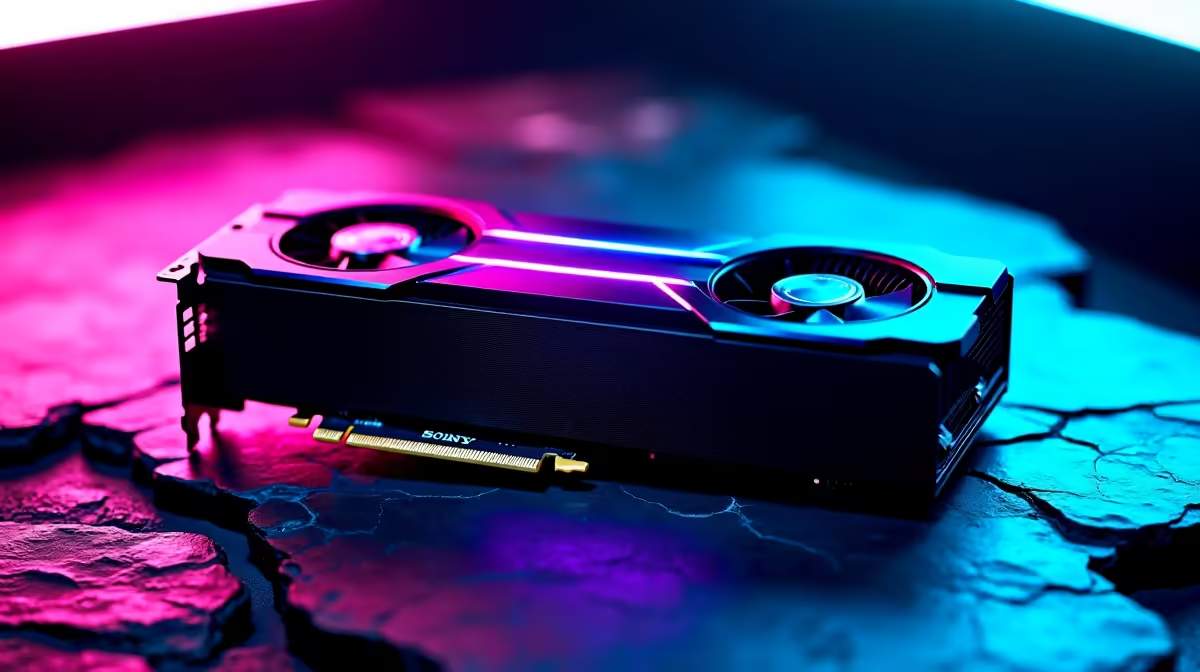
- Graphics Card (GPU) & VRAM: This is the undisputed champion. The model's "brain" gets loaded directly into your GPU's video memory (VRAM).
- System RAM: Your computer's main memory. It acts as an overflow when the model is too big for your VRAM.
- Processor (CPU): While the GPU does the heavy lifting, the CPU manages the process and can help with parts of the calculation.
Think of VRAM as your workshop bench. The bigger the bench, the larger the project (the AI model) you can work on directly. If the project is too big, you have to store parts of it on the floor (your system RAM), which is much slower to access.
v
The VRAM Bottleneck: Why Your GPU is King 👑
When people ask about LLM hardware requirements, the conversation always starts and ends with the GPU. Specifically, its VRAM capacity is the single most critical factor. The size of an LLM is measured in "parameters"—billions of them. A 7-billion parameter model (like Llama 3 8B) needs a certain amount of VRAM just to be loaded.
Here’s a rough guide:
- For Small Models (7B-8B): You'll want at least 8GB of VRAM, but 12GB is a much safer and faster bet. This allows you to run popular, powerful models for tasks like creative writing or coding assistance.
- For Medium Models (13B-34B): Now you're entering serious enthusiast territory. A GPU with 16GB to 24GB of VRAM is essential. These models offer significantly more nuance and capability.
- For Large Models (70B+): Running these behemoths smoothly requires top-tier consumer cards or professional-grade hardware.
For most people getting started with local AI, a GPU with plenty of VRAM is the best investment. Many of the latest powerful NVIDIA GeForce gaming PCs come equipped with the VRAM needed to handle these demanding AI workloads right out of the box. 🚀
Easy AI On Your PC ⚡
Want to try running an LLM without complex setup? Check out free software like LM Studio or Ollama. They provide simple, graphical interfaces that let you download and chat with hundreds of different open-source AI models in just a few clicks. It's the perfect way to test your PC's AI capabilities.
System RAM and CPU: The Supporting Cast
What happens if a model is too big for your VRAM? Your PC can "offload" layers of the model to your system RAM. This is a clever workaround, but it comes at a significant performance cost because system RAM is much slower than VRAM. This is why having a healthy amount of system RAM—32GB at a minimum, 64GB ideally—is a crucial part of the LLM hardware requirements. It provides a necessary buffer and keeps things from grinding to a halt.
While the GPU handles the core AI processing, the CPU is still vital. It prepares the data, manages instructions, and can even run parts of the model if you're using a hybrid approach. A modern multi-core processor ensures the rest of your system remains responsive while the GPU is maxed out. Many well-balanced AMD Radeon gaming PCs pair excellent CPUs with capable GPUs, offering a fantastic balance for both gaming and AI exploration.
Gaming PC or Workstation: Defining Your AI Goals
So, is your gaming PC good enough? For experimenting with smaller models and learning the ropes, absolutely! A modern gaming rig with a good GPU is a fantastic entry point into the world of local AI. You can accomplish an incredible amount without spending a fortune. ✨
However, if your ambitions are bigger—like fine-tuning models on custom data, developing AI applications, or running the largest open-source models at high speed—your hardware requirements will scale up. This is where professional-grade hardware comes in. Purpose-built custom workstation PCs can be configured with multiple GPUs, massive amounts of RAM (128GB or more), and processors designed for sustained, heavy workloads, giving you the power to tackle serious AI development.
Ready to Build Your AI Powerhouse? From gaming to creating, running your own AI is the next frontier. Understanding the hardware requirements is the first step... the next is getting the right gear. Explore our range of custom-built PCs and configure a machine perfectly suited for your AI ambitions today.










