


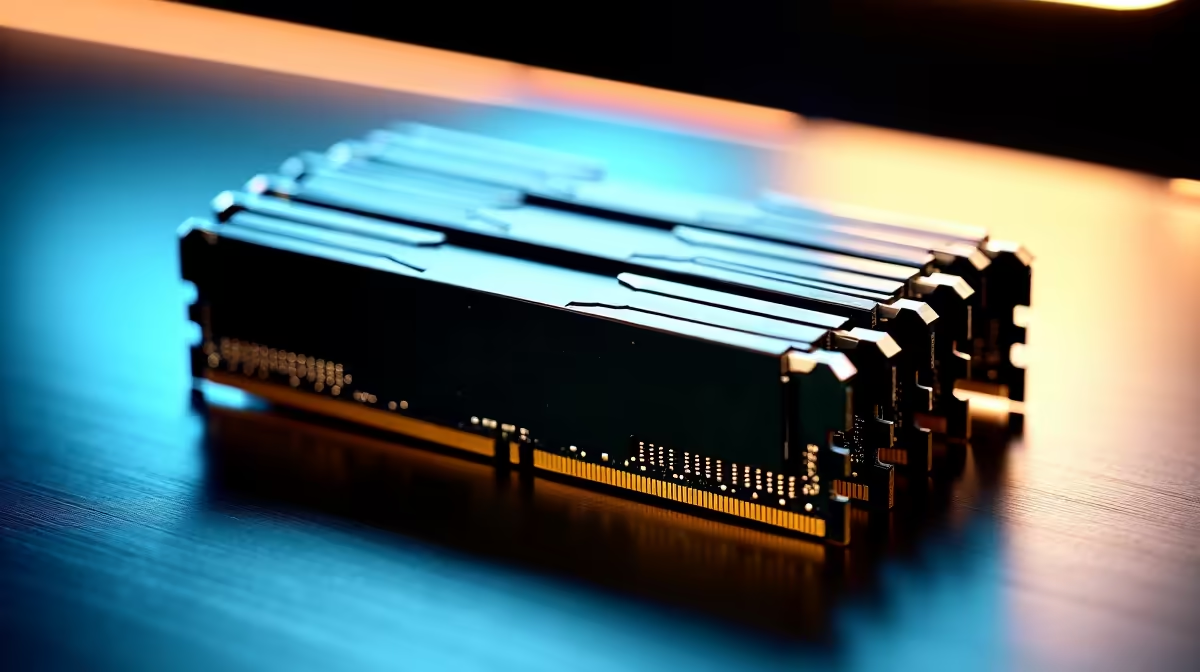
You’ve seen the AI magic online… ChatGPT writing code, Midjourney creating art. But what if you could run these powerful Large Language Models (LLMs) right here in South Africa, on your own machine? It’s more possible than you think, but there’s one big hurdle: memory. Getting the LLM RAM requirements right is the difference between smooth sailing and a system crash. So, how much RAM do you really need to join the local AI revolution?
Why Model Size Dictates Your RAM Needs
Before we dive into the numbers, let's get one thing straight. When running an LLM locally, your computer's RAM (Random Access Memory) is its short-term brainpower. The LLM's "weights," which are basically its learned knowledge, have to be loaded into RAM to function.
The bigger the model (measured in billions of parameters), the more space these weights take up. A simple rule of thumb is that for every billion parameters, you need roughly 1GB of RAM for the model to run at a basic level. This is a crucial first step in understanding LLM RAM requirements.
The Starting Line: 7B Models (8GB - 16GB RAM)
For anyone just dipping their toes into local AI, a 7-billion (7B) parameter model like Mistral 7B or Llama 3 8B is the perfect start. These are surprisingly capable for tasks like text summarisation, creative writing, and basic coding assistance.
- Minimum RAM: 8GB might get you running with heavy optimisation (quantization), but you'll be pushing your system to its limits.
- Recommended RAM: 16GB is the comfortable starting point. It gives you enough breathing room to run the model and your operating system without constant slowdowns.
The Sweet Spot: 30B Models (32GB+ RAM)
Ready for more power? Models in the 30-billion parameter range offer a significant leap in reasoning and accuracy. This is the enthusiast's sweet spot, perfect for more complex development or running a private, powerful chatbot. Here, the memory requirements get more serious.
- Minimum RAM: You'll need at least 32GB of RAM. At this level, you’re moving beyond standard gaming rigs and into the territory of high-performance machines.
The Pro Tier: 70B+ Models (64GB+ RAM)
To run the big dogs—models with 70 billion parameters or more—you need a beast of a machine. These models can perform incredibly complex tasks and are often used for specialised research and development. The LLM RAM requirements at this level are no joke. You'll need 64GB, 128GB, or even more. This is where professional-grade workstation PCs with their massive memory capacity and robust processing power become essential. 🧠
Check Your Vitals 🩺
Before you download a massive model, see what you're working with! On Windows, press Ctrl+Shift+Esc to open Task Manager. Click the "Performance" tab to see your total installed RAM and how much is currently in use. You can also check your dedicated GPU memory (VRAM) here, which is just as important.
Don't Forget VRAM: Your GPU's Secret Weapon 🚀
While system RAM holds the model, your graphics card's VRAM (Video RAM) is what actually processes it at lightning speed. Offloading parts of the LLM to your GPU is the key to getting fast, usable responses. If you try to run an LLM entirely on your CPU, it will be painfully slow.
This is why a good graphics card is non-negotiable. Modern GPUs from both teams have the VRAM and processing cores needed for the job. High-end cards in powerful NVIDIA GeForce gaming PCs often come with 12GB, 16GB, or even 24GB of VRAM, making them ideal for running large models efficiently. Likewise, many top-tier AMD Radeon gaming rigs offer excellent performance and generous VRAM, providing great value for aspiring AI enthusiasts.
Ultimately, the ideal setup uses a combination of system RAM and VRAM. The more you can fit onto your GPU's fast memory, the better your experience will be.
Ready to Power Your AI Ambitions? Understanding LLM RAM requirements is the first step. The next is getting the right hardware. Whether you're a hobbyist or a pro, we've got the high-performance PCs to bring your AI projects to life. Explore our range of custom-built computers and find your perfect AI powerhouse today.











