


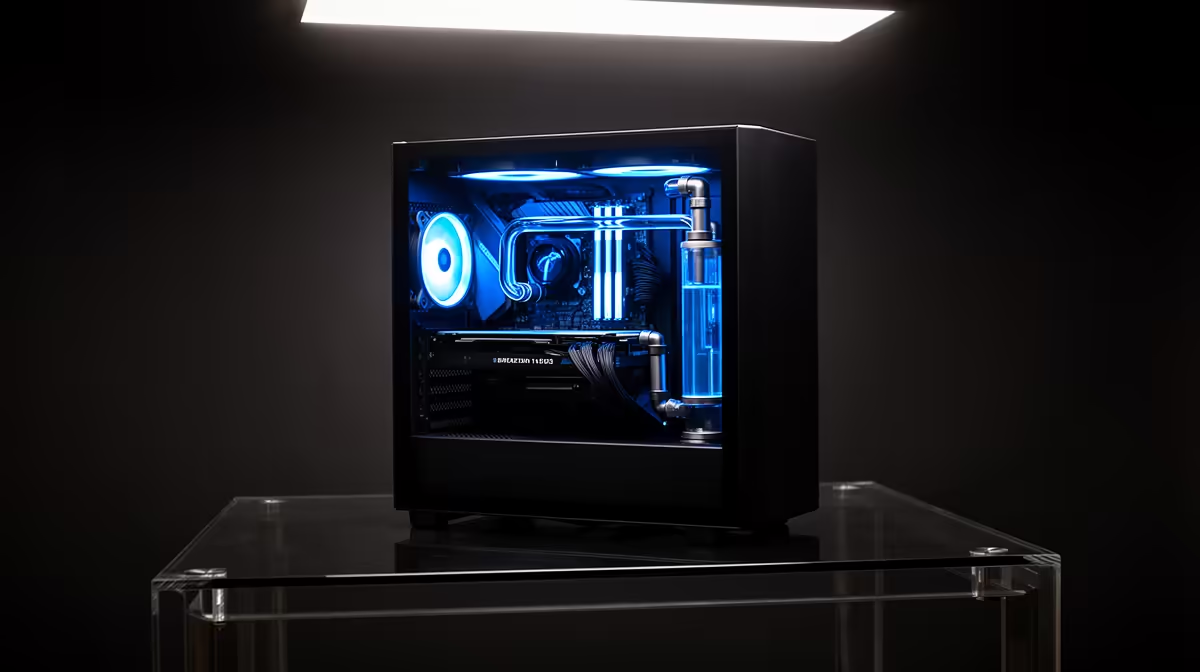
Tired of hearing about AI that lives on a server somewhere in California? What if you could run your own private, powerful AI right here in South Africa, completely offline and tailored to your needs? It’s not science fiction anymore. The secret isn't some mega-computer... it's about having the right hardware in your desktop PC. This guide breaks down exactly what you need to run an LLM locally, turning your gaming rig into a personal AI powerhouse. ⚡
Why Run an LLM on Your Own PC?
Before we dive into the hardware, let's talk about the "why." Using cloud-based AI like ChatGPT is convenient, but running a large language model on your own machine offers some massive advantages, especially for South Africans.
- Total Privacy: When you run an LLM locally, your data, your prompts, and your conversations never leave your computer. There's no third party reading your inputs or using them for training.
- Offline Freedom: In a country where an unexpected outage can kill your internet connection at any moment, local AI is a lifesaver. Your model works perfectly whether you're online or not.
- No Subscription Fees: While the initial hardware is an investment, you're free from monthly subscription costs that can quickly add up. You own the hardware and the capability.
- Uncensored Exploration: You get to experiment with a vast range of open-source models, each with its own personality and capabilities, free from the content filters imposed by large corporations.
The Hardware You Need to Run LLMs Locally
Building a PC to run a large language model locally is a lot like building a high-end gaming PC, but with a specific focus on one key component: the GPU.
The GPU: Your AI Engine 🚀
The Graphics Processing Unit (GPU) is the heart of any local AI setup. While your CPU manages the system, the GPU does the incredibly complex parallel calculations required for AI. When choosing a GPU, the single most important specification is VRAM (Video RAM).
Think of VRAM as the GPU's dedicated workspace. The bigger and more complex the language model, the more VRAM you need to load and run it.
- NVIDIA (The Current Champion): Thanks to its CUDA technology, NVIDIA has a significant head start in the AI space. Most AI software and models are optimised for their cards first, making them a reliable and powerful choice. From gaming to AI development, these powerful NVIDIA GeForce gaming PCs have the CUDA cores to get the job done efficiently.
- AMD (The Rising Contender): Team Red is making huge strides. While NVIDIA has a more mature ecosystem, the latest generation of custom-built AMD Radeon gaming PCs are becoming increasingly capable for local AI tasks thanks to improvements in their software and community support.
System RAM, CPU, and Storage: The Support Crew 🔧
While the GPU is the star, the other components are crucial for a smooth experience.
- System RAM: This is where your operating system and applications live. For running LLMs, 32GB is a solid starting point, but 64GB is highly recommended if you plan on multitasking or working with larger datasets.
- CPU: You don't need the absolute best CPU on the market, but a modern processor with multiple cores (like an Intel Core i5/i7 or AMD Ryzen 5/7) is important for managing data flow to the GPU.
- Storage: Speed is essential. LLM files are massive—often 5GB to over 80GB. An NVMe SSD is non-negotiable for loading these models quickly. You don't want to be stuck waiting minutes for your AI to start up.
Finding the Right Rig for Your AI Ambitions
So, what does a practical setup look like? The PC you need depends on the size of the models you want to run. Models are often measured in "billions of parameters" (e.g., 7B, 13B, 70B).
- The Experimenter (7B-13B Models): A GPU with 12GB-16GB of VRAM, like an NVIDIA GeForce RTX 4070 or RTX 4060 Ti 16GB, is a fantastic entry point. You can run many popular and highly capable models, perfect for creative writing, coding assistance, and general experimentation.
- The Enthusiast (13B-70B Models): To step up to larger, more powerful models, you'll want a GPU with 24GB of VRAM, with the NVIDIA GeForce RTX 4090 being the undisputed king. This allows you to run near state-of-the-art models for more demanding tasks.
- The Professional (Fine-Tuning & Development): For those pushing the absolute limits, fine-tuning custom models, or running multiple AI instances, purpose-built workstation PCs offer the stability, cooling, and expansion options needed for professional-grade work, including multi-GPU setups.
Your First Steps into Local AI
Getting started on the software side has never been easier. User-friendly applications like Ollama and LM Studio provide a simple interface to download and chat with different models, handling all the complex setup for you. You can be up and running your first local LLM in under 30 minutes.
Check Before You Download! 💡
Before you download a massive 40GB model, check its VRAM requirements on its Hugging Face page. Look for 'quantized' versions (like GGUF) which are optimised to use less VRAM. This lets you run surprisingly powerful models on more modest hardware.
The ability to run an LLM locally is no longer a futuristic dream. With the right hardware, it's a practical and powerful tool available to any tech enthusiast in South Africa. You get unparalleled privacy, offline capability, and the freedom to truly explore the cutting edge of artificial intelligence.
Ready to Build Your Own AI Powerhouse? The world of local AI is no longer just for data scientists. With the right hardware, you can run powerful large language models right from your desk in South Africa. Explore our range of customisable gaming PCs and find the perfect machine to start your AI journey.










