


What if you could have your own private AI, right on your desktop? The ability to run LLMs locally is no longer a far-fetched dream for data scientists. For South African gamers and creators with powerful hardware, it’s the next frontier in personal computing. Let’s dive into how you can run AI on your PC and take back control. 🚀
Why You Should Run LLMs Locally in South Africa
The appeal of running AI on your own machine goes far beyond just tinkering. It’s about reclaiming control in a world of cloud-based services.
First, there’s privacy. When you run LLMs locally, your prompts and the AI's responses never leave your computer. No data is sent to a third-party server, making it ideal for sensitive work or personal queries you’d rather keep to yourself.
Second is offline accessibility. With Eskom’s unpredictable schedules, having an AI that works flawlessly without an internet connection is a massive advantage. Your productivity or creativity doesn’t have to stop when the Wi-Fi does.
Finally, it’s cost-effective in the long run. While there’s an initial hardware investment, you avoid the recurring API fees that can quickly add up for power users of services like OpenAI's GPT-4.
The Gear You Need to Run AI on Your PC
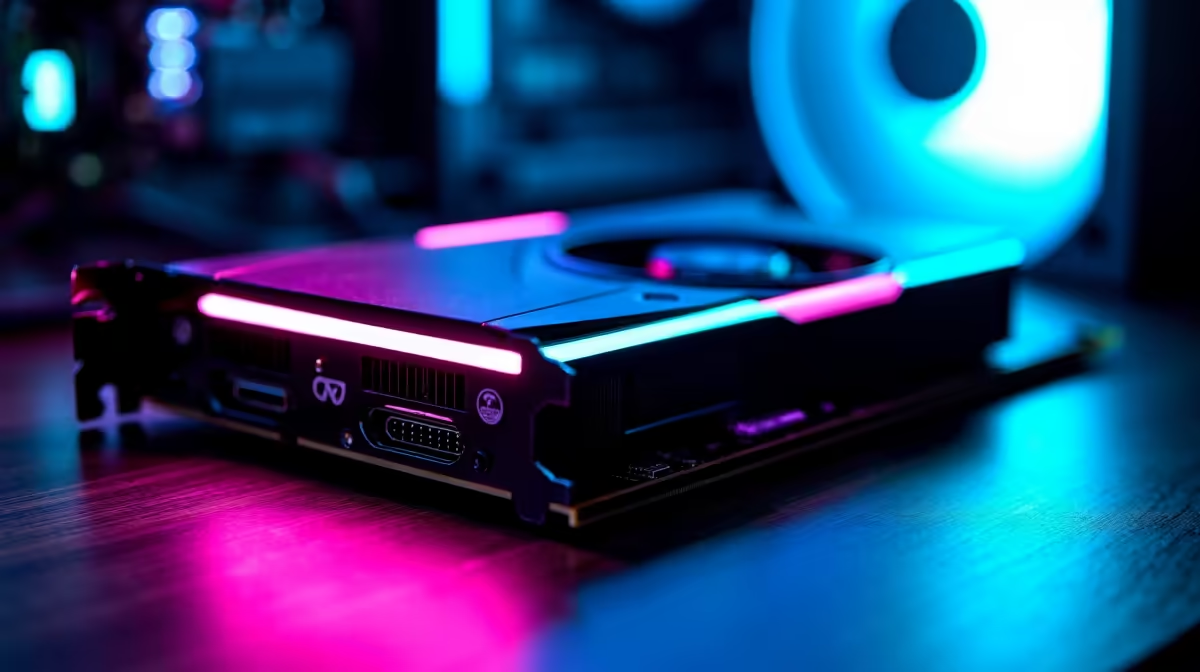
The magic of a local LLM setup happens on the hardware, and one component is more important than all the others: the graphics card (GPU).
The GPU is King 👑
An LLM's performance is heavily dependent on the GPU’s Video RAM (VRAM). The more VRAM you have, the larger and more complex the AI models you can load and run efficiently.
NVIDIA has long been the leader in the AI space thanks to its CUDA technology, which is highly optimised for machine learning tasks. A rig with a modern GeForce RTX 40-series card, with its generous VRAM and Tensor Cores, makes for an incredible starting point. Many of our most powerful NVIDIA GeForce gaming PCs are perfectly equipped for this new challenge.
However, don’t count AMD out. Team Red has made significant strides, and their Radeon GPUs often offer a compelling price-to-VRAM ratio. For those looking to maximise their model-running potential on a budget, exploring our range of high-performance AMD Radeon gaming rigs is a smart move.
When a Gaming PC Isn't Enough
For developers, researchers, or professionals looking to fine-tune or train models—not just run them—the hardware requirements step up significantly. This is where the line between a high-end gaming PC and a true workstation blurs. These scenarios demand maximum VRAM, ECC memory, and robust power delivery, which are the hallmarks of specialised workstation PCs designed for sustained, heavy computation.
Your First Local LLM Setup: A Quick-Start Guide
Getting started is easier than you think. You don't need to be a command-line wizard to run LLMs locally. User-friendly applications like LM Studio or Ollama provide a simple graphical interface to download and chat with a wide variety of open-source models.
Here’s a simplified process:
- Download the Software: Grab an installer for LM Studio or Ollama from their official websites.
- Browse for a Model: Inside the app, you’ll find a library of models. Look for popular ones like Meta's Llama 3, Mistral, or Google's Gemma.
- Download & Chat: Choose a version of the model that fits your GPU's VRAM (see the tip below), download it, and start chatting. It’s that simple!
Model Size Matters 🧠
The "size" of an LLM is measured in billions of parameters (e.g., 7B, 13B, 70B). This directly impacts how much VRAM you need. A 7B model generally requires about 8GB of VRAM, making it perfect for cards like the RTX 4060. A 13B model pushes you towards 12GB+, while larger models demand high-end hardware. Start small and see what your machine can handle!
The ability to run AI on your PC opens up a new world of possibilities, putting you at the cutting edge of technology—all from the comfort of your home in South Africa.
Ready to Build Your Personal AI Powerhouse? The dream of running powerful AI on your own terms is here. From cutting-edge gaming rigs to professional workstations, we have the hardware you need to run LLMs locally in South Africa. Explore our massive range of custom-built PCs and find the perfect machine to conquer your world.









