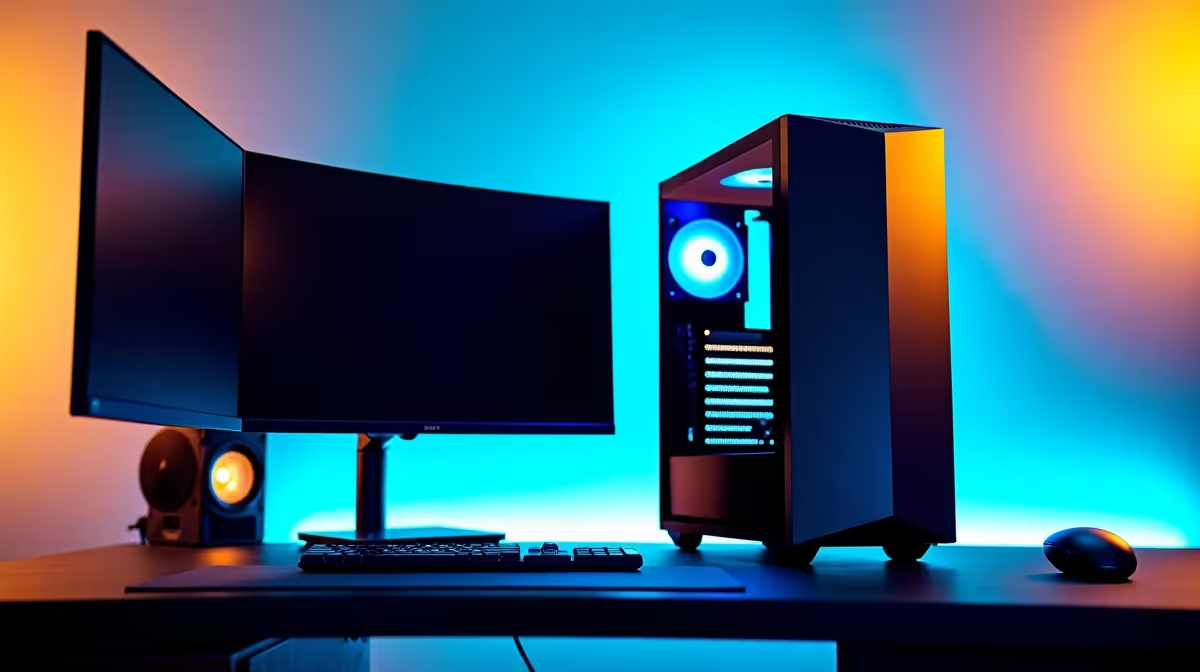
A 4K editing rig can double as a bedroom gaming setup when its graphics hardware runs the chosen games at acceptable settings and the room can handle the heat, noise and desk footprint. A 4K screen used for editing does not guarantee smooth native-resolution gaming. Treat editing colour needs and game frame-rate goals separately.
Match the screen to the GPU
The Dell S2725QC 27-inch 4K IPS monitor costs a verified R6,128 and provides a compact high-resolution desk display after scaling and connection checks. Confirm refresh rate, adaptive-sync support and input requirements against the gaming plan. For demanding titles, lower rendering resolution or quality may be more practical than insisting on native 4K.
The Palit RTX 5060 Infinity 2 OC 8GB graphics card costs a verified R4,800 for a compatible desktop. Check independent results for the exact games, plus PSU capacity, case clearance, cooling and software support. The Leadtek RTX 2000 Blackwell 16GB costs a verified R12,000 as a workstation-card reference where supported creator applications matter; professional positioning does not automatically make it the better gaming choice.
Measure the bedroom desk, cable path and airflow before choosing a case. Keep exhaust away from bedding or closed cabinetry. Use headphones or quiet fan settings carefully, without allowing components to overheat.
Test both evening modes
Export a representative 4K project, then play the main game for an hour. Monitor temperatures, fan noise, frame consistency and display comfort. Check whether late-night noise affects other people in the home.
Use one rig when both trials pass. Split the setup only if creator or gaming compromises remain unacceptable.
Combining 4K creation and bedroom gaming? > Ask Evetech to compare displays, GPUs and compatible desktop parts.